SimSpray 3.0
Turnkey VR Skills Practice for Painters, Coaters and Abrasive Blasters
Train painters and coaters with SimSpray VR. Practice HVLP, airless, powder coating and abrasive blasting with immediate, measurable feedback.

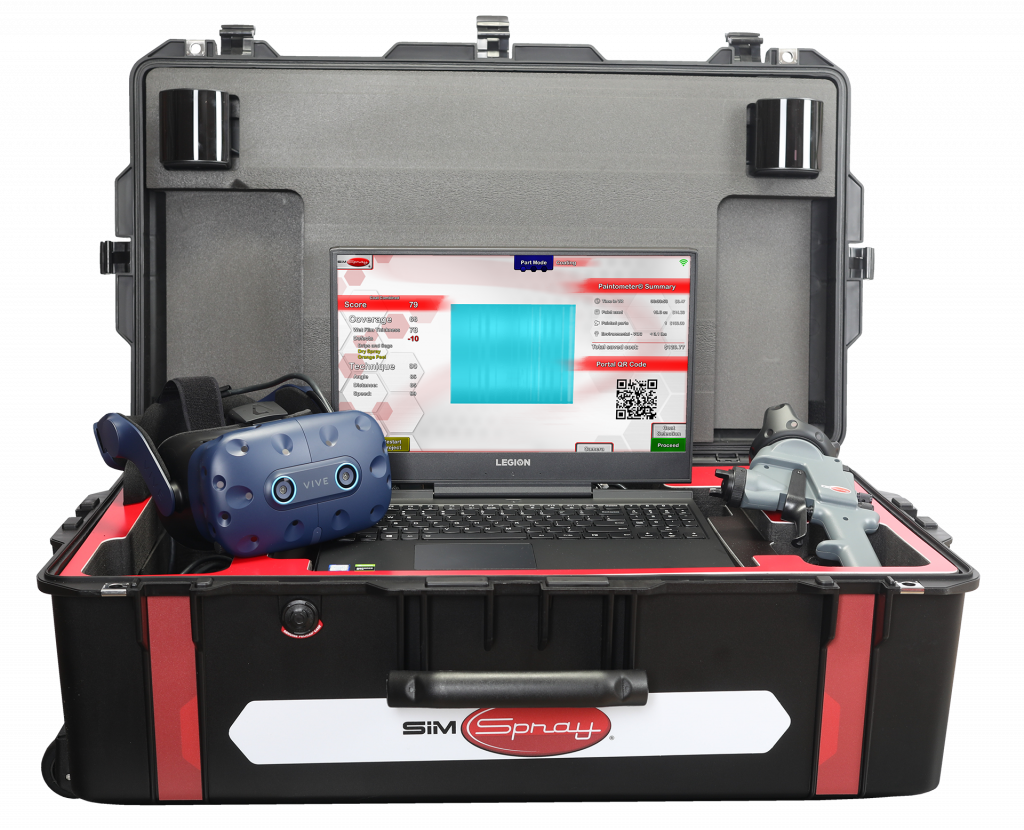
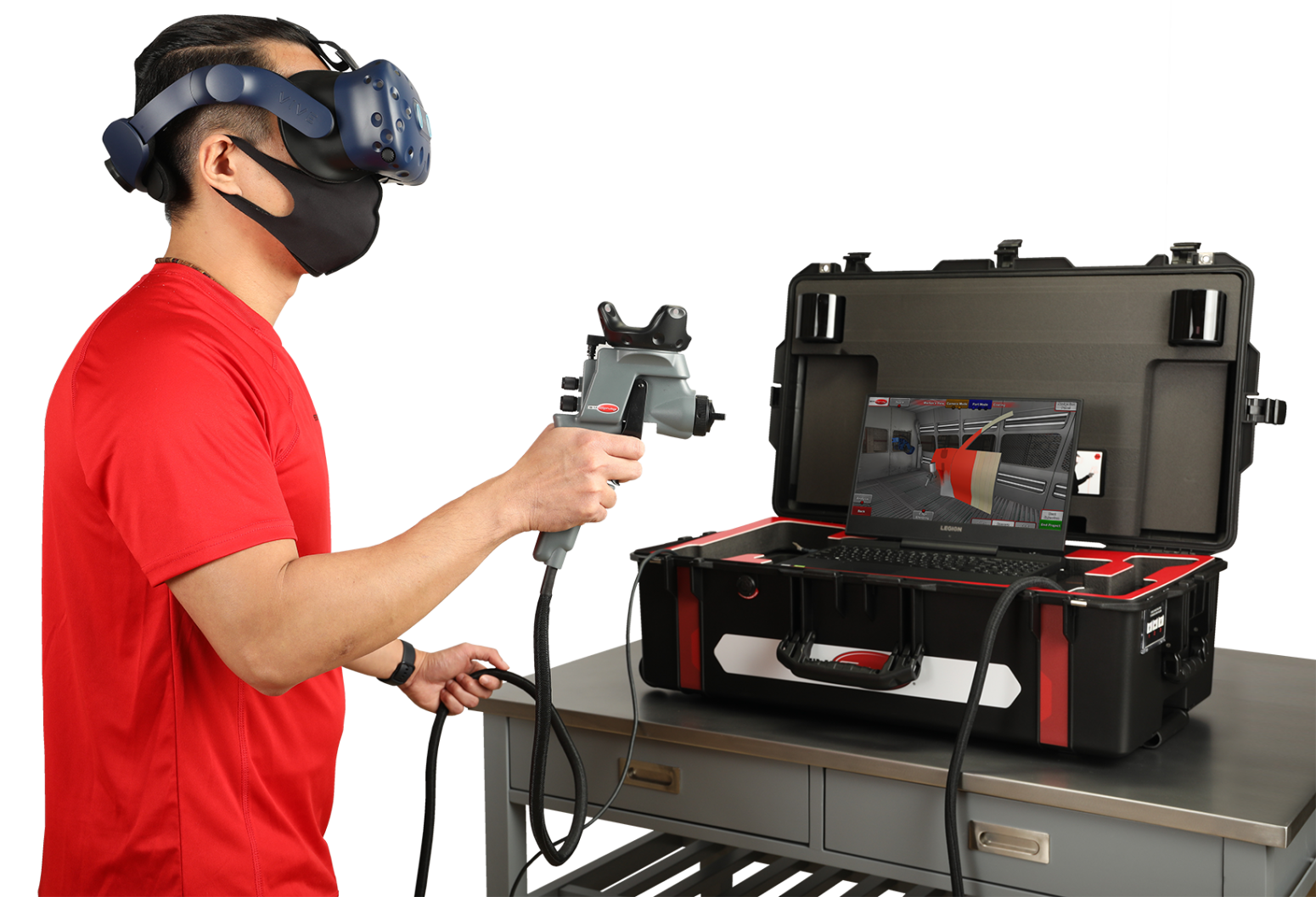
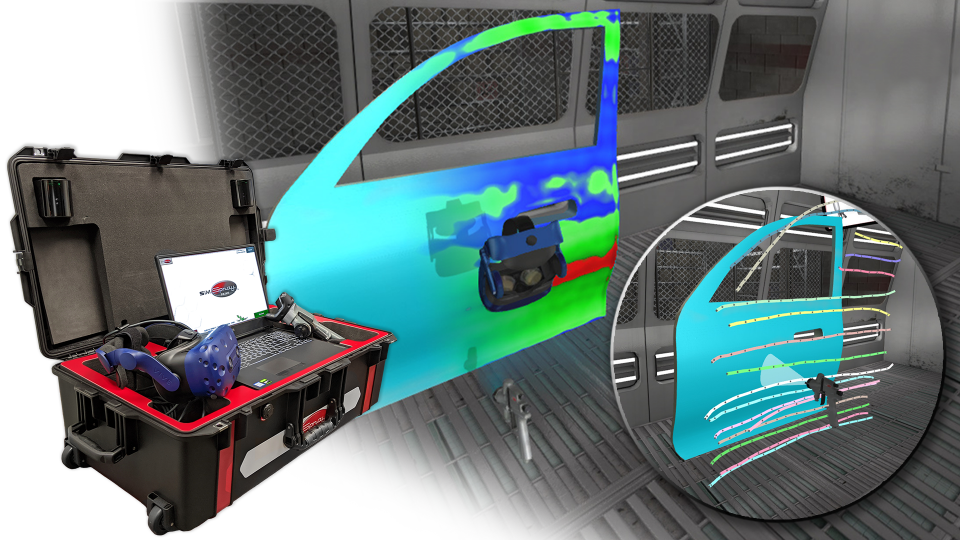
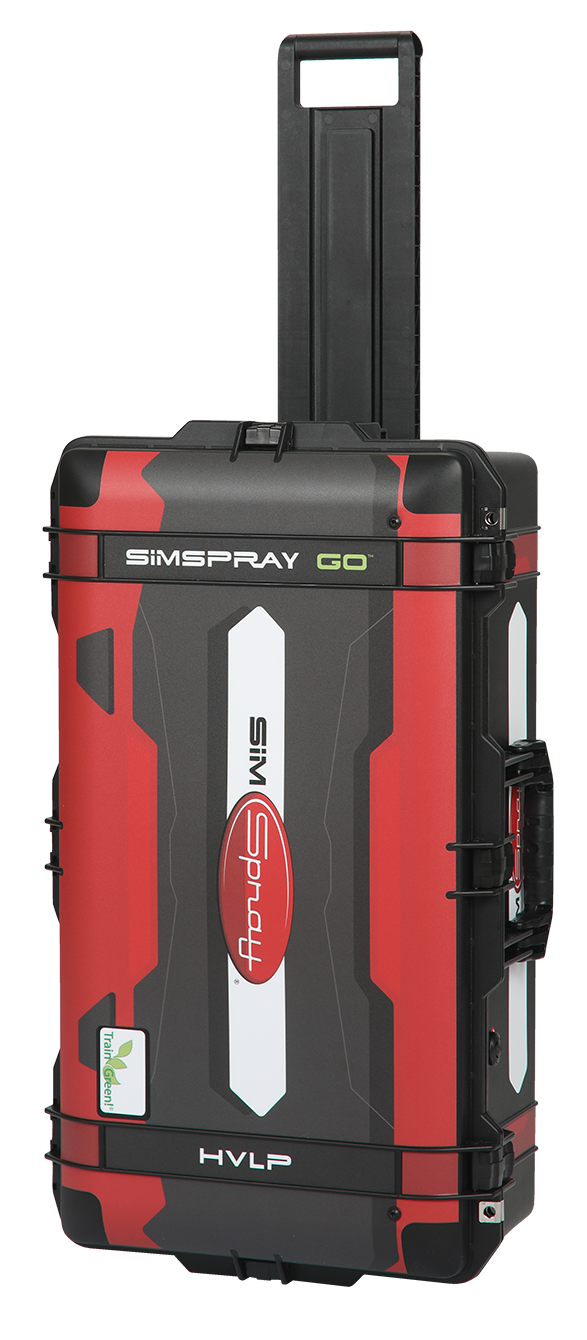
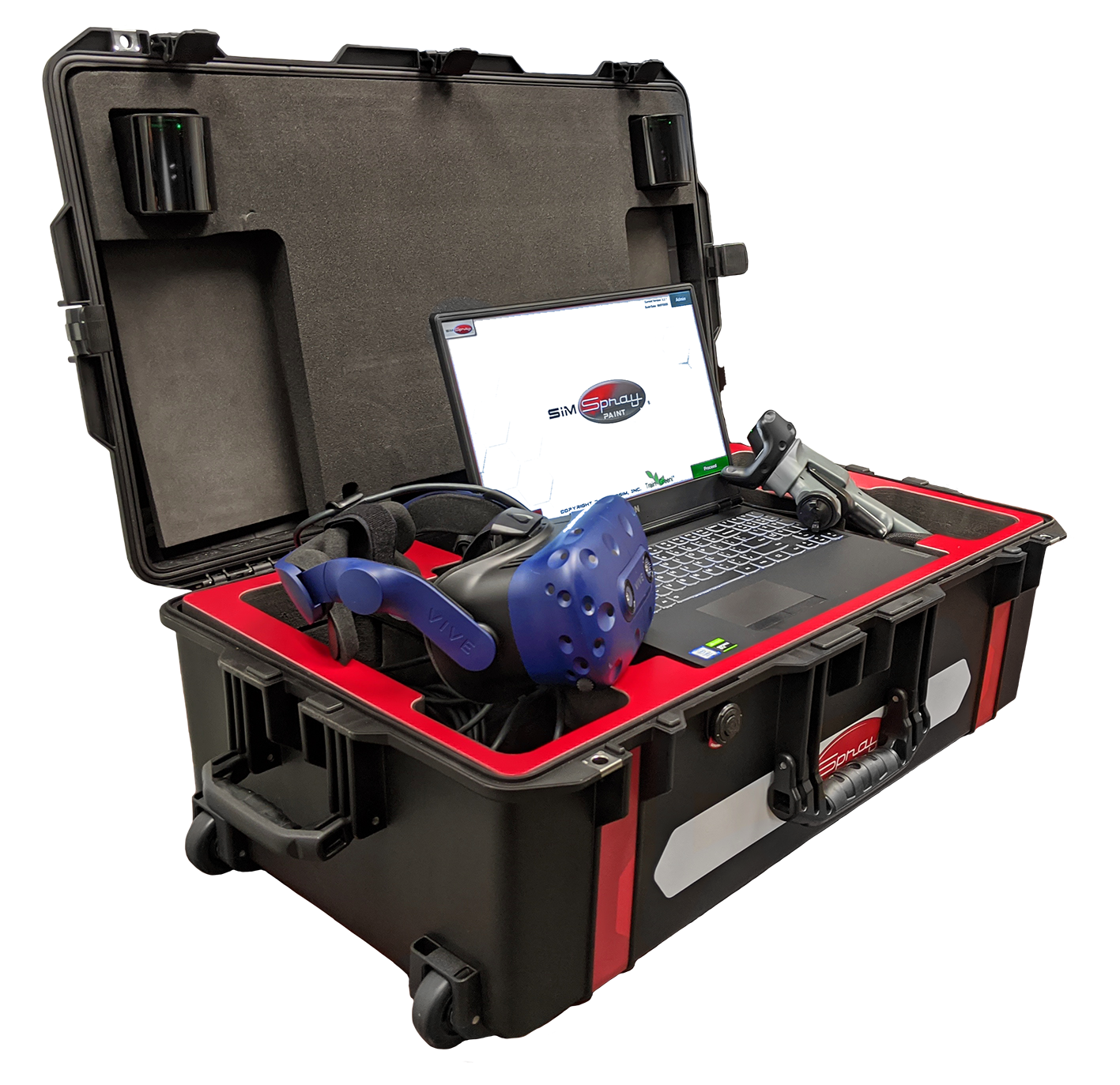
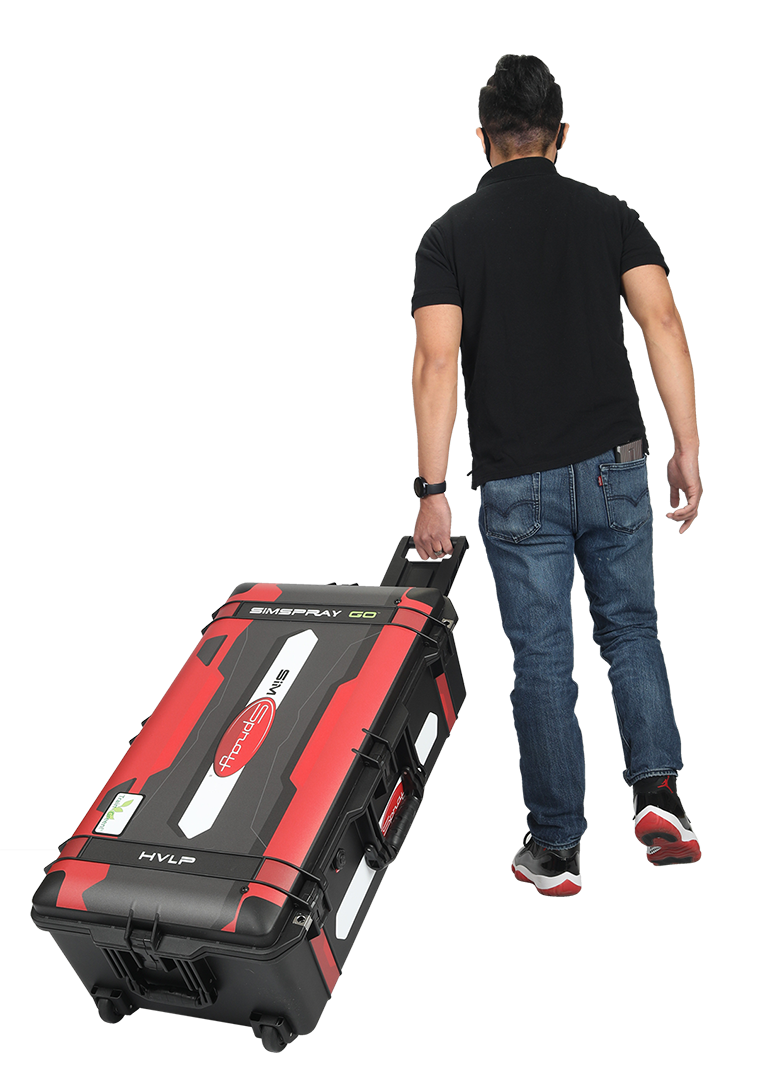
Bring immersive painting and coating practice to classrooms, training labs, job sites, career fairs, and multiple locations.
SimSpray Go® is a compact, portable virtual reality training system that helps learners build foundational painting and coating skills through realistic practice and immediate performance feedback. Its mobile case design, integrated equipment, and streamlined setup make it easier to deliver engaging training wherever learners need it.
Learners use motion-tracked application equipment to complete virtual projects while receiving feedback related to angle, distance, speed, coverage, and coating quality. Instructors can use integrated curriculum tools, customizable lessons, performance analysis, and score weighting to align practice with program goals.
SimSpray Go supplements instructor-led education and practice with real equipment and materials. It gives learners additional opportunities to practice, make corrections, and build confidence before and alongside work in a live spray or coating environment.
SimSpray Go can be configured for several painting and coating applications. Available applicators, content, projects, and features depend on the selected configuration.
Practice equipment adjustments and application techniques while receiving feedback on angle, distance, speed, coating coverage, and material transfer.
Develop foundational skills for coating projects associated with construction, industrial finishing, and protective applications.
Practice controlling application variables for processes that combine hydraulic pressure with air-assisted atomization.
Apply virtual powder to panels, geometric shapes, and industrial parts while reviewing technique, coverage, and coating quality.
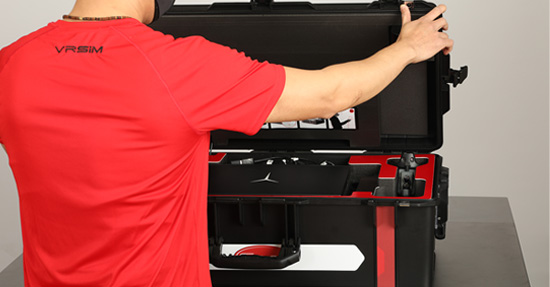
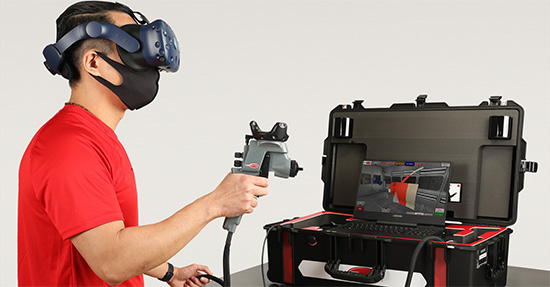
Although SimSpray Go is compact when stored, learners need an open area to move safely while using the motion-tracked equipment. The current recommended motion-tracking zone is approximately 10 feet wide × 11 feet deep × 9 feet high.
Place the system on a suitable desk or table and minimize interference from windows, reflective surfaces, televisions, infrared sources, and nearby devices as directed by the current technical documentation.
Tech-Labs can help your organization review the proposed installation space before purchase.
SimSpray Go combines independent practice with tools instructors can use to guide learning and document progress.
An administrator-enabled HMD-Free Mode allows learners to complete supported virtual projects without wearing the head-mounted display. Learners continue to use motion-tracked equipment and on-screen controls while retaining access to supported performance cues, analysis, and Paintometer reporting.
This option can make virtual practice more accessible for learners who are uncomfortable wearing a headset or for training activities where full immersion is not necessary.
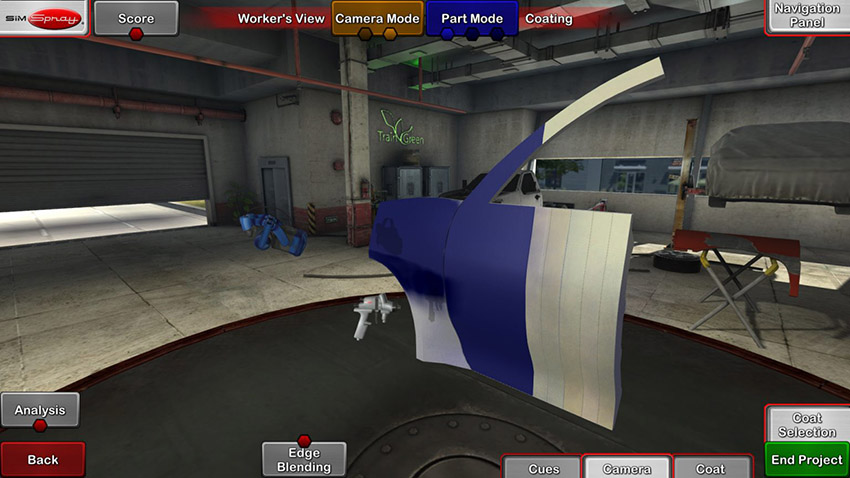
Optional content packages provide industry-relevant parts, materials, learning activities, and virtual environments. Current SimSpray Go applications may include:
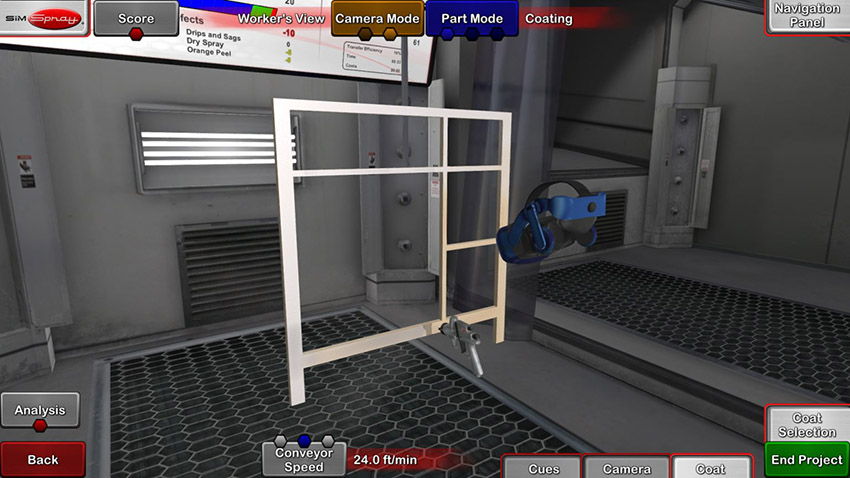
The optional HVLP Edge-Blending content gives automotive refinishing learners guided practice feathering new and existing paint. Visual guidance helps the learner develop the arcing motion used to blend the edge of a coating application.
Furniture and cabinetry content introduces learners to basic, intermediate, and complex wooden parts, including cabinets, drawers, shelves, and furniture components.
Processes, parts, content packs, applicators, languages, and software features vary by configuration and may change. Tech-Labs will confirm current specifications and compatibility when preparing your recommended system.
Move training between classrooms, campuses, employer locations, career fairs, and outreach events.
Allow learners to repeat virtual projects without consuming another physical part or additional coating material.
Help learners connect their movements and equipment settings to the quality of the completed project.
Use consistent projects, customizable scoring, and performance information to provide targeted coaching.
Give prospective students and employees an engaging introduction to painting and coating careers.
Provide early-stage practice without using paint, powder, panels, or other consumable materials for every repetition.
VRSim reports that SimSpray training tools can reduce material costs by up to 50%. Results vary by organization, curriculum, implementation, and comparison method. Review the manufacturer's supporting product information and source.
No. Current SimSpray Go configurations can support HVLP, airless, air-assisted airless, and powder coating applications. Available processes and equipment depend on the configuration purchased.
No. SimSpray Go supplements instructor-led education and practice with real equipment and materials. It provides additional opportunities to introduce technique, practice movements, receive feedback, and prepare for live application.
The system requires an open motion-tracking area of approximately 10 feet wide × 11 feet deep × 9 feet high. The unit is designed to operate from a suitable desk or table within the training area.
Supported systems include an administrator-enabled HMD-Free Mode. Learners use motion-tracked equipment and on-screen controls while retaining access to supported feedback and performance-analysis features.
Yes. Instructors can use integrated curriculum, courses, lessons, custom project settings, and adjustable score weighting to align virtual practice with their program goals.
Tech-Labs can help you compare processes, content packs, space requirements, and implementation options to identify the appropriate SimSpray Go configuration for your learners.
For additional manufacturer information, visit the official SimSpray Go website.