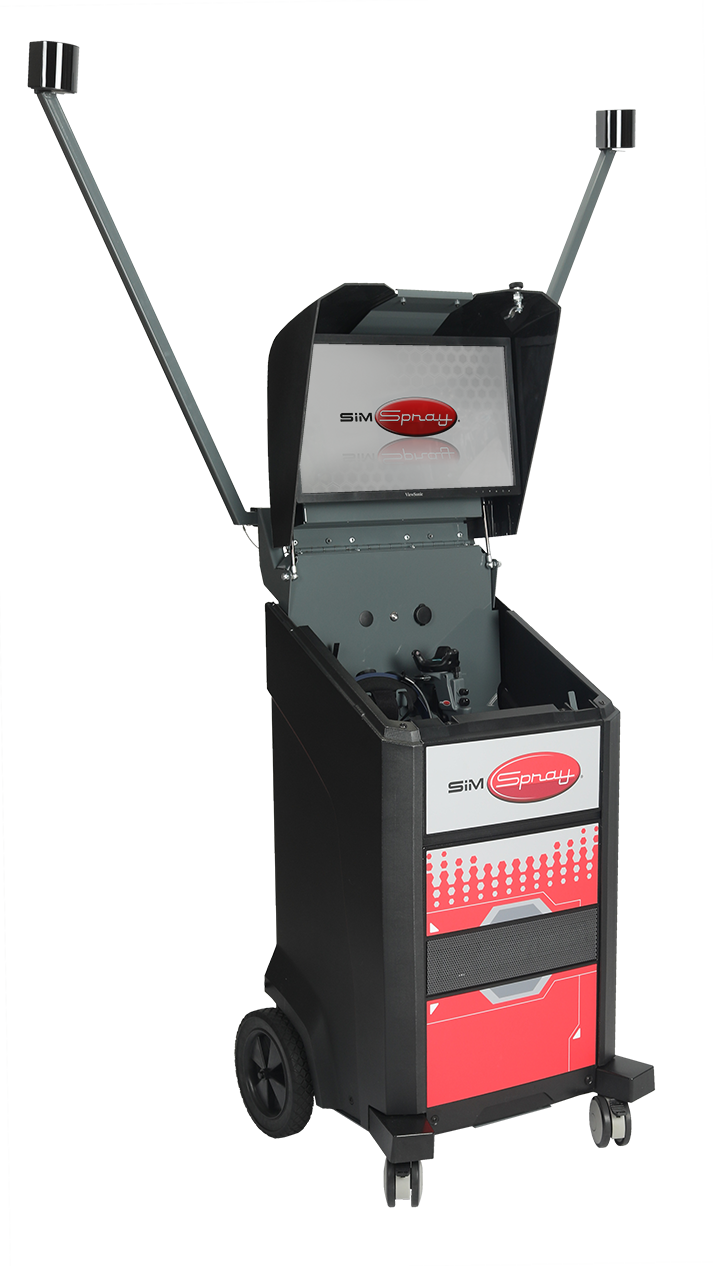
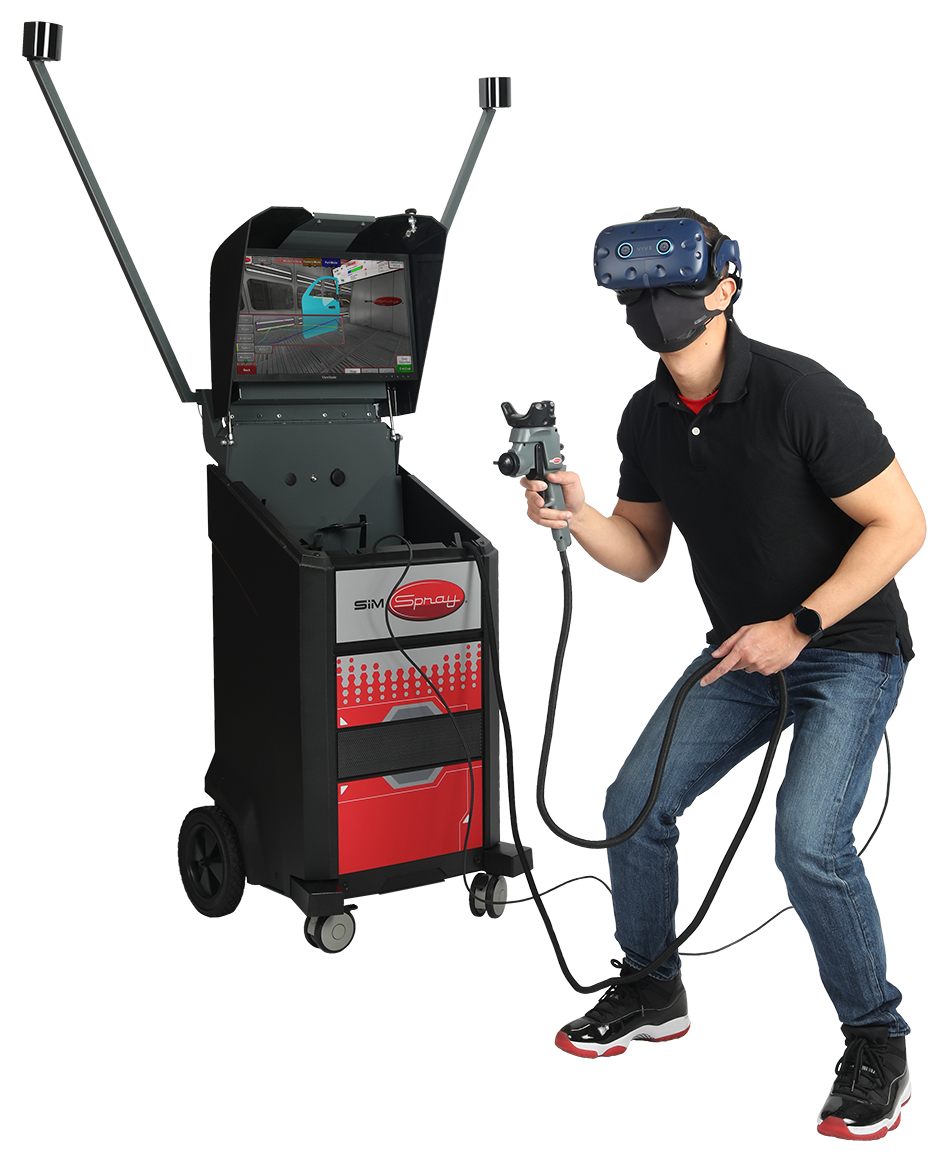
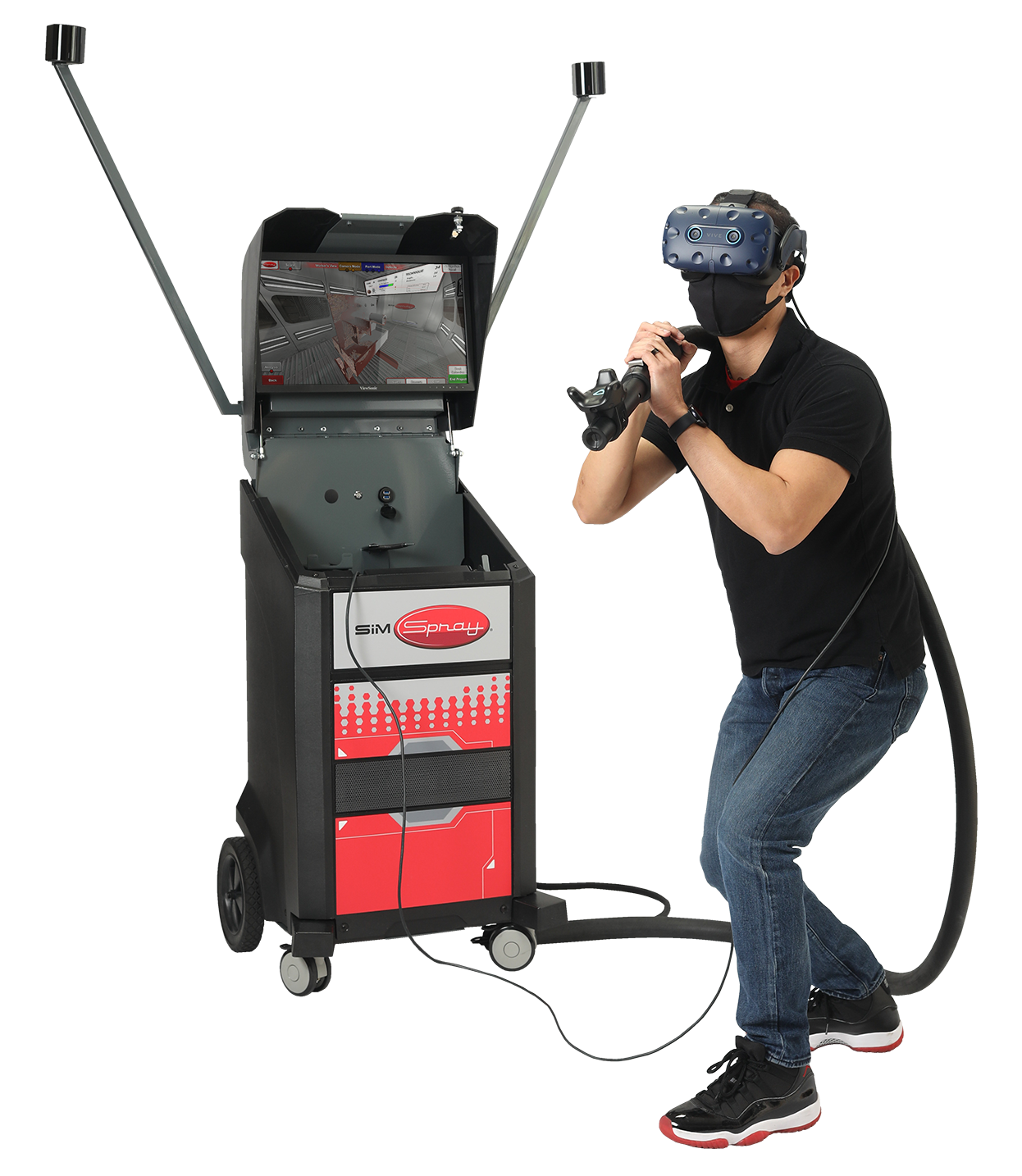
SimSpray 3.0

Turnkey VR Skills Practice for Painters, Coaters and Abrasive Blasters
Cost-Effect Painter Training
SimSpray Virtual Reality Painting Training
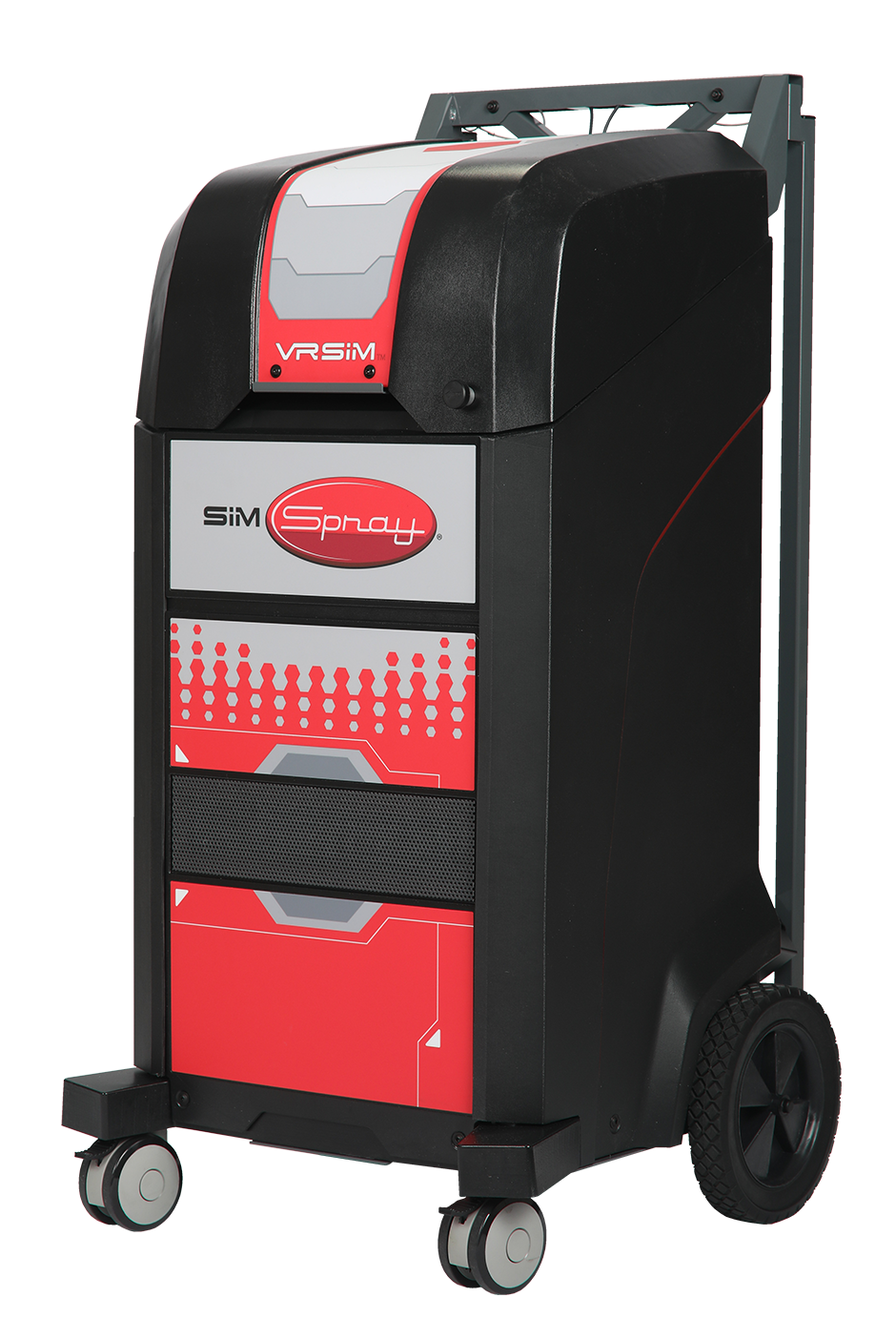
SimSpray | VR Paint Trainer
SimSpray Virtual Reality Painting Training
VR Vocational Trainer
SimSpray Virtual Reality Painting Training
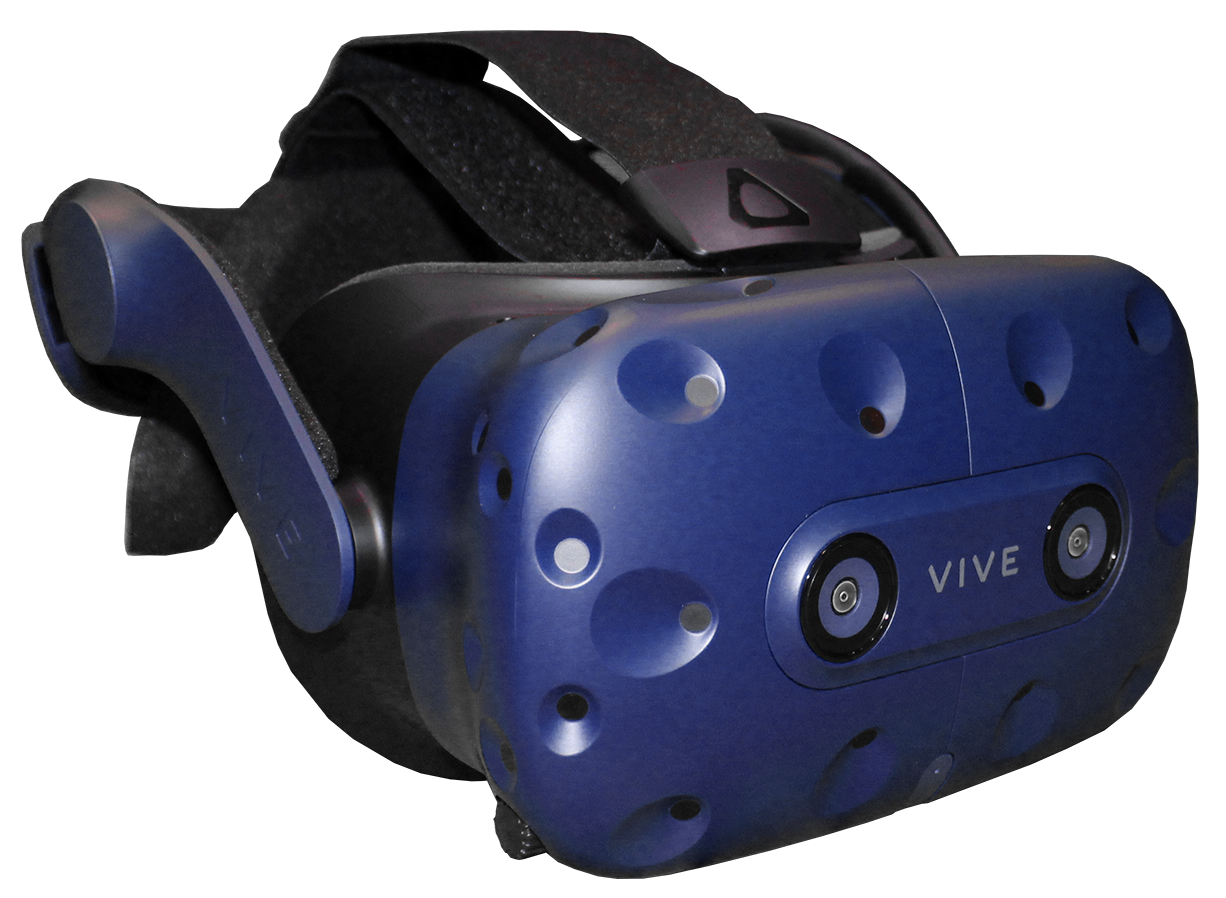
SimSpray | Training Peripherals
SimSpray Virtual Reality Painting Training
SimSpray | VR Paint Trainer
VR Vocational Trainer
VR Painting Training
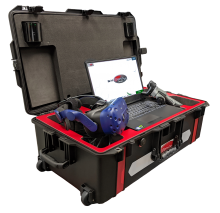
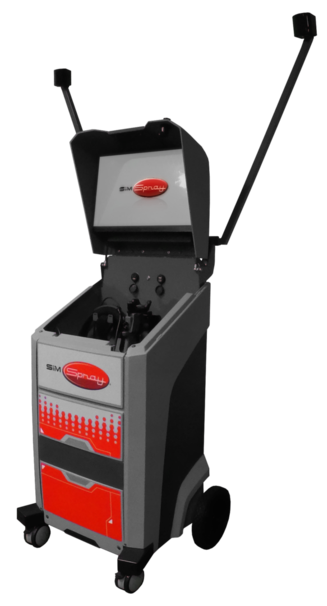
SimSpray | Compact Storage
VR Vocational Trainer

Build foundational painting, coating, and abrasive blasting skills through repeatable virtual practice.

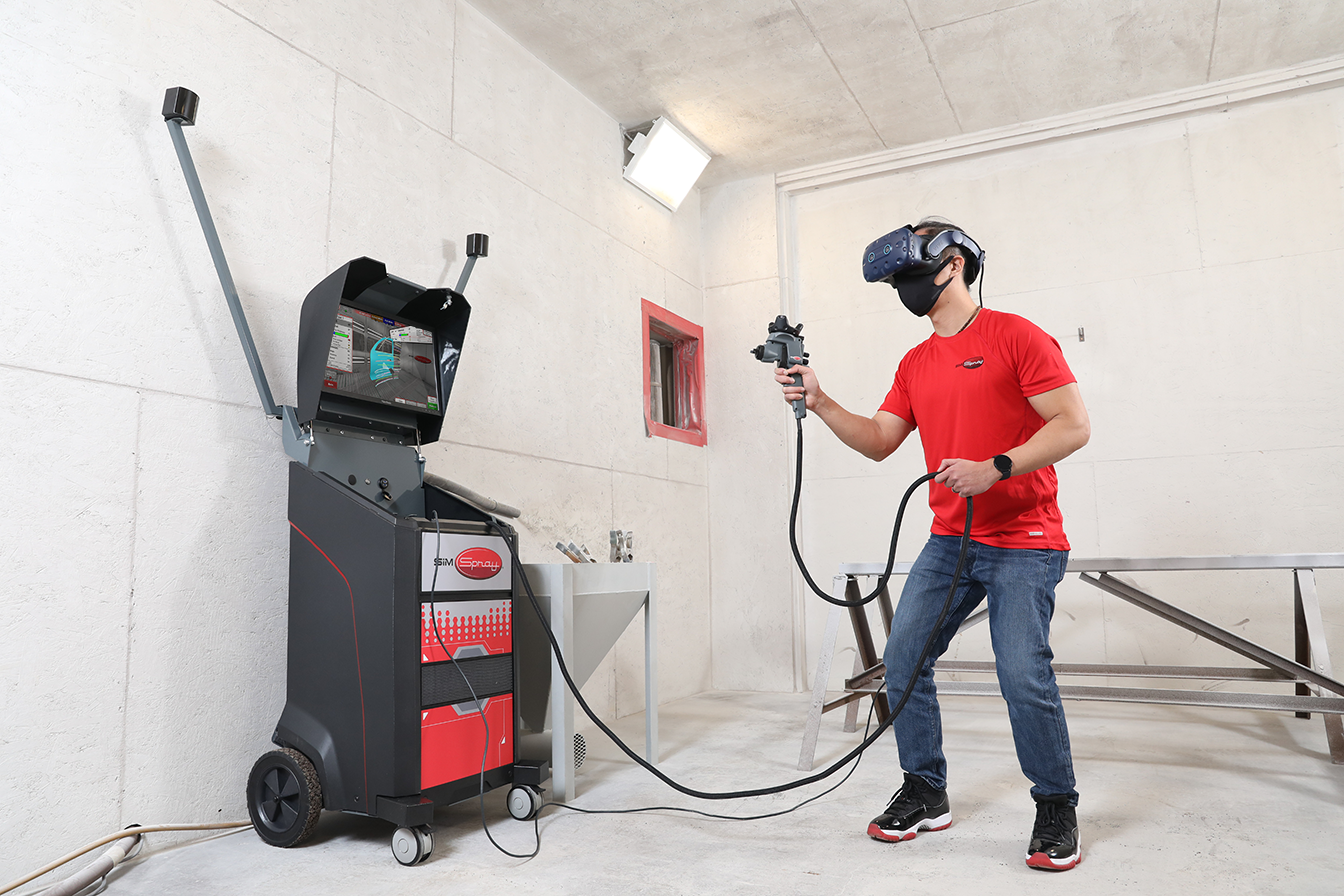
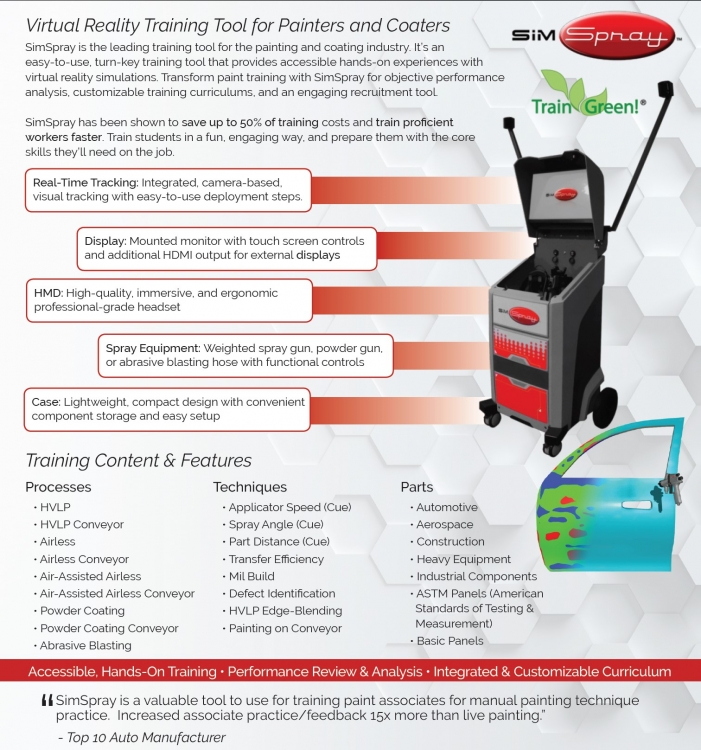
SimSpray® is a virtual reality training system for schools, workforce development organizations, and industrial employers that need a safer, more accessible way to introduce and reinforce proper application techniques. Learners use motion-tracked equipment to complete realistic projects while receiving immediate feedback on technique and coating quality.

SimSpray supplements instructor-led education and live equipment practice. It gives learners more opportunities to practice, make corrections, and build confidence before and alongside work in an actual spray or blasting environment.

With configurable processes, industry-specific content, customizable learning paths, and detailed performance reporting, SimSpray helps training programs provide consistent skills practice without using paint, coatings, blasting media, panels, or production equipment for every repetition.

Education, workforce, and industry organizations use SimSpray to support career exploration, foundational skills development, onboarding, remediation, and employee upskilling.

  • Career and technical education programs
  • Technical and trade schools
  • Automotive collision repair and refinishing programs
  • Automotive, truck, and transportation manufacturers
  • Aerospace manufacturing and maintenance programs
  • Shipyards and marine coating operations
  • Rail manufacturing and maintenance organizations
  • Building trades and structural coating programs
  • Furniture and cabinetry finishers
  • Paint and coatings manufacturers
  • Workforce development and apprenticeship programs
  1. Select a process and project. Instructors can use available activities or build a learning path around specific techniques, parts, and performance goals.
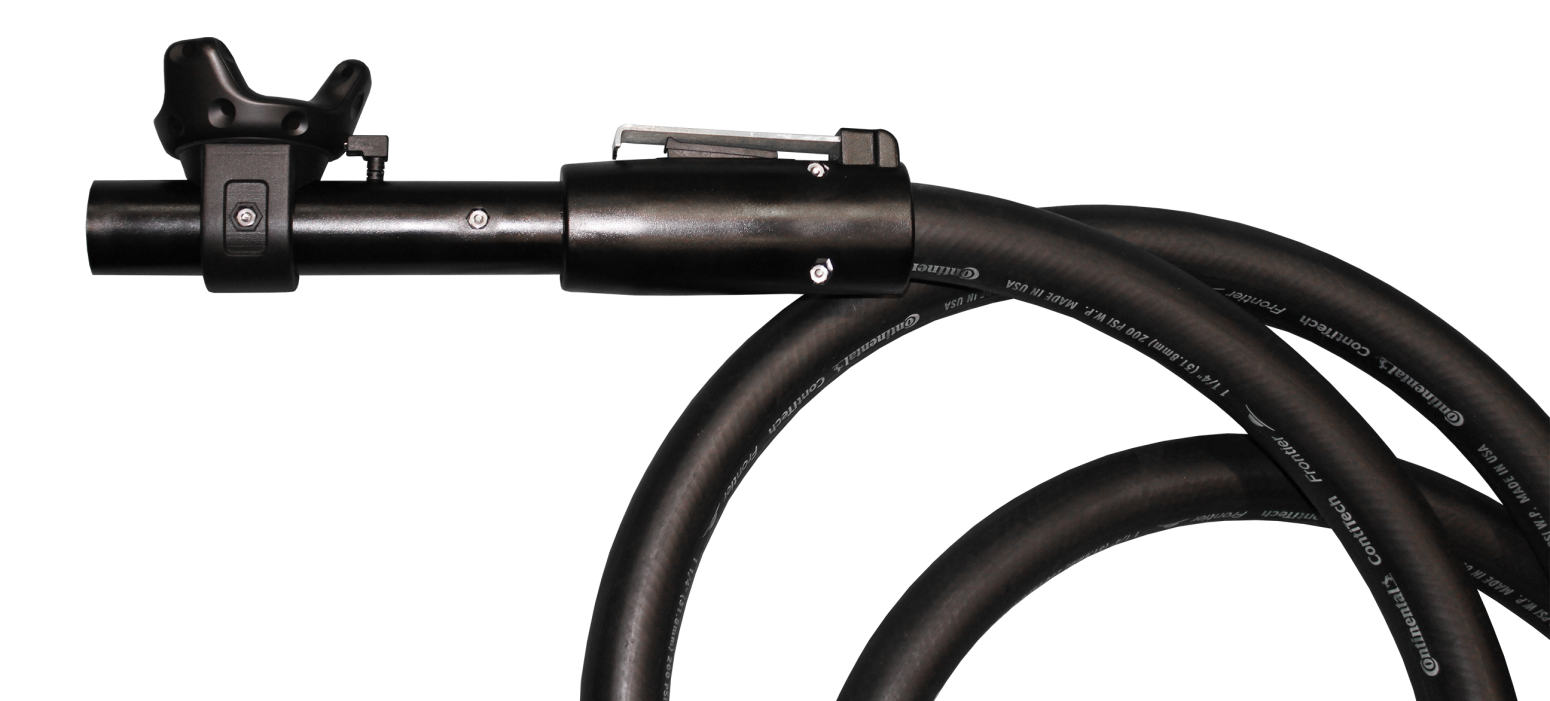
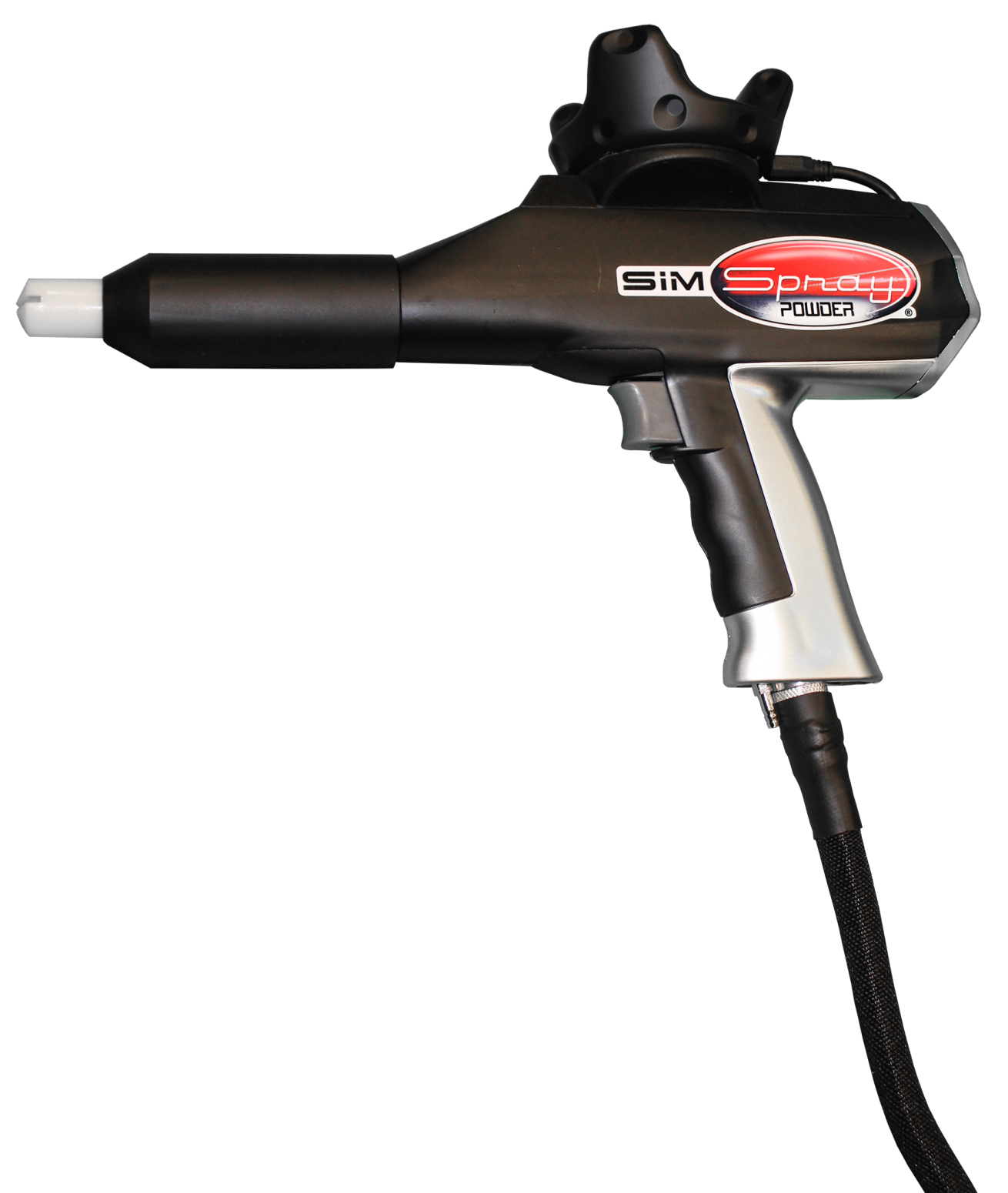
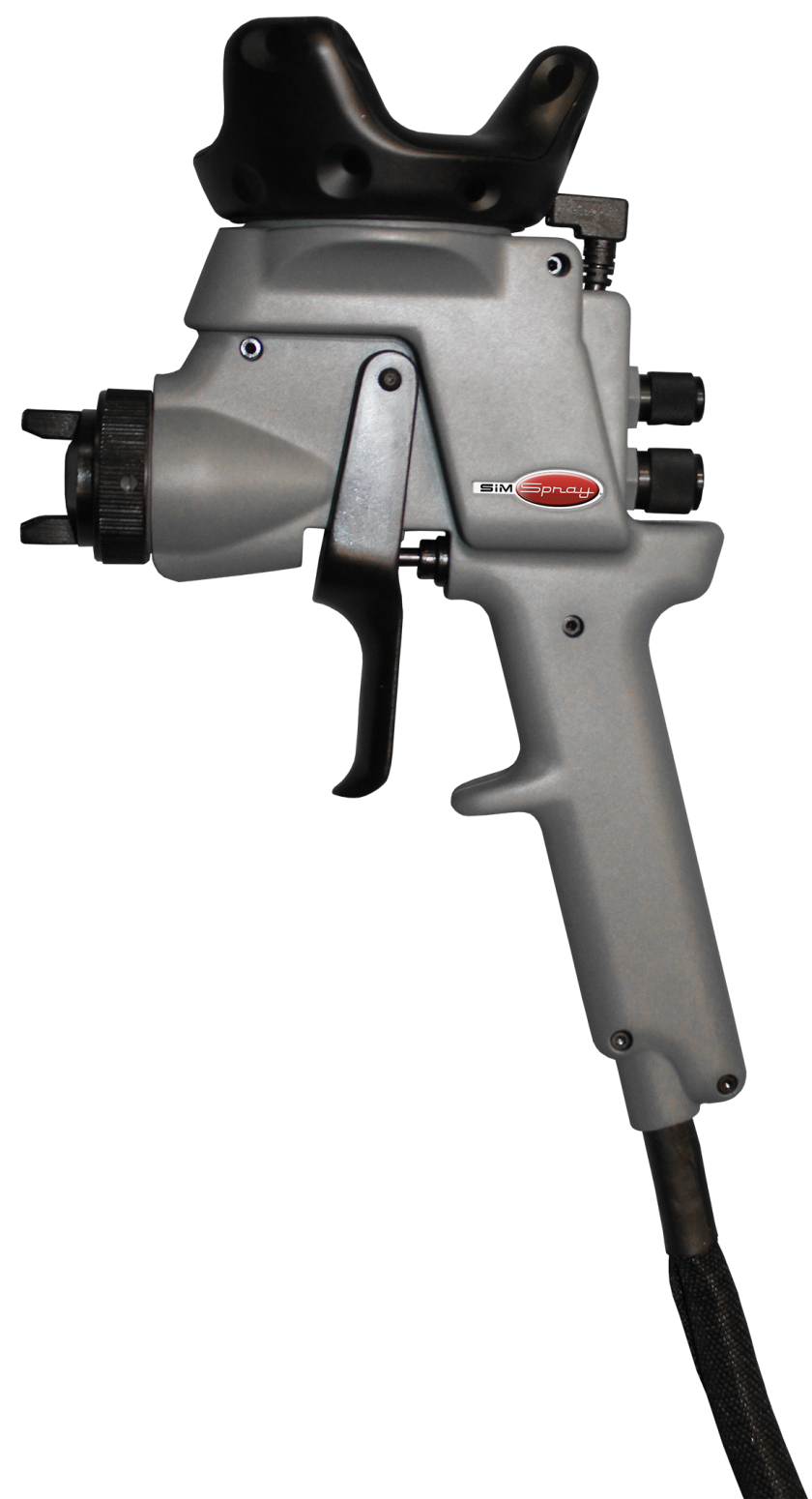
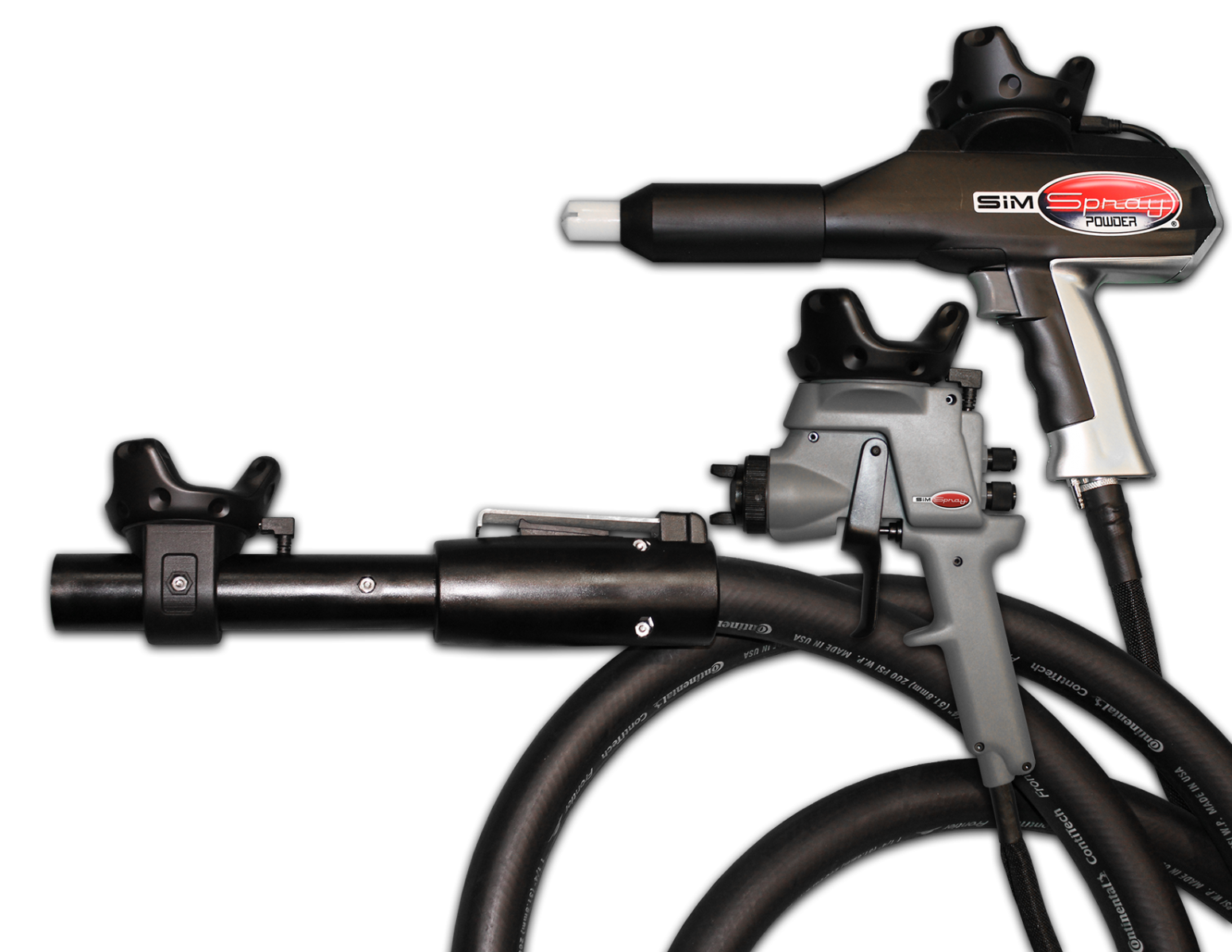
  2. Practice with realistic controls. Learners use motion-tracked equipment to reproduce the positioning and movements involved in painting, coating, or blasting.
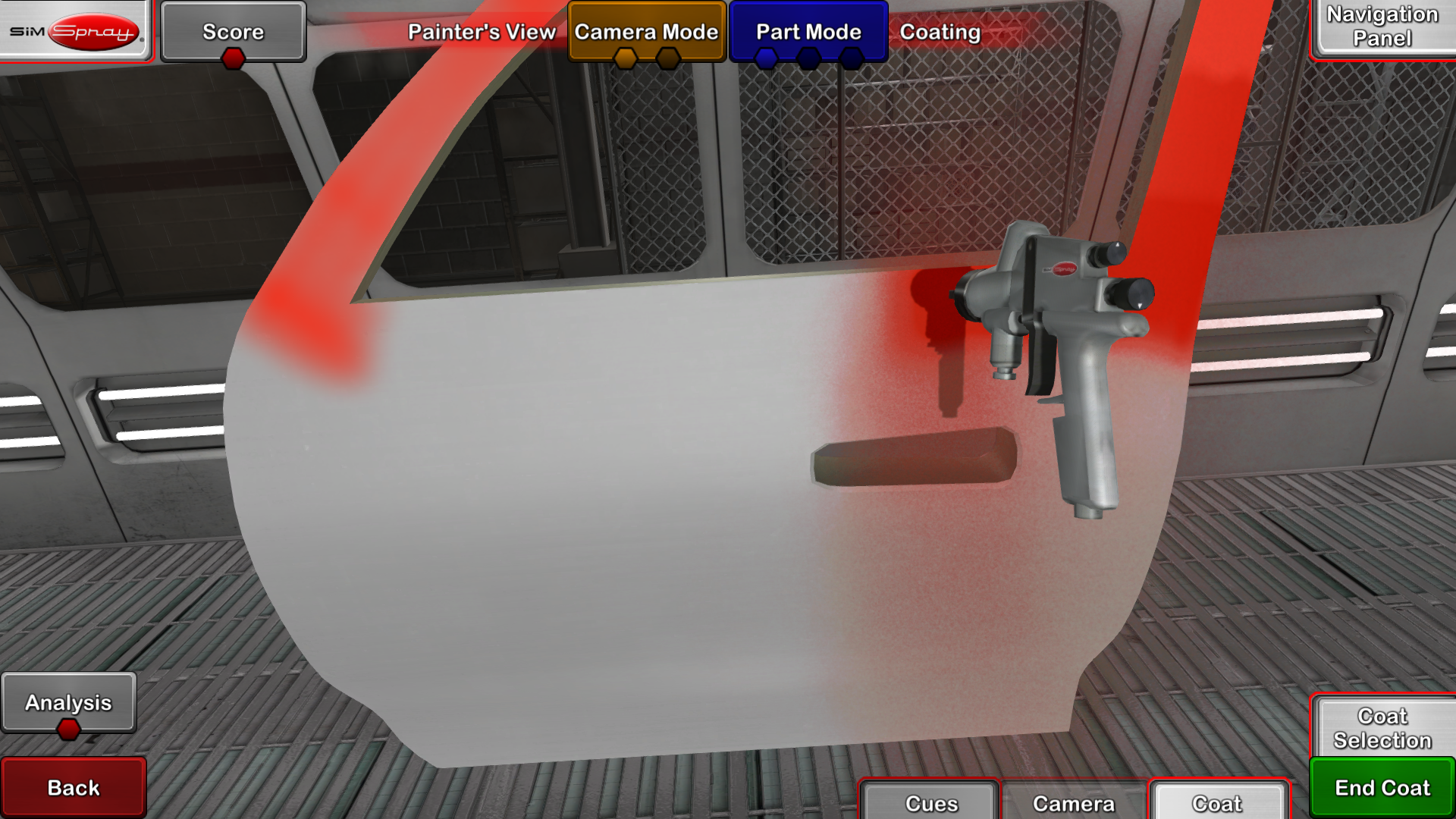
  3. Receive immediate guidance. Visual cues help learners correct angle, distance, speed, and other application variables while they work.
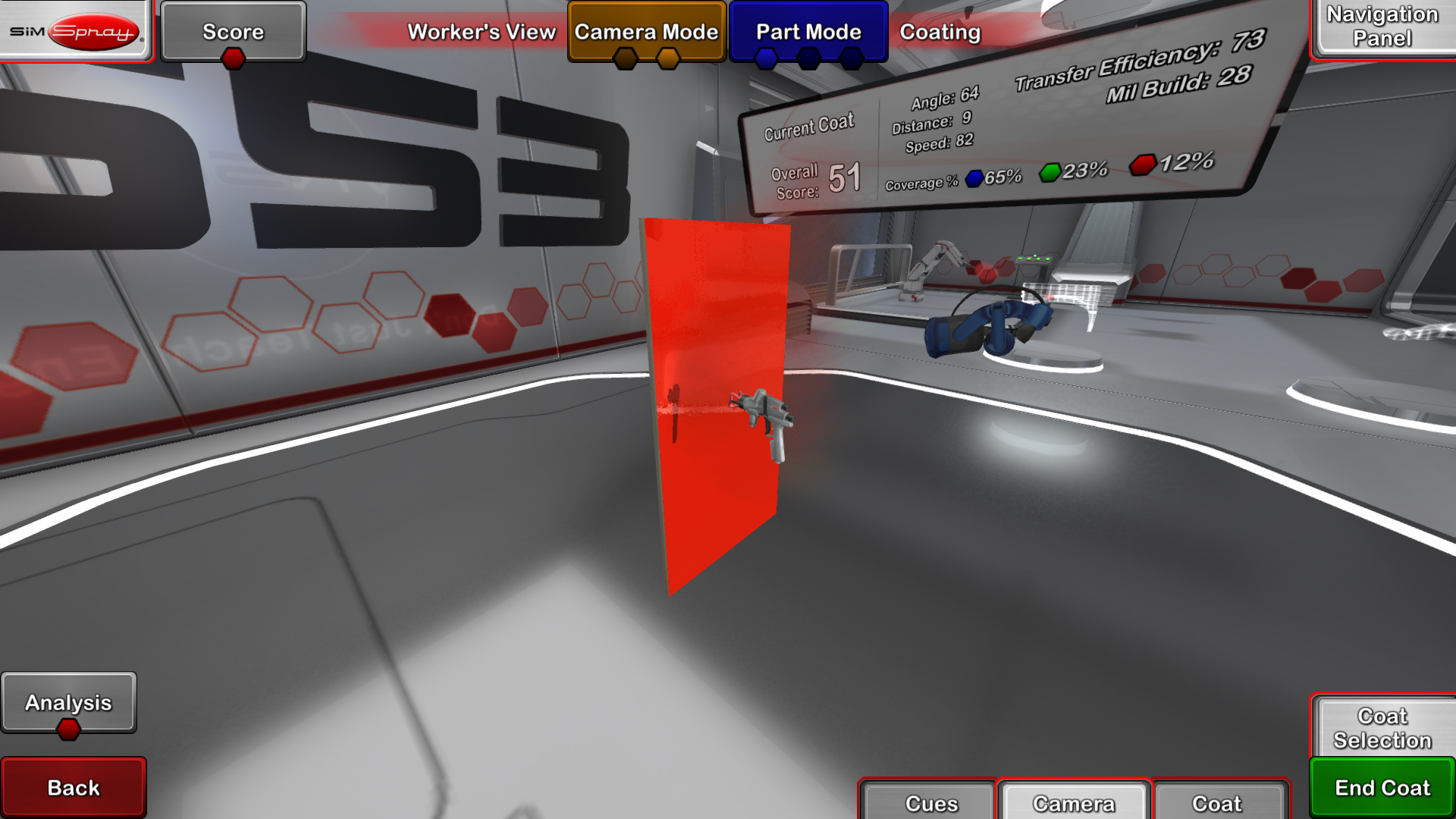
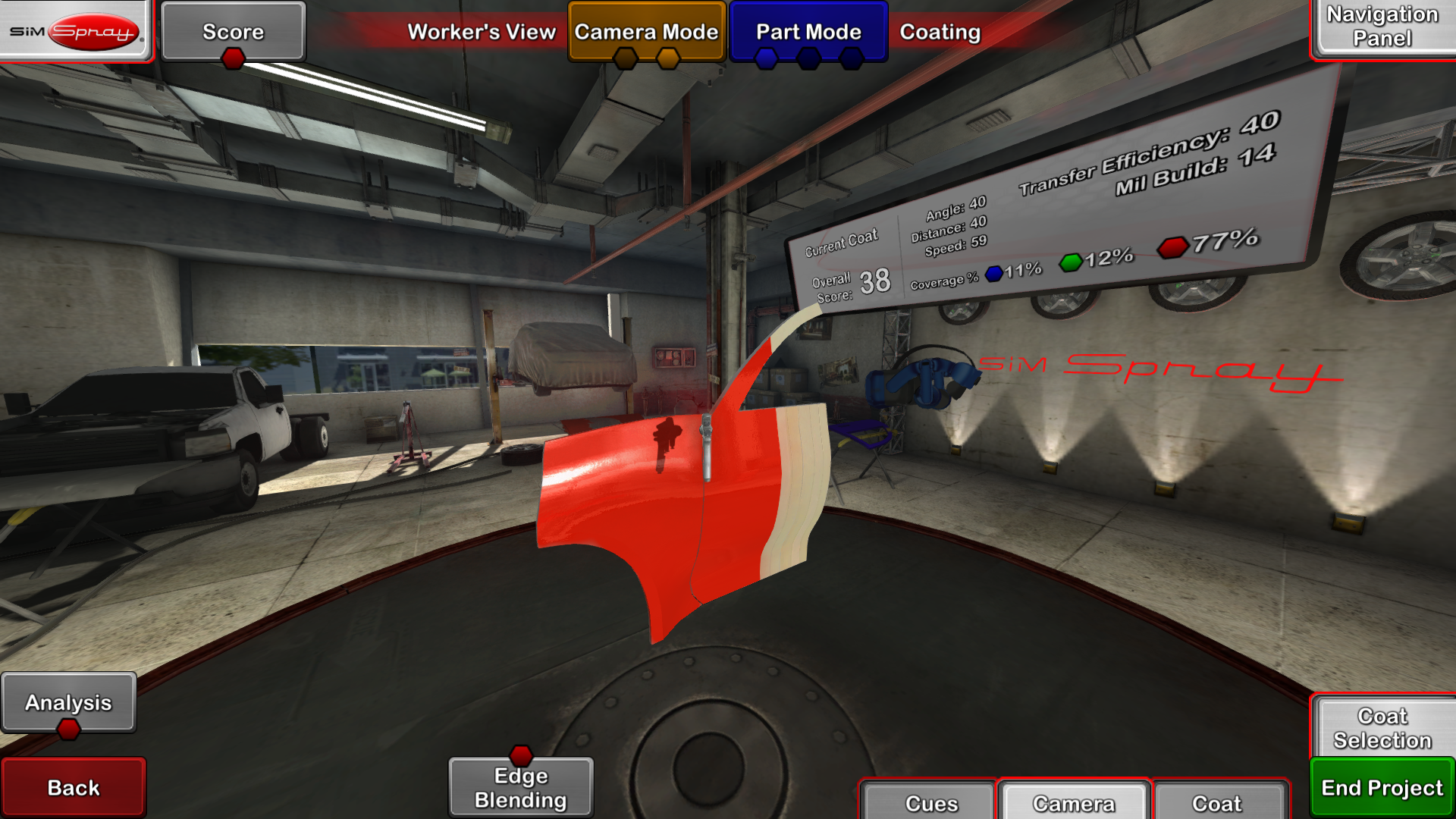
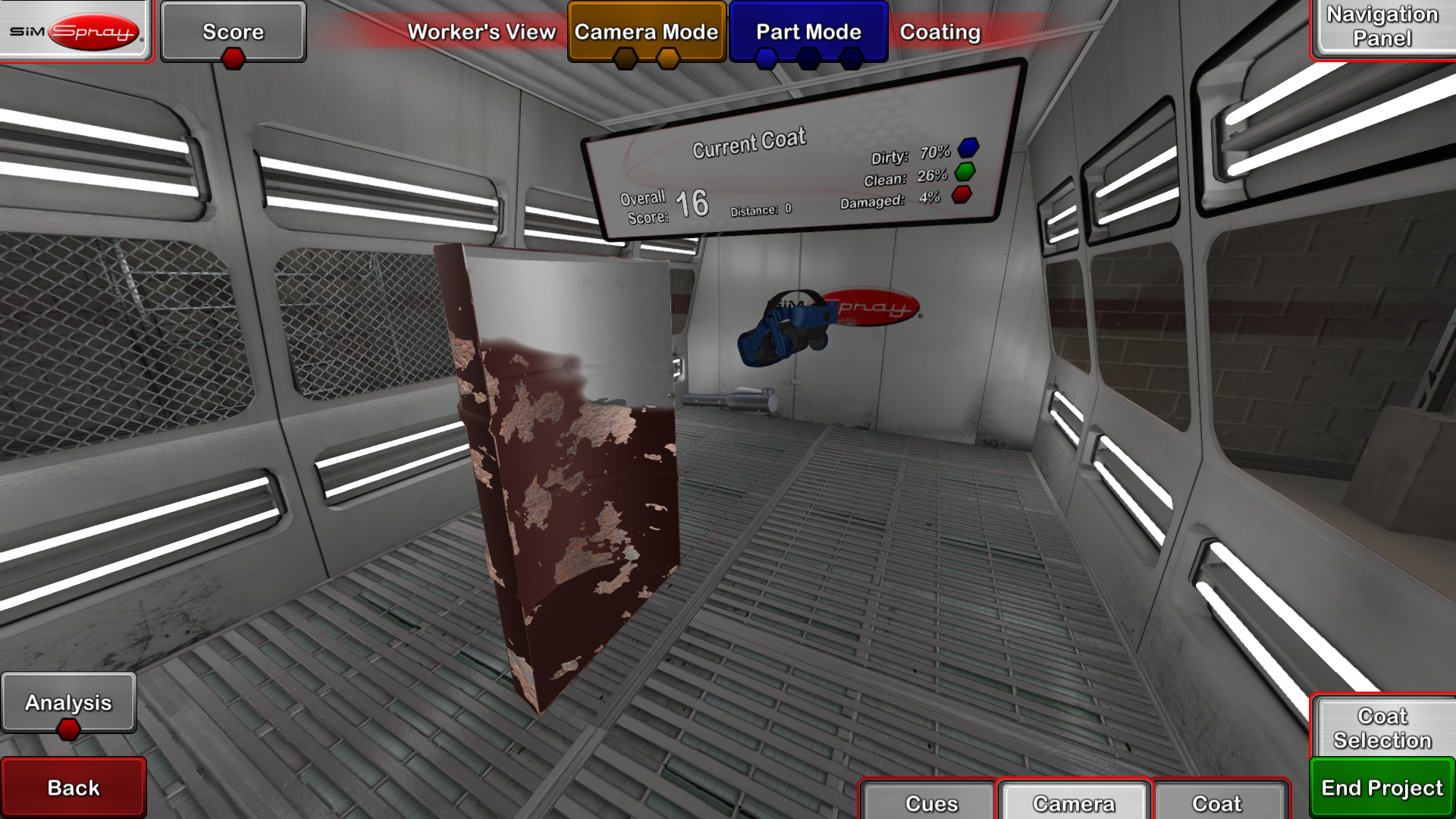
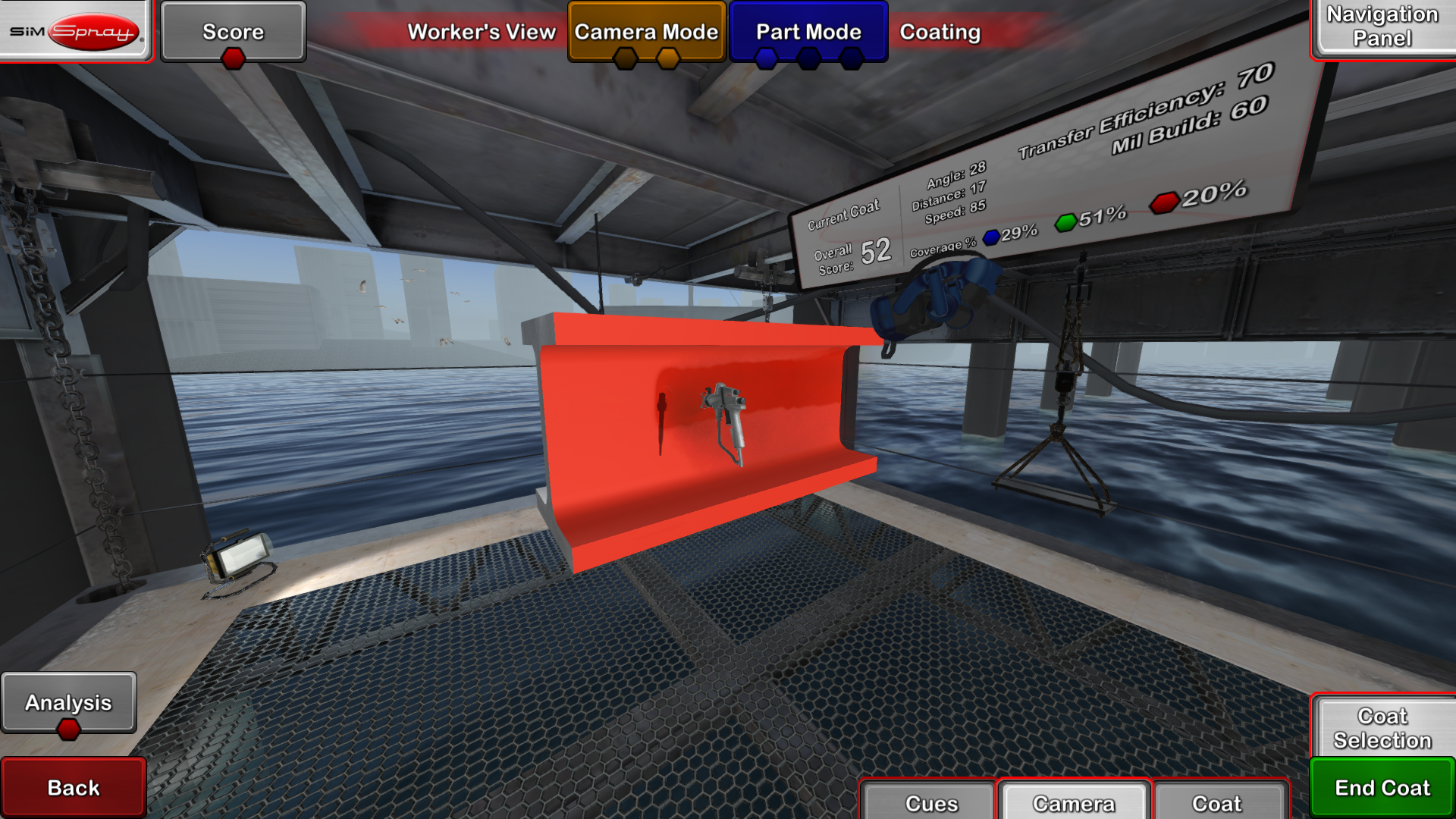
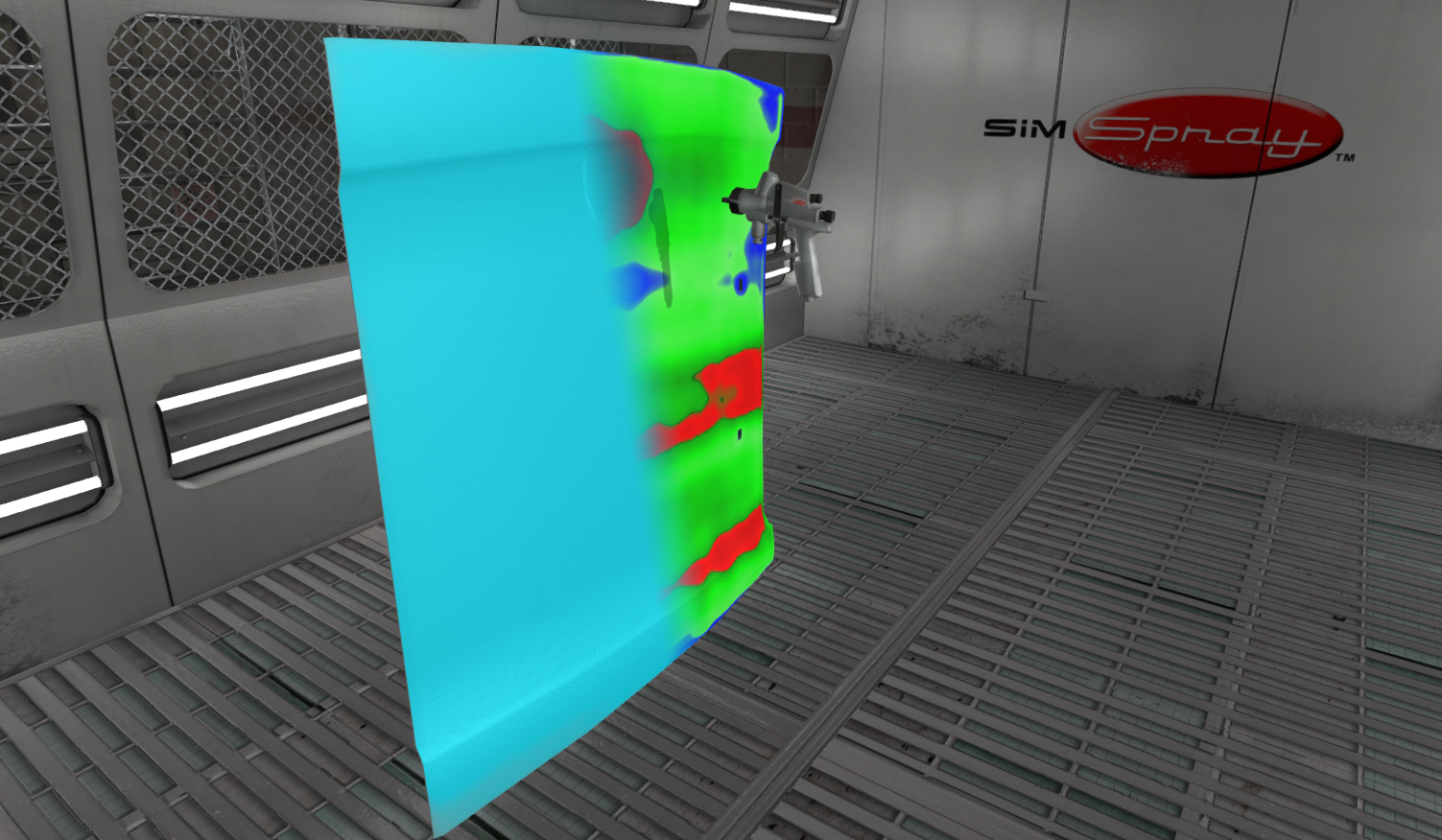
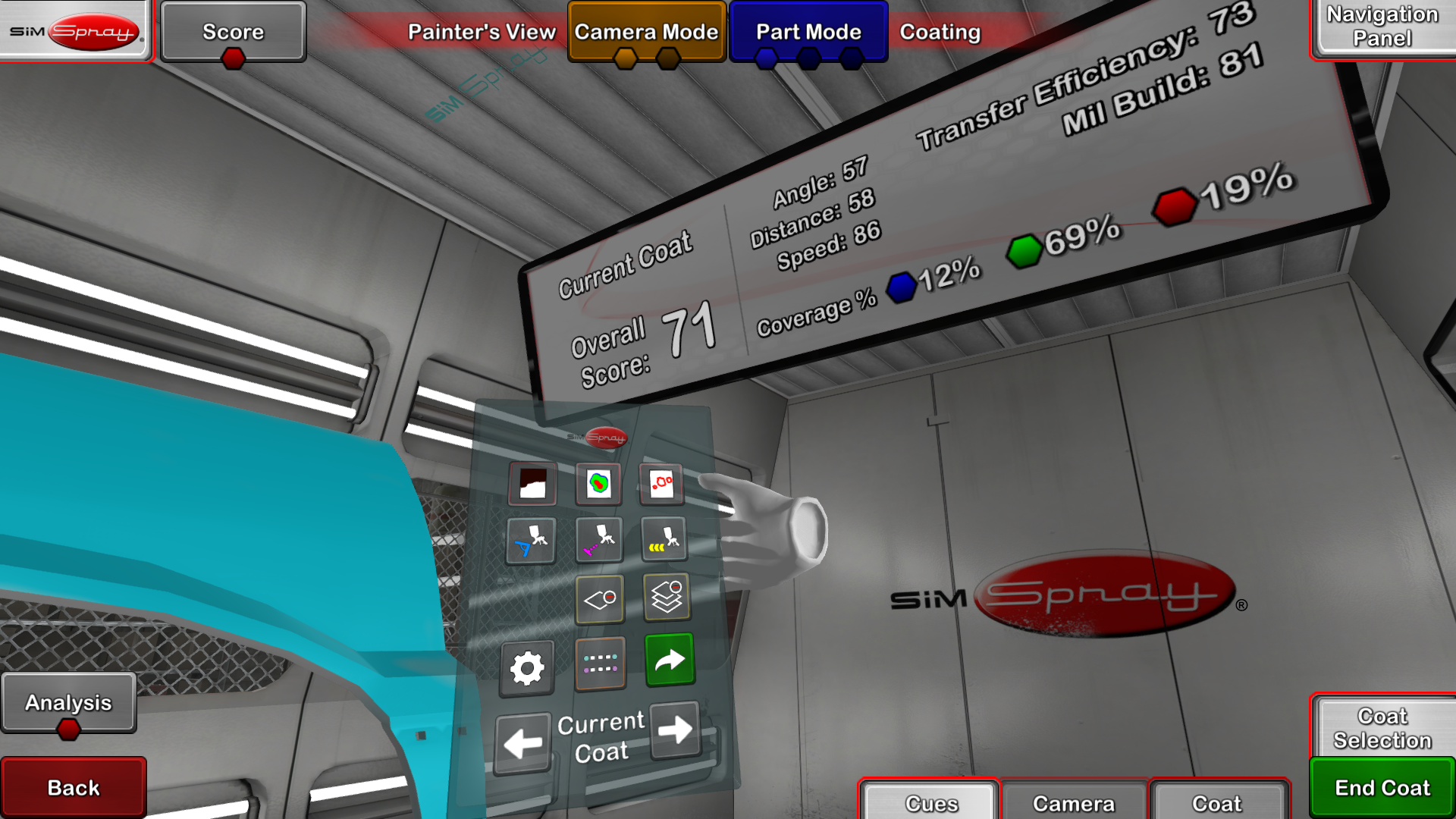
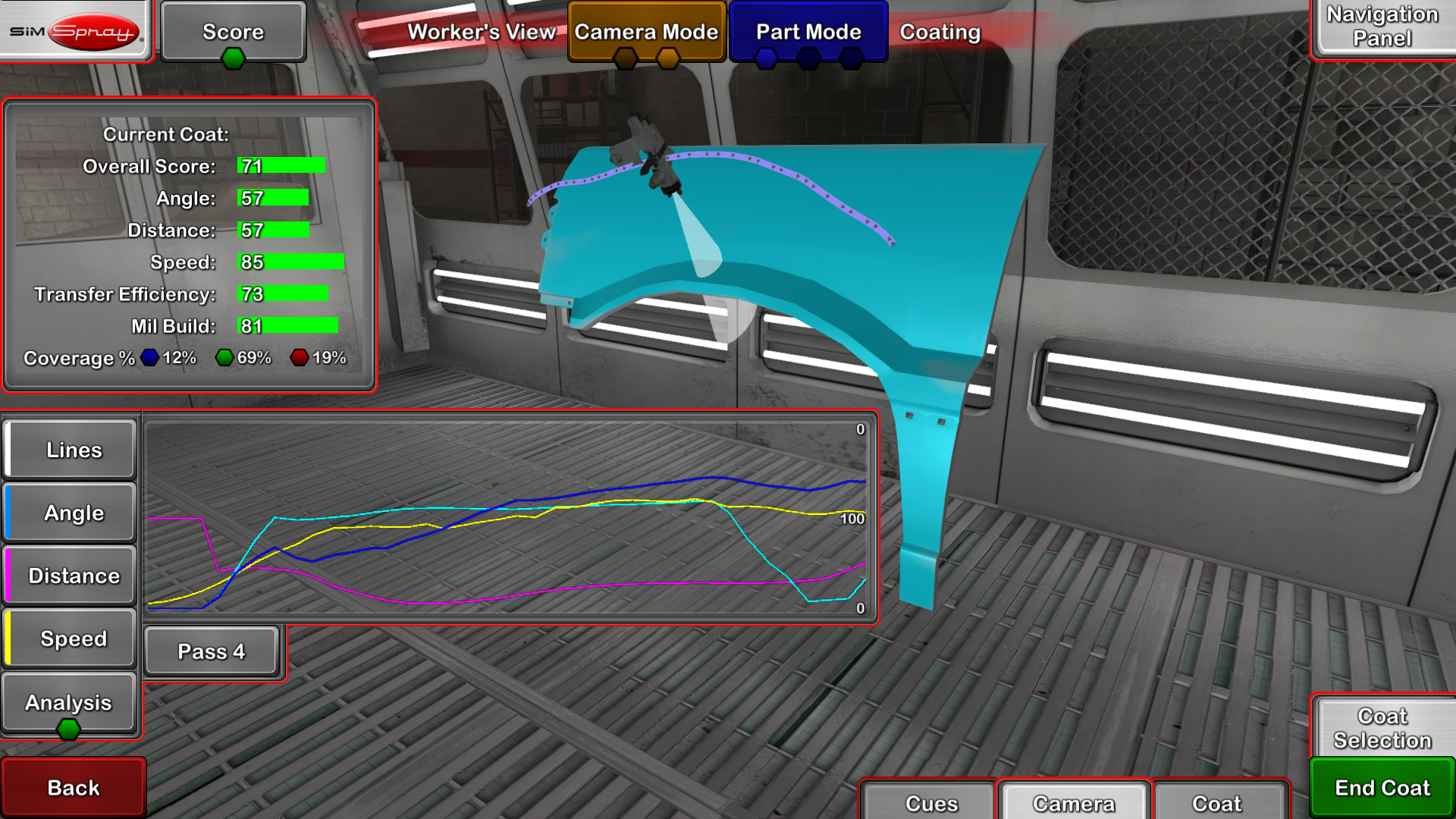
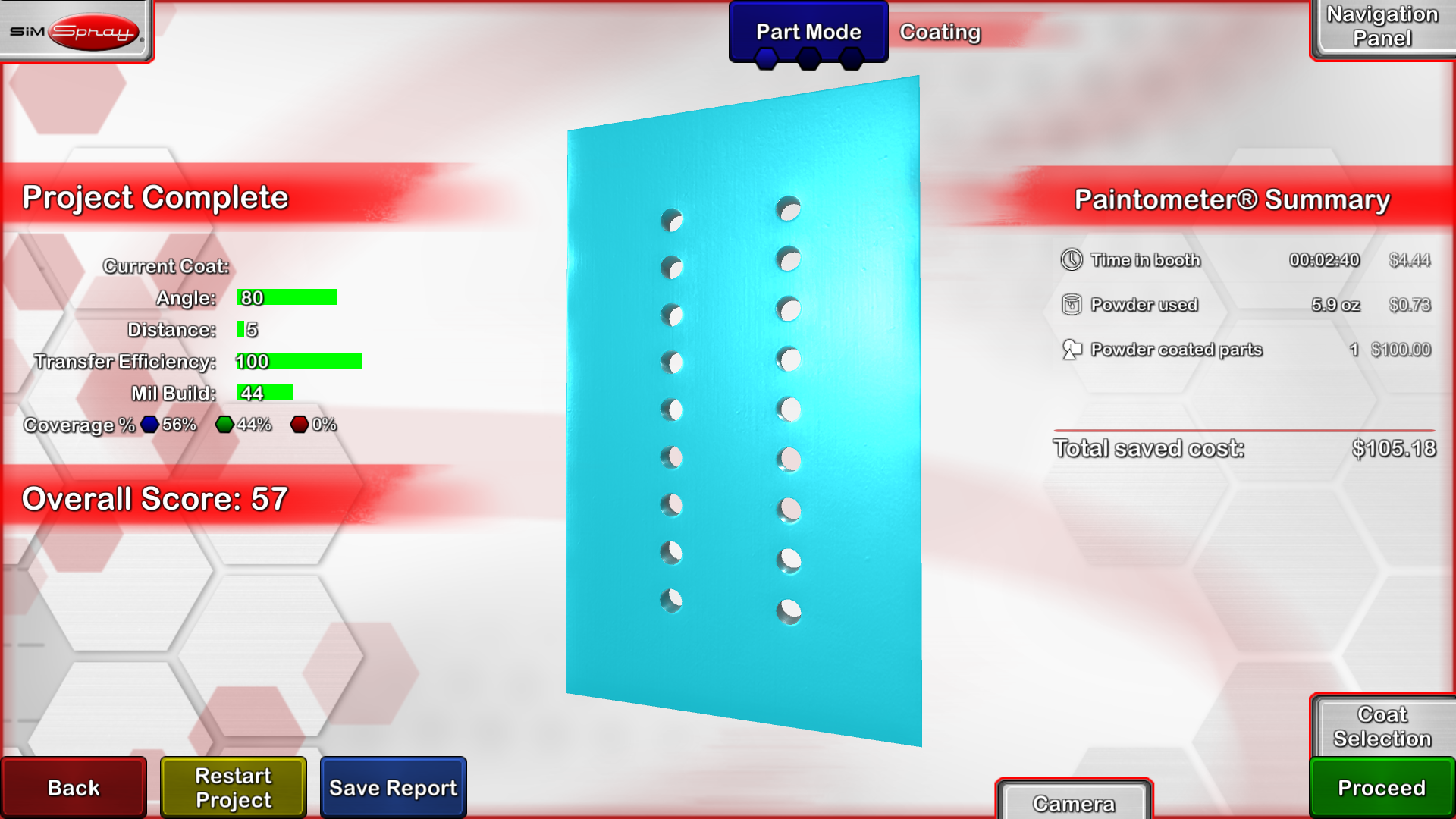
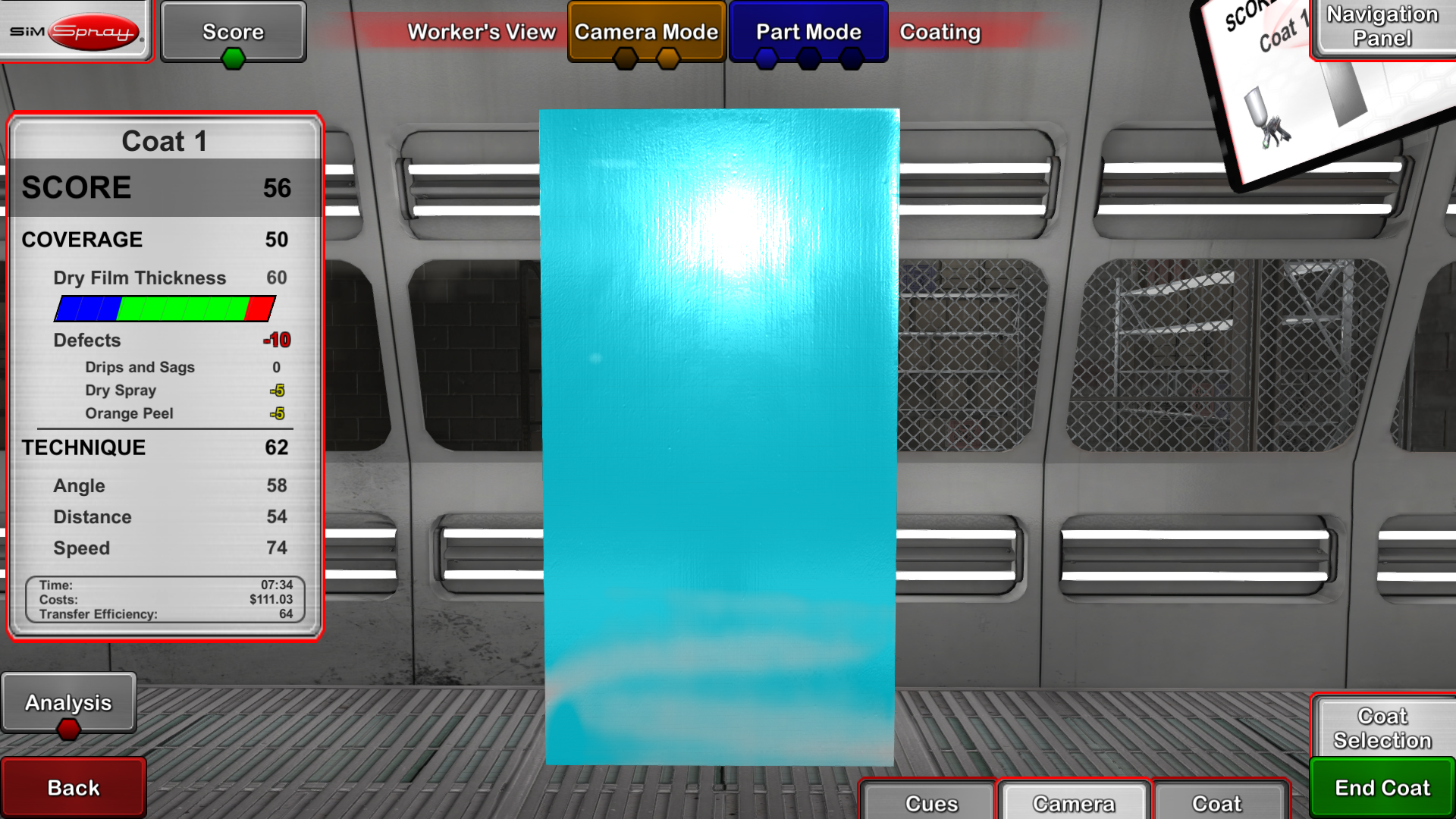
  4. Review the completed project. Performance tools display coating coverage, thickness, transfer efficiency, defects, technique, and overall results when applicable to the selected process.
  5. Repeat and improve. Learners can immediately restart projects, apply instructor feedback, and work toward established performance goals.

SimSpray can be configured to support a range of common industrial application processes. Available content and equipment depend on the selected system configuration.

HVLP Spray Painting

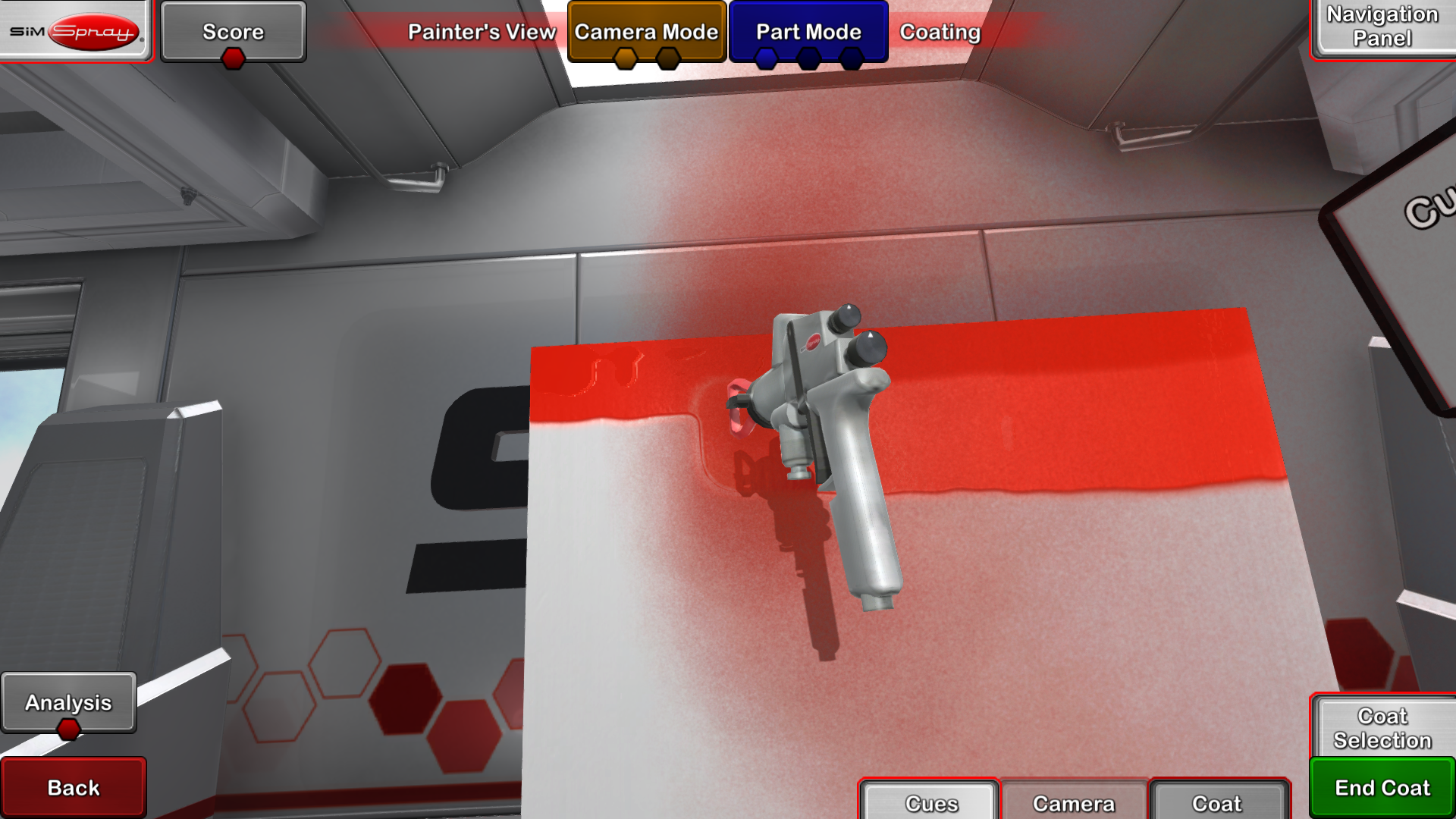
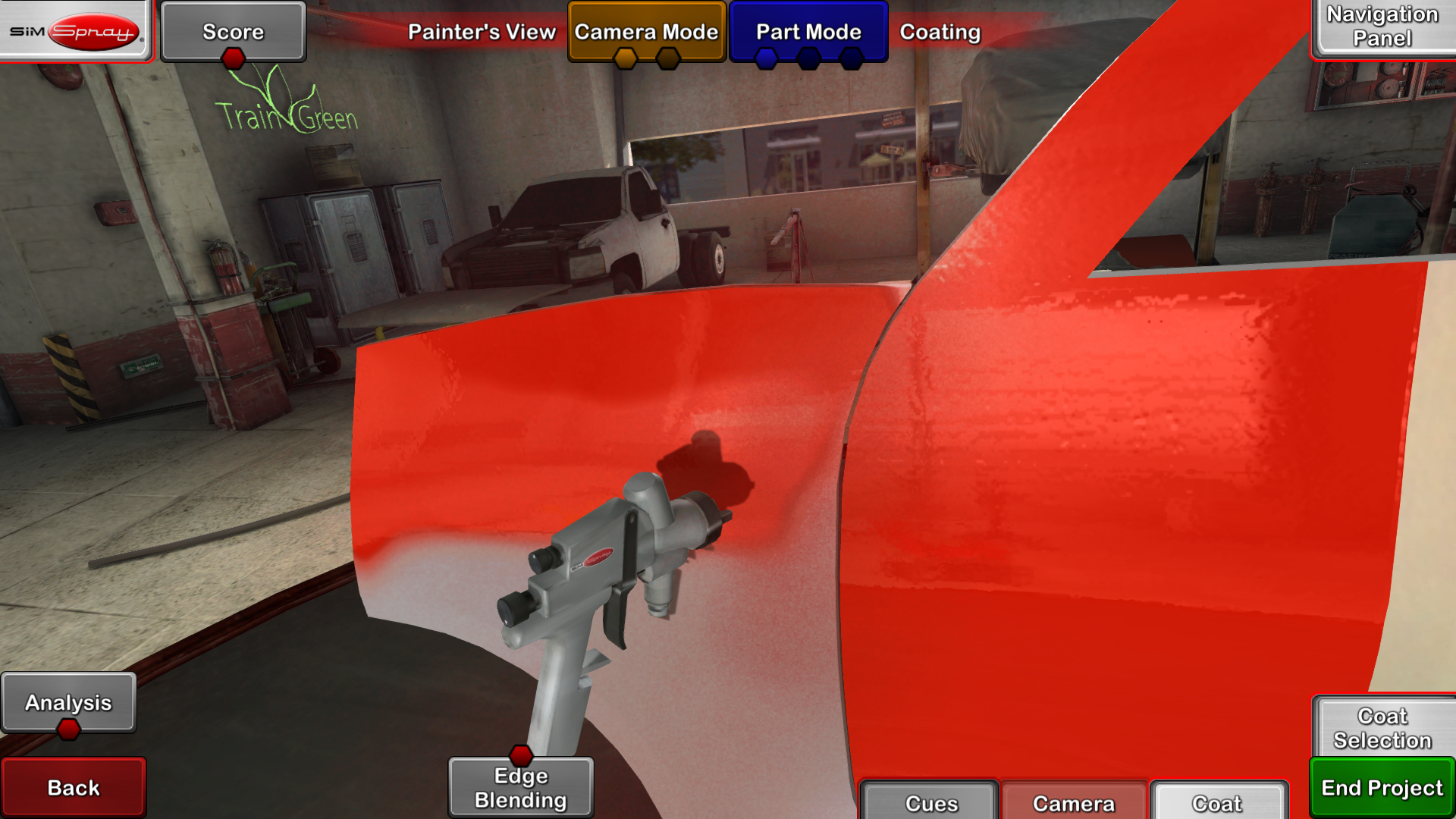
Practice spray-gun setup and application techniques while receiving feedback on angle, distance, speed, coating coverage, and material transfer.

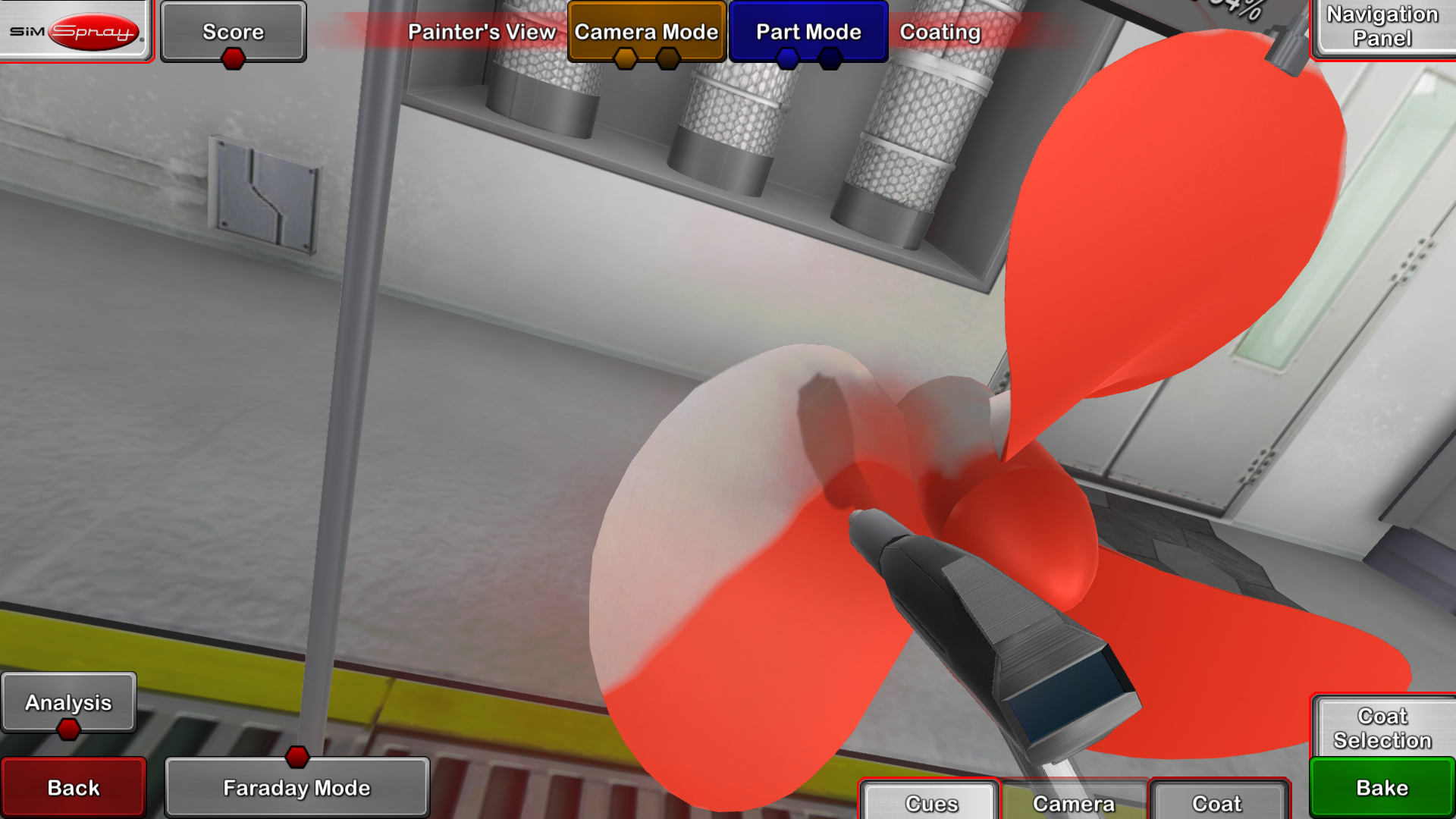
Powder Coating

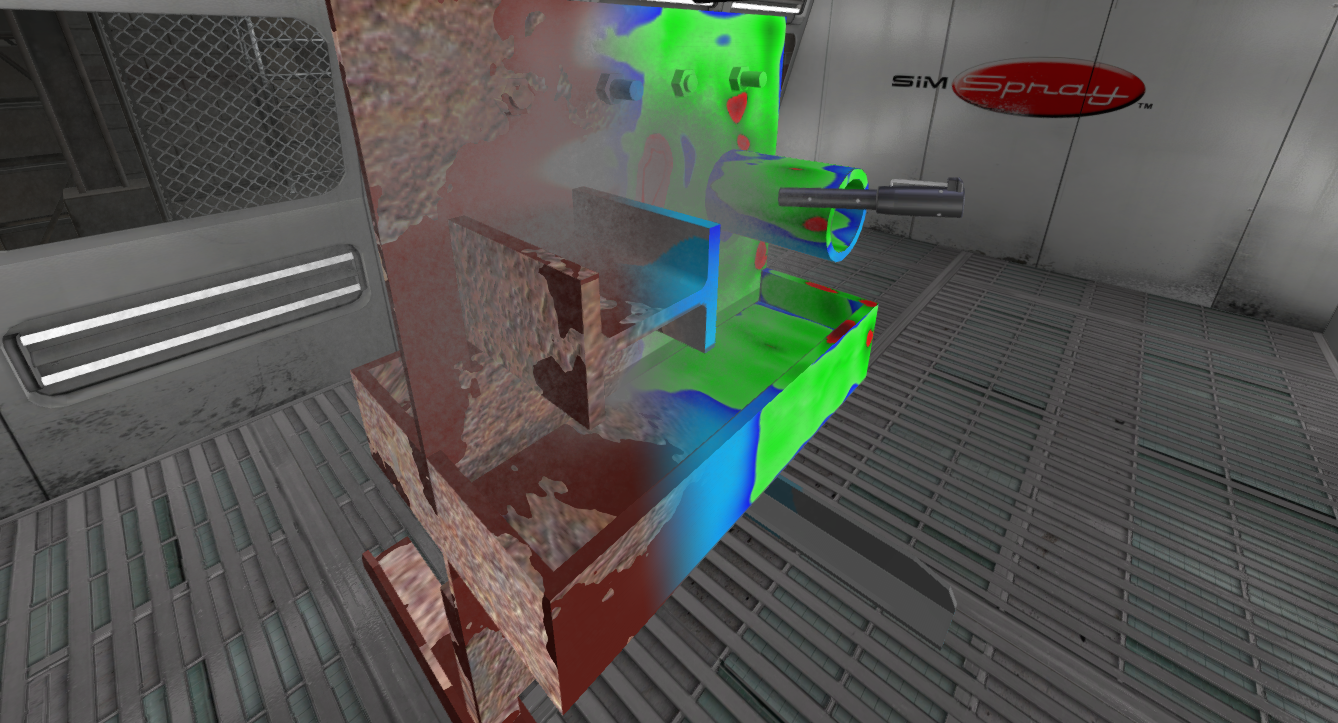
Apply virtual powder to parts with challenging shapes and review coverage, technique, and coating quality without consuming powder or preparing a coating line.

Abrasive Blasting

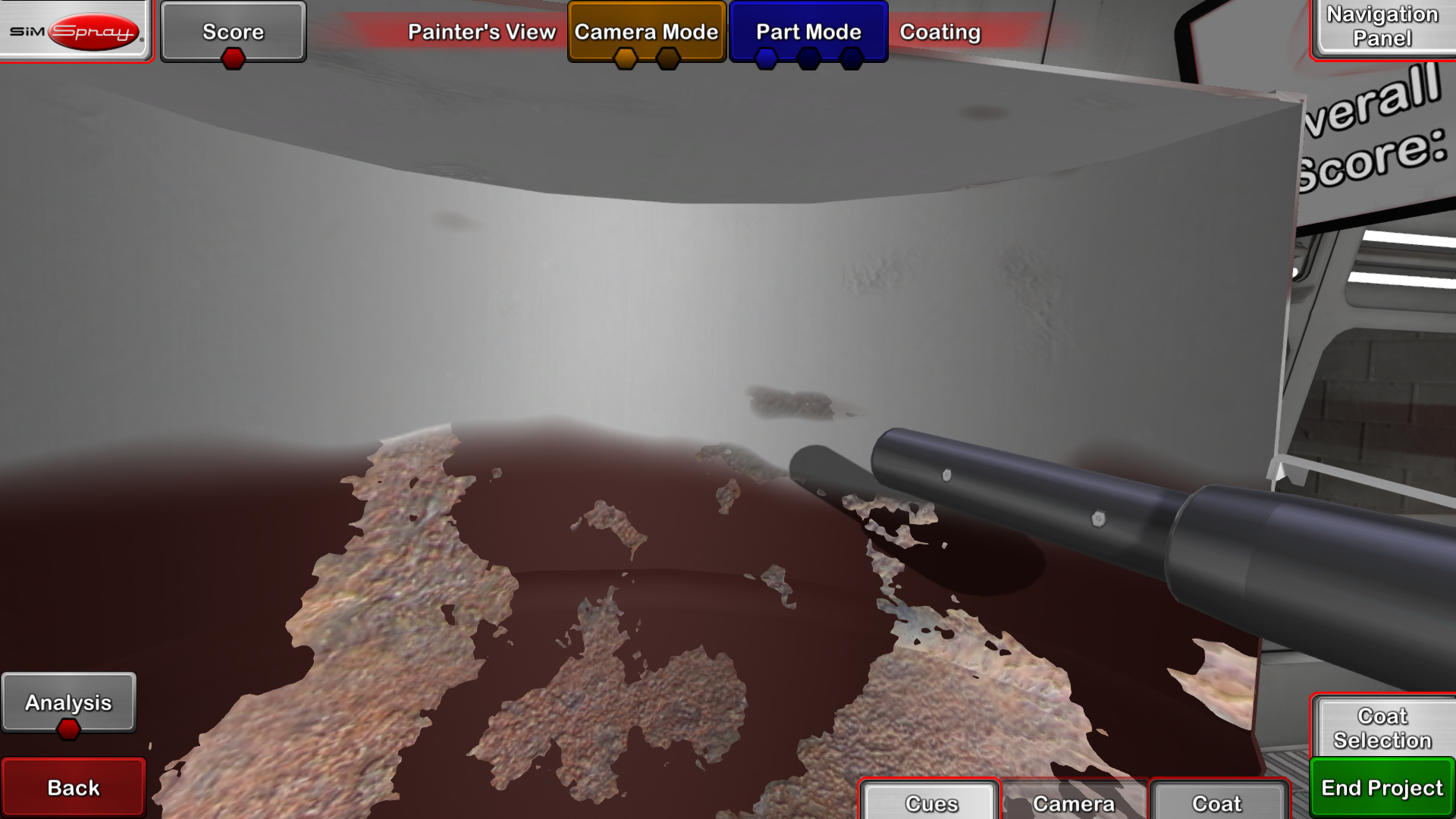
Practice equipment positioning, coverage, and surface-preparation techniques in simulated work environments without consuming blasting media.

Airless Spray Coating

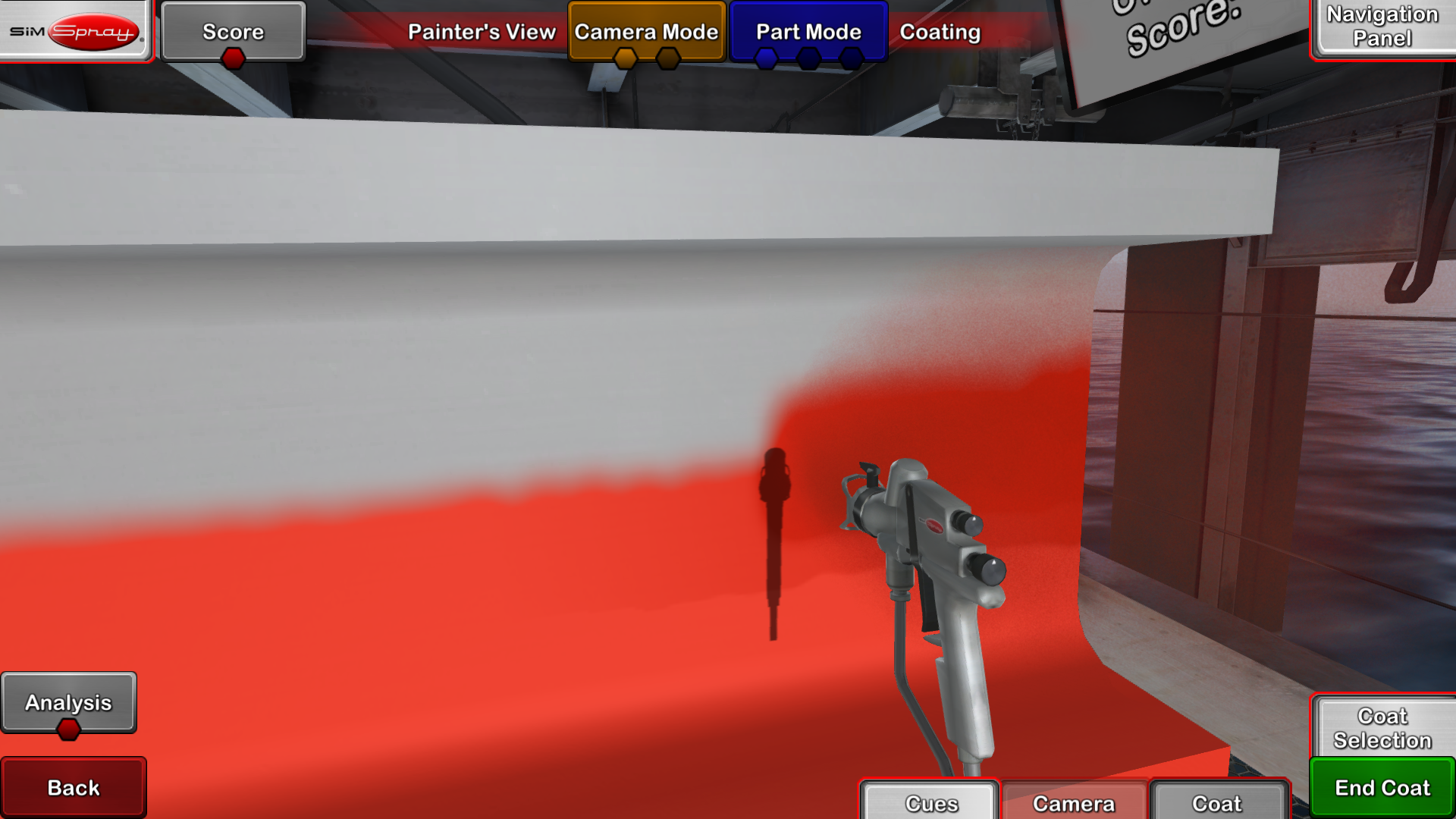
Develop application skills for projects and environments associated with construction, industrial finishing, and protective coatings.

Air-Assisted Airless Spraying

Practice controlling application variables for processes that combine hydraulic pressure with air-assisted atomization.

HMD-Free Training

An administrator-enabled HMD-Free Mode allows learners to complete supported projects with motion-tracked equipment and on-screen controls without wearing the head-mounted display. This option retains hands-on practice and performance feedback while removing the fully immersive view.

SimSpray gives instructors flexible tools to build structured courses, assign targeted practice, and measure learner progress. Programs can use available projects or adapt training to reflect their own instructional sequence and performance expectations.

  • Projects: Use available projects or create custom activities with performance parameters focused on specific skills.
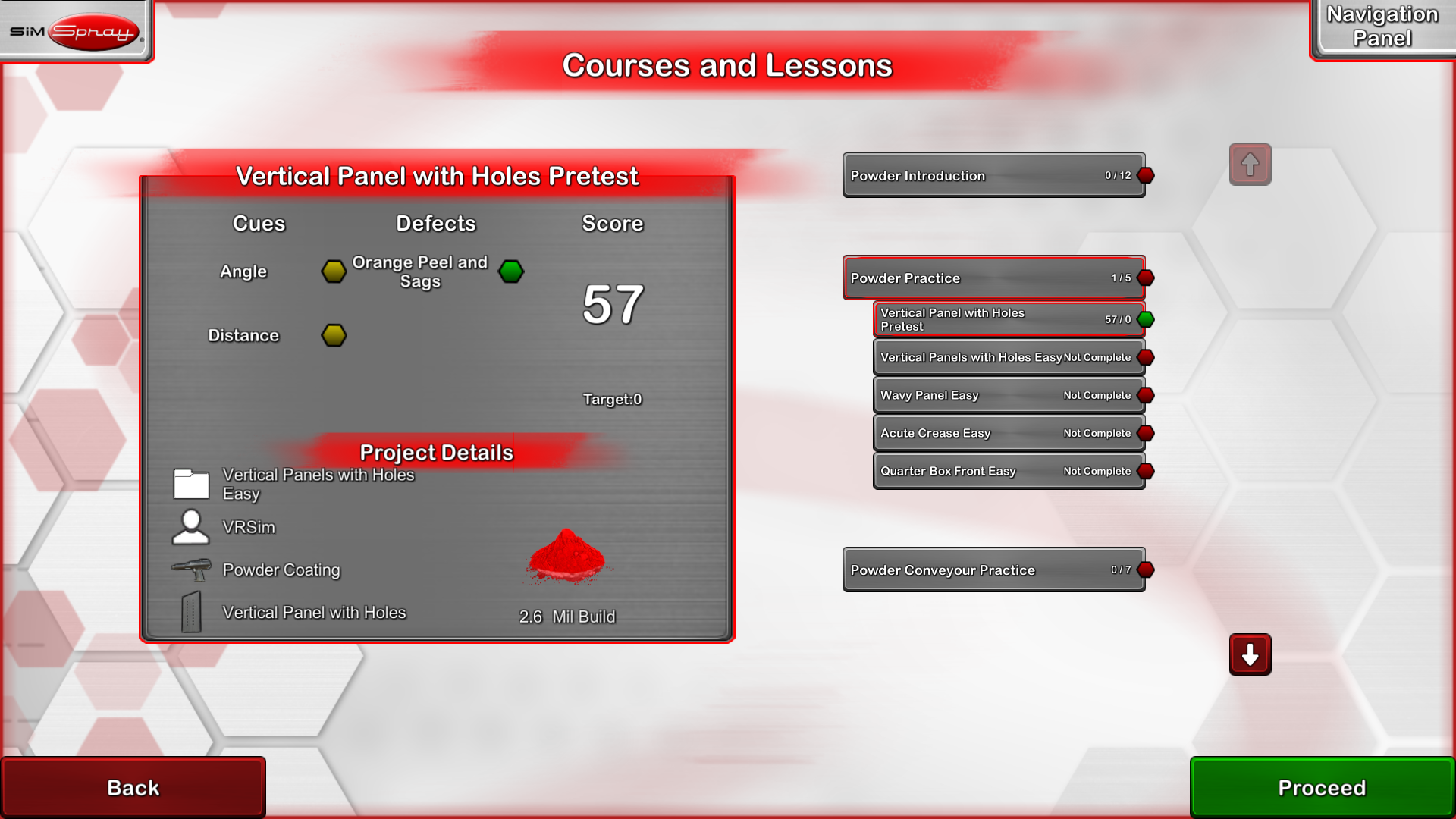
  • Courses and lessons: Organize projects into guided learning paths for individual learners, classes, or employee groups.
  • Custom score weighting: Adjust scoring criteria to emphasize the techniques and outcomes that matter to your program.
  • Real-time cues: Guide angle, distance, and speed during practice so learners can make corrections as they work.
  • Performance analysis: Review technique, coverage, coating thickness, defects, transfer efficiency, and project results when applicable.
  • Progress reporting: Use recorded results to monitor improvement, identify skill gaps, and plan additional practice.
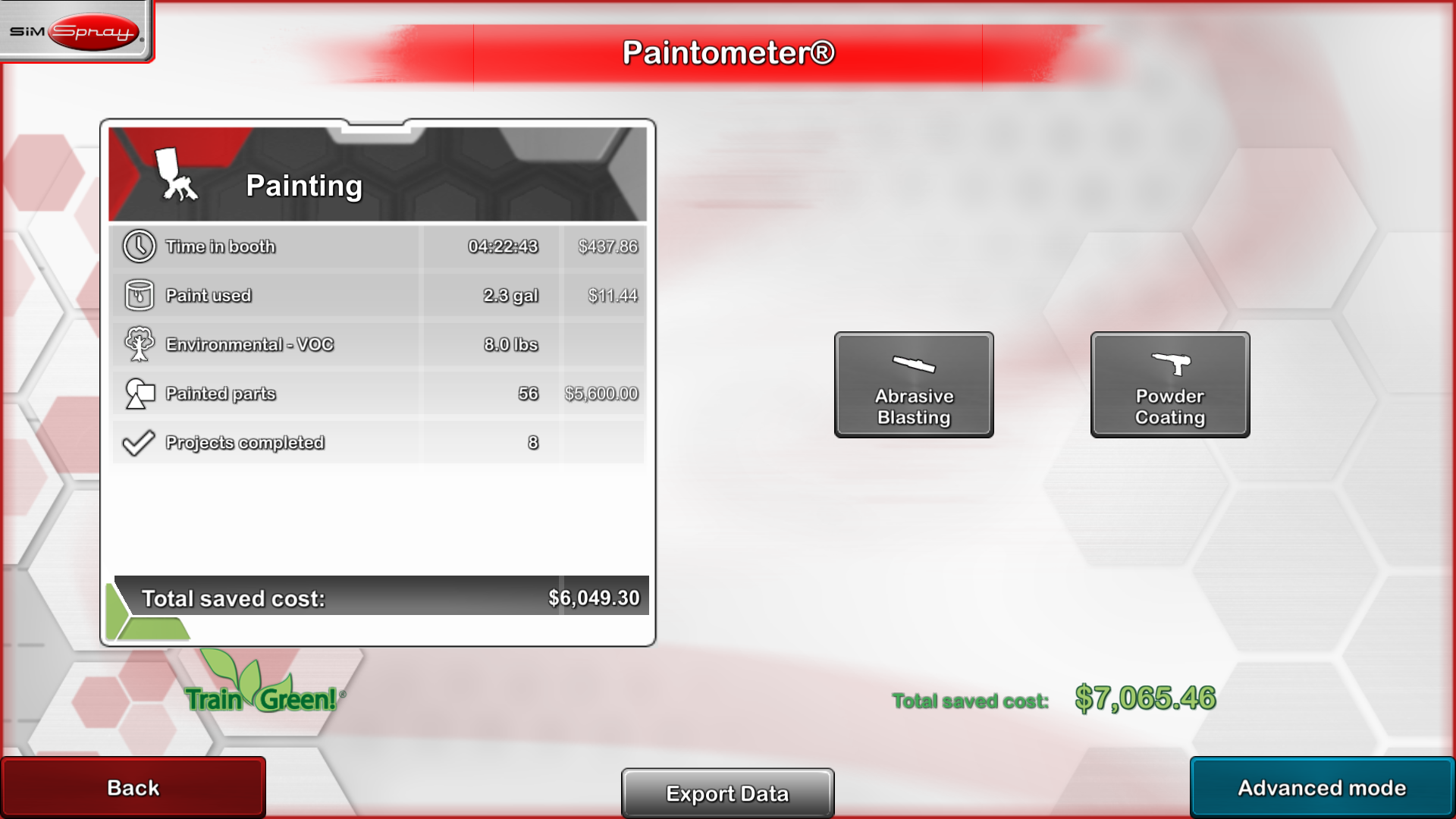
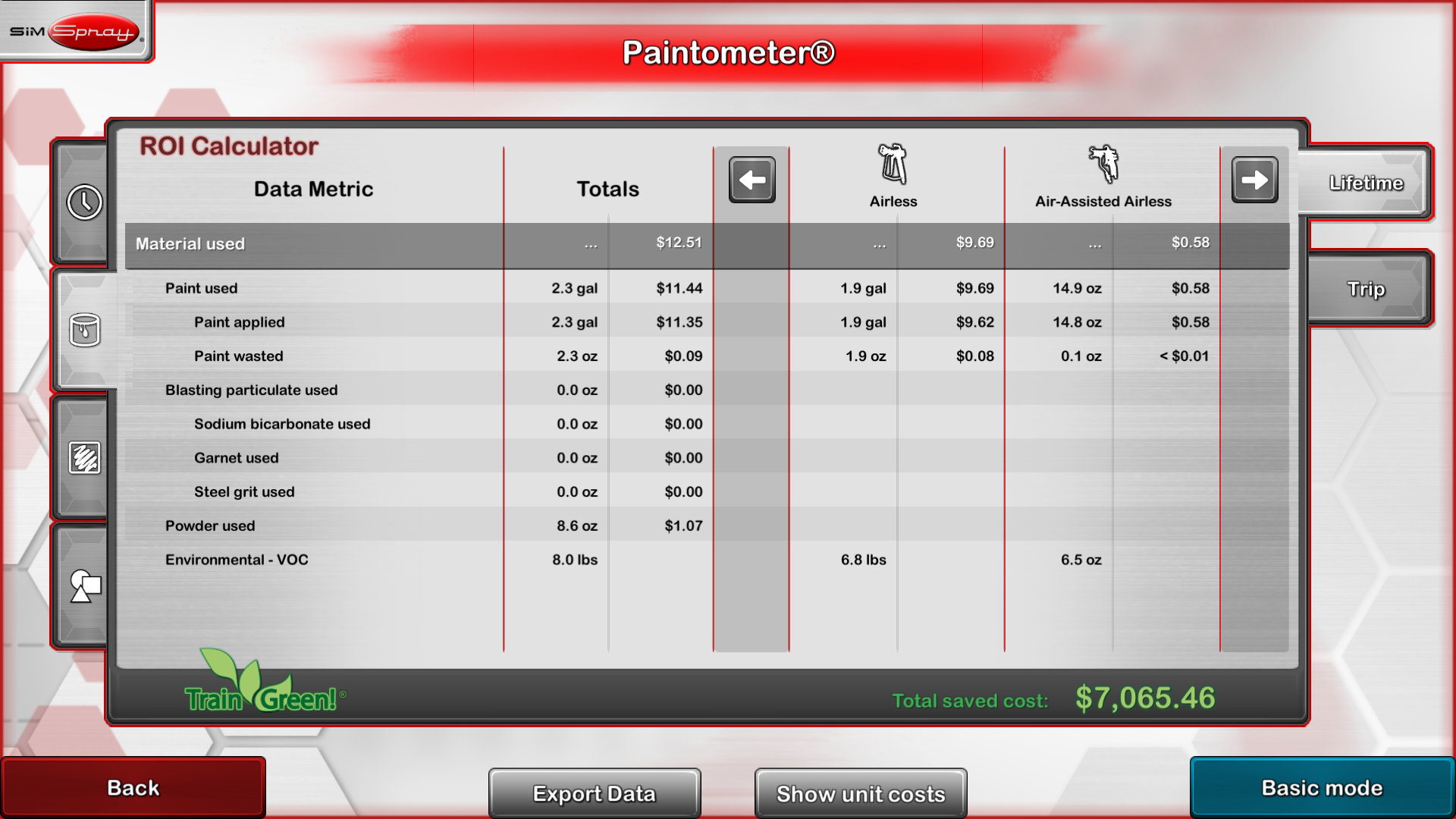
  • Paintometer® reporting: Estimate material, part, and booth-time savings using costs entered by the organization.

Fundamentals content gives learners a foundation for working with basic parts, panels, and application techniques. Optional content packs can extend training with industry-relevant parts, materials, projects, and virtual environments.

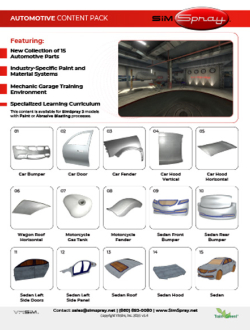
  • Automotive: Collision repair, refinishing, panels, vehicle parts, and automotive spray environments
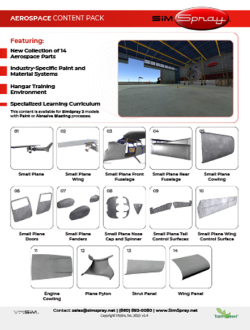
  • Aerospace: Aircraft components and coating projects associated with aerospace applications
  • Rail: Parts and projects designed for rail manufacturing and maintenance applications
  • Marine: Marine components and surfaces used in shipbuilding and maintenance
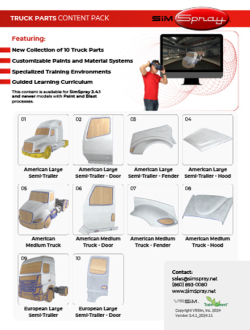
  • Truck: Larger parts and coating projects associated with truck manufacturing and refinishing
  • Furniture and Cabinetry: Wood components, cabinetry, furniture parts, finishes, and stains
  • Building Trades: Airless and related coating applications used in construction environments
  • Structural: Structural components, complex shapes, and protective coating applications

Processes, parts, environments, content packs, and optional equipment vary by configuration. Tech-Labs will confirm current compatibility and included content when preparing your recommended system.

Explore the SimSpray Training Experience

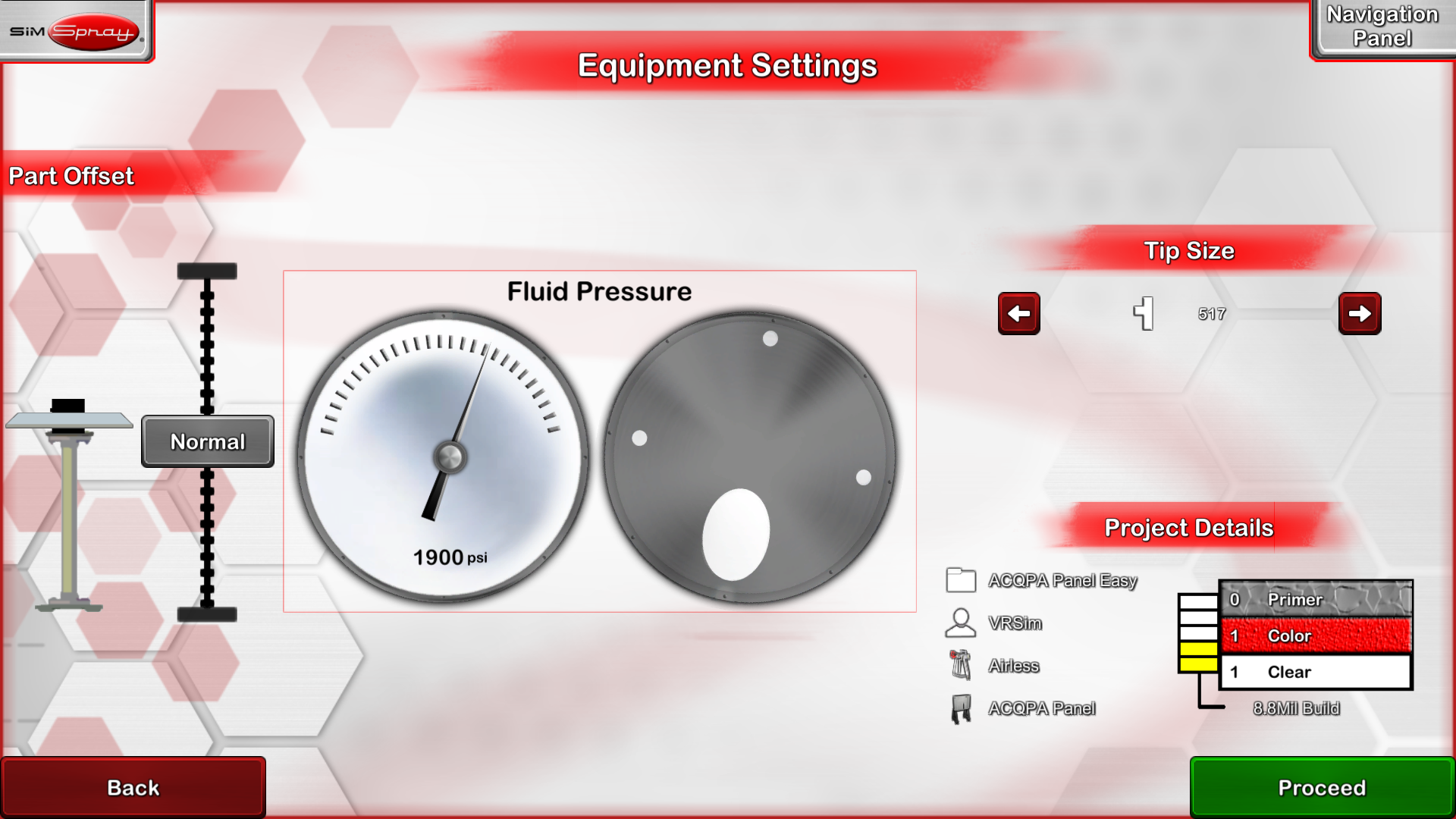
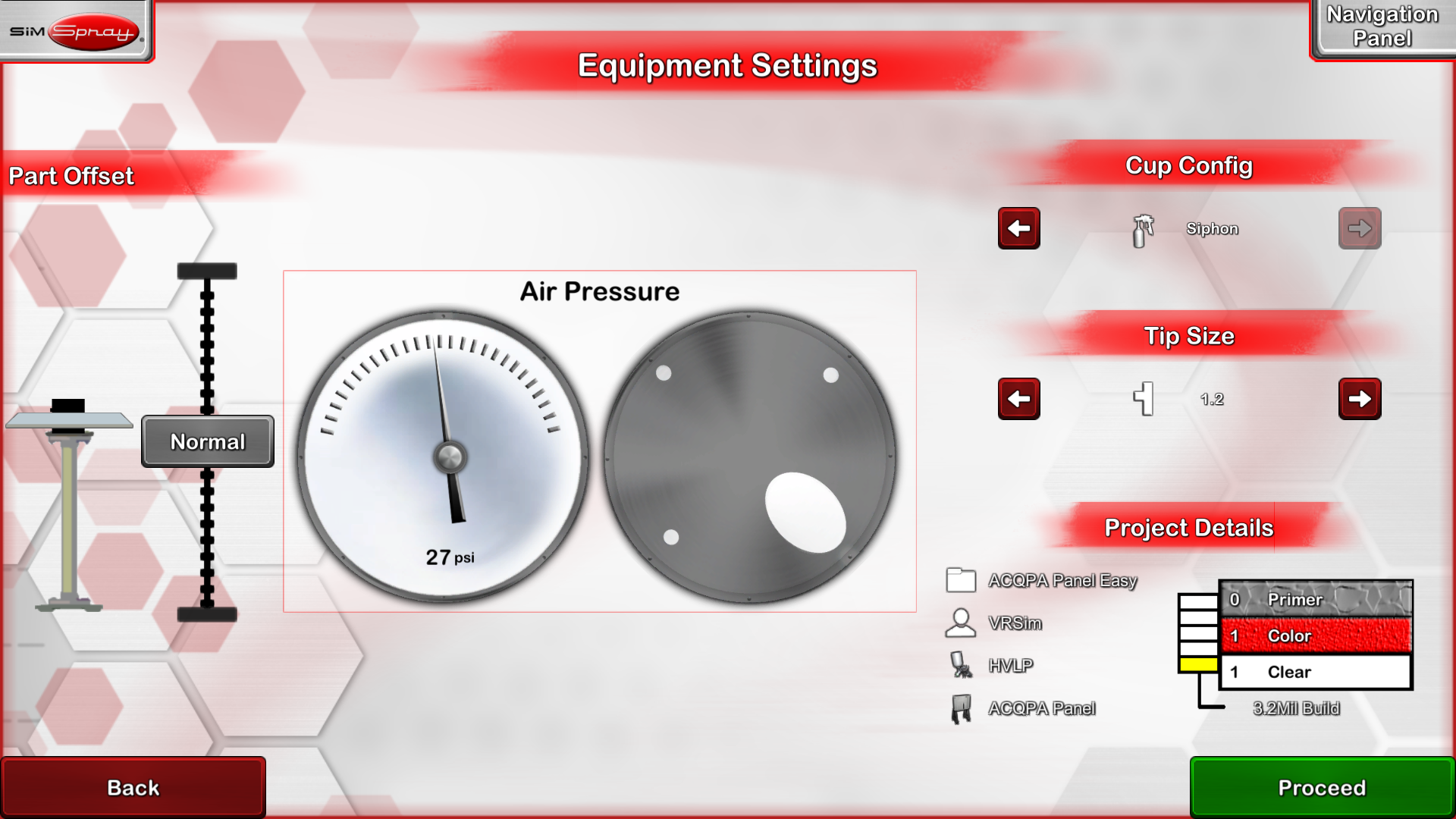
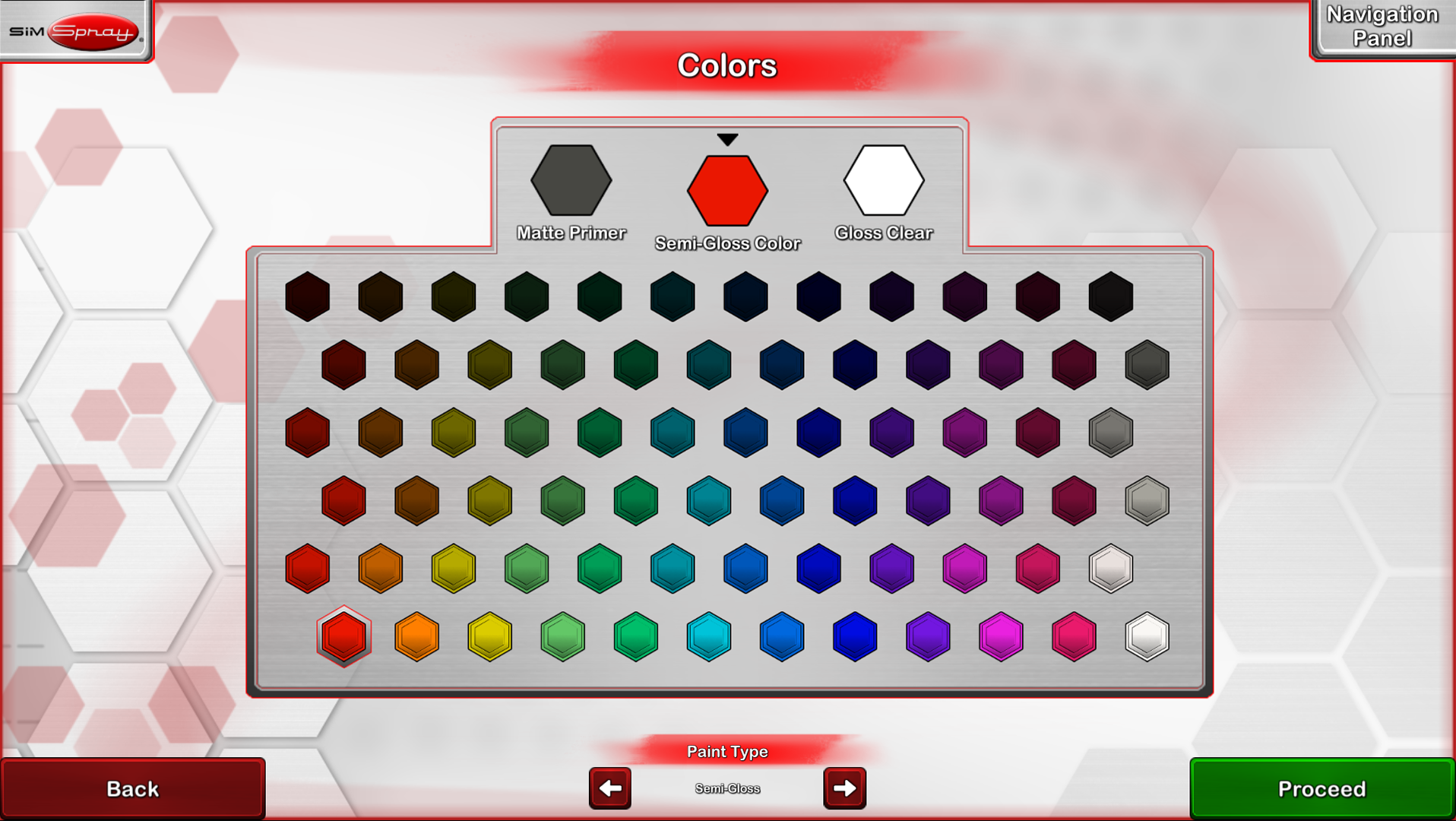
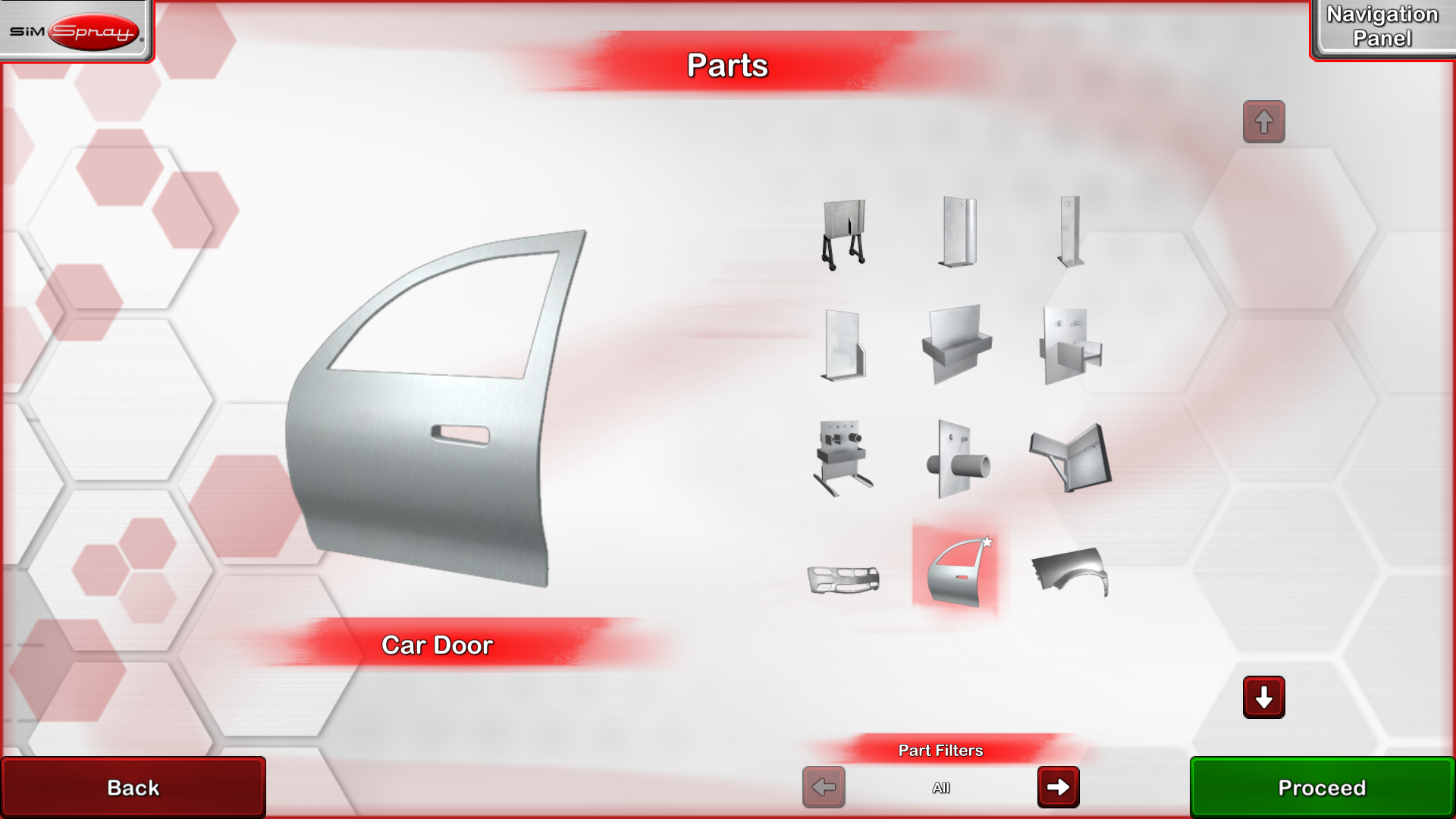
View examples of SimSpray courses, virtual environments, equipment controls, application processes, coverage maps, performance analysis, and project scoring.

View Screenshots
“Experienced painters visiting the school all comment on my students' technique and ask how they got to be so good. My answer is SimSpray.” —Billy Huneycutt, Program Head of Collision Repair and Refinishing Technology

Benefits of SimSpray

SimSpray expands opportunities for meaningful practice without requiring a prepared spray booth, consumable materials, or production equipment for every virtual project. Learners can complete a project, study the results, apply feedback, and immediately try again.

More Practice with Less Material Waste

Repeat virtual projects without consuming paint, coatings, blasting media, practice parts, or disposable supplies.

Immediate, Objective Feedback

Use visual cues, scores, coverage maps, and performance analysis to help learners understand how their technique affected the completed project.

Customizable Learning Paths

Build courses and lessons around selected processes, parts, applications, and competency goals.

Safer Foundational Practice

Introduce equipment movements and application concepts without exposing beginning learners to chemical fumes, pressurized materials, blasting media, or production hazards.

Instructor Support

Use consistent projects and recorded performance information to focus coaching on each learner's specific needs.

Independent and Collaborative Learning

Allow learners to practice individually while instructors or classmates observe the painter's view, review results, and discuss technique.

Career Exploration and Recruitment

Give prospective students and employees an engaging introduction to painting, coating, and surface-preparation careers.

Practice When It Is Needed

Use virtual projects for introductory instruction, remediation, refresher training, or preparation immediately before live practice.

VRSim reports that its virtual training tools can teach coating skills up to five times faster and reduce material costs by up to 50%. Results will vary by organization, curriculum, implementation, and comparison method. Review the manufacturer's supporting product information and source.

SimSpray or SimSpray Go?

SimSpray is the comprehensive system for training programs that need a robust selection of coating and blasting processes, larger virtual parts, broader industry content, and advanced customization.

SimSpray Go is a compact, portable option designed for schools, specialty manufacturers, mobile training programs, career fairs, and organizations that need to move training between locations.

Explore SimSpray Go

Frequently Asked Questions

No. SimSpray supplements instructor-led education and practice with real equipment and materials. It helps learners establish foundational technique, receive additional feedback, and prepare for productive live practice.

Depending on the selected configuration, SimSpray can support HVLP, airless, air-assisted airless, powder coating, and abrasive blasting applications.

Yes. Instructors can organize courses and lessons, select or create projects, adjust performance requirements, customize score weighting, and use reporting tools to monitor learner progress.

Supported SimSpray systems include an administrator-enabled HMD-Free Mode. Learners use motion-tracked equipment and on-screen controls while retaining access to supported practice activities and performance feedback.

Available content supports applications in automotive, aerospace, rail, marine, truck, furniture and cabinetry, building trades, structural coating, manufacturing, and workforce development.

Bring More Practice into Your Painting and Coating Program

Tech-Labs can help you compare processes, content packs, equipment, space requirements, and implementation options to identify the right SimSpray configuration for your learners.

For additional manufacturer information, visit the official SimSpray website.

Manufacturer: 
Videos: 

SimSpray - Abrasive Blasting Practice

SimSpray® version 3.3 - the latest update includes exciting features such as industry-specific content, overhauled user interface, web portal and customized coatings.

SimSpray - Automotive Painting

Train with SimSpray®, the automotive industry-leading tool for VR painter training. SimSpray's automotive content pack each include unique parts, paints, and environments designed to meet industry needs.

SimSpray - Custom Paint

SimSpray® version 3.3 - the latest update includes exciting features such as industry-specific content, overhauled user interface, web portal and customized coatings.

SimSpray - Custom Score Weights

This video shows how you can easily adjust SimSpray's scoring.

SimSpray - Integrated Curriculum

SimSpray is the leading training tool for the painting and coating industry. It’s an easy-to-use, turn-key training tool that provides accessible hands-on experiences with virtual reality simulations. Transform paint training with SimSpray for objective performance analysis, customizable training curriculums, and an engaging recruitment tool.

SimSpray - Overcoming Powder Coating Challenges

SimSpray® version 3.3 - the latest update includes exciting features such as industry-specific content, overhauled user interface, web portal and customized coatings.

SimSpray - Powder Coating in Rack and Conveyor Environments

SimSpray® version 3.3 - the latest update includes exciting features such as industry-specific content, overhauled user interface, web portal and customized coatings.

SimSpray - Wood Parts & Stains

SimSpray® version 3.3 - the latest update includes exciting features such as industry-specific content, overhauled user interface, web portal and customized coatings.

SimSpray Aerospace Parts

Train with SimSpray®, the aerospace industry-leading tool for VR painter training. SimSpray's aerospace content packs each include unique parts, paints, and environments designed to meet industry needs.