
VRNA offers a fully immersive VR experience designed to enhance the efficiency and reduce the expenses associated with teaching patient care job skills typically conducted in a laboratory environment, including Certified Nursing Assistant (CNA) and Emergency Medical Services (EMS) modules.
Download the 970-DRV1F AC Electronic Drive Learning System Datasheet
Amatrol’s AC Electronic Drive Learning System – AB PowerFlex® 755 (970-DRV1F) provides comprehensive training on AC variable frequency drives (VFDs) using the industrial-grade Allen-Bradley® PowerFlex® 755. Learners gain hands-on experience with realistic motor control scenarios, including speed, position, and acceleration control used in applications such as conveyors, robots, mixers, presses, and CNC-related systems.
This system combines real equipment—including a three-phase motor, incremental encoder, and Human Interface Module (HIM)—with Amatrol’s FaultPro® computer-based fault insertion to teach advanced troubleshooting in a safe, repeatable environment. The included eLearning curriculum progresses from foundational VFD architecture, safety, and wiring to advanced topics like discrete/analog I/O control, communications, software programming, and system-level diagnostics.
What you’ll find in the datasheet
- Learning topics covered: VFD safety, motor and feedback wiring, VFD architecture, HIM control, faults/alarms, drive configuration, discrete & analog I/O control, communications, acceleration/deceleration control, and troubleshooting
- Programming training: Connected Components Workbench™ (CCW) and Studio 5000® drive programming
- Real equipment included: Allen-Bradley® PowerFlex® 755 VFD, three-phase motor, incremental encoder, and HIM programming module
- Fault-based learning: FaultPro® enables instructors to introduce a wide variety of circuit and system faults for realistic troubleshooting practice
- Multimedia curriculum: Highly interactive eLearning with visuals, voiceover support, quizzes, and hands-on exercises
Ready to build stronger VFD skills in your program? Download the datasheet and then contact us to discuss configurations, curriculum integration, and quoting.
In this video, Amatrol’s Mark Hubbs, Director of International Sales, provides an overview of Amatrol’s new AC Electronic Drive Learning System – AB PowerFlex 755 (970-DRV1), highlighting its operation, instructional design, and key technical features.
The 970-DRV1 teaches a wide variety of hands-on AC electronic drive skills using the powerful Allen-Bradley® PowerFlex® 755 AC Drive. This advanced drive combines the functionality of a general-purpose drive, a vector drive, and a “servo-lite” positioning drive by supporting V/Hz, Sensorless Vector, and Flux Vector control.
The PowerFlex 755 is used across a broad range of industries, including power generation, agriculture, oil and gas, chemicals, textiles, food and beverage, HVACR, packaging, robotics, automation, and electric vehicle manufacturing. An embedded Ethernet port enables EtherNet/IP communication, allowing learners to manage drive data and integrate the system with Rockwell Automation’s Studio 5000® PLC programming software using embedded drive instructions.
System Configuration & Working Areas
-
Operator Panel
Includes a main power switch with lockout, emergency stop and control power indicators, power supply and master control relay, switches and potentiometers, motor velocity and RPM displays, low-voltage test points, hardwired circuit connections, two Ethernet ports, and a USB port for use with Amatrol’s FaultPro® Electronic Fault Insertion Software. -
Drive Panel
Features the Allen-Bradley PowerFlex 755 AC Drive, a reference image of the drive circuit board, and high-voltage test points for troubleshooting and diagnostics. -
Motor, Flywheel, and Encoder Assembly
Located below the operator and drive panels, this assembly includes guarded high-voltage test points and a covered rotating flywheel to ensure safe hands-on operation.
Comprehensive eLearning Curriculum
Amatrol’s AC Electronic Drive Learning System – AB PowerFlex 755 includes interactive multimedia eLearning that teaches 47 hands-on skills and a wide range of AC drive concepts.
- AC variable frequency drive (VFD) fundamentals and safety
- Motor and feedback wiring
- VFD architecture and HIM operation
- Drive faults, alarms, and diagnostics
- Drive configuration using HIM and software tools
- Discrete and analog I/O control
- Drive communications over EtherNet/IP
- Acceleration and deceleration control
- Sensorless Vector and Flux Vector control modes
- Studio 5000® drive programming
- Comprehensive drive systems troubleshooting
Hands-On CNC Machining for Education & Industry
Advanced manufacturing demands highly skilled CNC operators and programmers who understand precision machining, safety, and real-world production workflows. As industries continue to modernize, training programs must provide students with hands-on experience using equipment that reflects what they will encounter in the field.
APT CNC training systems provide robust, industrial-grade machining platforms designed specifically for education and workforce development. These systems allow learners to gain experience in CNC milling and turning operations while building confidence in setup, programming, operation, and troubleshooting.
- Industrial-quality CNC milling and turning platforms
- Designed for hands-on technical training environments
- Supports G-code programming and CAM integration
- Safe, instructor-friendly controls for classroom use
- Scalable for high school, college, and industry training
APT CNC systems allow students to progress from foundational machining principles to advanced programming and precision part production. Learners develop competencies in blueprint interpretation, workholding, tooling selection, machine setup, offsets, and part verification.
Through real machining applications, students experience the full manufacturing workflow—from raw material to finished part—while reinforcing critical thinking and problem-solving skills required in modern machine shops.
- CNC machine safety and operation
- Manual data input (MDI) and G-code programming
- Tool setup and tool offsets
- Work coordinate systems
- Spindle speed and feed rate calculations
- Fixture setup and part clamping
- Turning and milling operations
- Part inspection and quality verification
APT CNC platforms are well-suited for Career & Technical Education (CTE) programs, community colleges, technical institutes, and industrial training departments. The systems provide the durability and precision required for repeated instructional use while maintaining an accessible learning curve for students.
These machines integrate seamlessly into advanced manufacturing pathways, including robotics, automation, and Industry 4.0 programs, helping institutions create stackable skill development models aligned with workforce needs.
APT CNC systems can be integrated into broader automation training environments, including robotic machine tending cells and smart manufacturing demonstrations. This allows programs to expand from standalone machining instruction to fully automated production workflows.
- High school manufacturing labs
- Community and technical college machining programs
- University engineering labs
- Apprenticeship and workforce upskilling programs
- Industrial training departments
Get Started
Whether you are launching a new CNC machining program or expanding an existing advanced manufacturing lab, APT CNC training systems provide the hands-on experience learners need to succeed in today’s precision manufacturing careers.
Contact us today to discuss system configurations, automation integration options, and program alignment for your facility.
Integrated Mechanical, Electrical & PLC Automation
Modern manufacturing depends on technicians who understand how mechanical systems, electrical components, pneumatics, and programmable logic controllers (PLCs) work together. Mechatronics training bridges these disciplines, giving learners the ability to install, operate, troubleshoot, and maintain automated systems.
Our Mechatronics Training Systems provide hands-on, integrated learning platforms that simulate real-world industrial automation environments. Students gain practical experience working with sensors, actuators, motors, conveyors, pneumatic devices, and PLC-controlled processes—developing the cross-functional skills demanded in advanced manufacturing.
Why Mechatronics Training Matters
- Builds multi-discipline technical skills
- Supports Industry 4.0 and smart manufacturing pathways
- Develops troubleshooting and systems-thinking abilities
- Prepares learners for high-demand automation careers
- Aligns with stackable certifications and workforce credentials
Hands-On Automation Skills Development
Mechatronics systems allow learners to interact with fully operational automation processes. Students wire electrical components, configure PLC programs, install pneumatic circuits, align mechanical assemblies, and test system performance under realistic operating conditions.
By working with integrated systems rather than isolated components, learners develop a holistic understanding of how industrial equipment operates—and how to diagnose and correct faults efficiently.
Core Learning Topics
- Mechanical assembly and alignment
- Electrical wiring and motor control
- PLC programming and ladder logic
- Sensor integration and feedback systems
- Pneumatic system design and troubleshooting
- Human Machine Interface (HMI) fundamentals
- Industrial safety procedures
- System troubleshooting and maintenance
Flexible Configurations for Education & Industry
Mechatronics platforms are available in scalable configurations, from tabletop systems for introductory programs to full production-style workcells for advanced automation training. These systems are ideal for high school CTE programs, technical colleges, universities, apprenticeship programs, and industrial workforce development.
Systems can also integrate with robotics, CNC machine tending, smart sensors, and data-driven manufacturing platforms to create comprehensive automation labs.
Workforce Applications
- Industrial maintenance technician training
- Automation and controls technician programs
- Robotics and smart factory pathways
- Apprenticeship and upskilling initiatives
- Engineering technology labs
Get Started
Whether you are building a new automation program or upgrading an existing lab, mechatronics training systems provide the integrated, hands-on experience needed to prepare learners for modern manufacturing careers.
Contact us today to discuss configurations, certification alignment, and funding opportunities for your program.
Today’s automotive technicians must understand increasingly complex electrical and electronic vehicle systems. From lighting and charging circuits to sensors, actuators, and body control systems, modern vehicles rely on integrated technology that requires both theoretical knowledge and hands-on diagnostic skills.
LJ Create Automotive Panel Trainers provide a safe, structured, and highly visual learning platform for teaching automotive electrical and electronic systems. Designed specifically for education and workforce training environments, these panel trainers allow students to explore real-world circuits, perform measurements, diagnose faults, and build confidence before working on live vehicles.
- Real automotive components mounted on durable training panels
- Clearly labeled circuits for structured learning
- Safe, low-risk training environment
- Supports hands-on diagnostics and troubleshooting
- Aligned with automotive career pathways
LJ Create panel trainers allow learners to build practical skills in automotive wiring, circuit testing, and system diagnostics. Students use multimeters, test equipment, and structured lab activities to measure voltage, current, resistance, and signal patterns.
By working on clearly organized training panels before transitioning to full vehicles, learners gain foundational understanding while reducing the risk of component damage and improving diagnostic confidence.
- Basic automotive electrical principles
- Wiring diagrams and circuit interpretation
- Lighting and accessory circuits
- Charging and starting systems
- Sensors and actuators
- Body electrical systems
- Fault finding and diagnostic procedures
- Safe use of automotive test equipment
LJ Create Automotive Panel Trainers are ideal for high school CTE automotive programs, technical colleges, community colleges, and apprenticeship pathways. Their modular design allows institutions to select panels that align with specific curriculum goals—from foundational electrical systems to advanced electronic diagnostics.
These systems integrate easily into automotive labs and complement live vehicle training, helping programs build structured, progressive skill development models.
- Automotive Technology CTE programs
- Community and technical college automotive labs
- Apprenticeship and pre-apprenticeship programs
- Workforce development initiatives
- Instructor-led or blended learning environments
Strengthen your automotive training program with hands-on panel trainers that build diagnostic confidence and real-world system understanding.
Contact us today to explore available panels, curriculum alignment, and funding opportunities for your program.
Prepare Technicians for the Future of Electric and Autonomous Vehicle Service
Lucas-Nuelle’s ASE-aligned training systems combine real vehicle components, guided eLearning, and safe diagnostic simulation—empowering learners to confidently service high-voltage and driver-assistance technologies.
Amatrol’s Mitsubishi automation training solutions provide industry-aligned instruction using authentic industrial components from Mitsubishi Electric. Students gain practical experience working with PLCs, HMIs, variable frequency drives, and integrated automation systems that mirror the technologies used in modern manufacturing facilities.
Designed to support mechatronics, industrial maintenance, and automation pathways, these systems bridge the gap between classroom theory and real-world application. Learners build programming, troubleshooting, and system-integration skills that prepare them for careers in advanced manufacturing and smart factory environments.
Amatrol EV Manufacturing Training Systems provide hands-on instruction aligned with today’s electrified automotive production environments. Learners explore key EV manufacturing processes, including electric motors, power electronics, battery fundamentals, automation, and industrial controls used in advanced vehicle and mobility production.
Designed for both education and workforce development programs, these systems prepare students and technicians for careers in electric-vehicle, battery, and advanced-mobility manufacturing—helping institutions stay aligned with the rapidly evolving electrification industry.
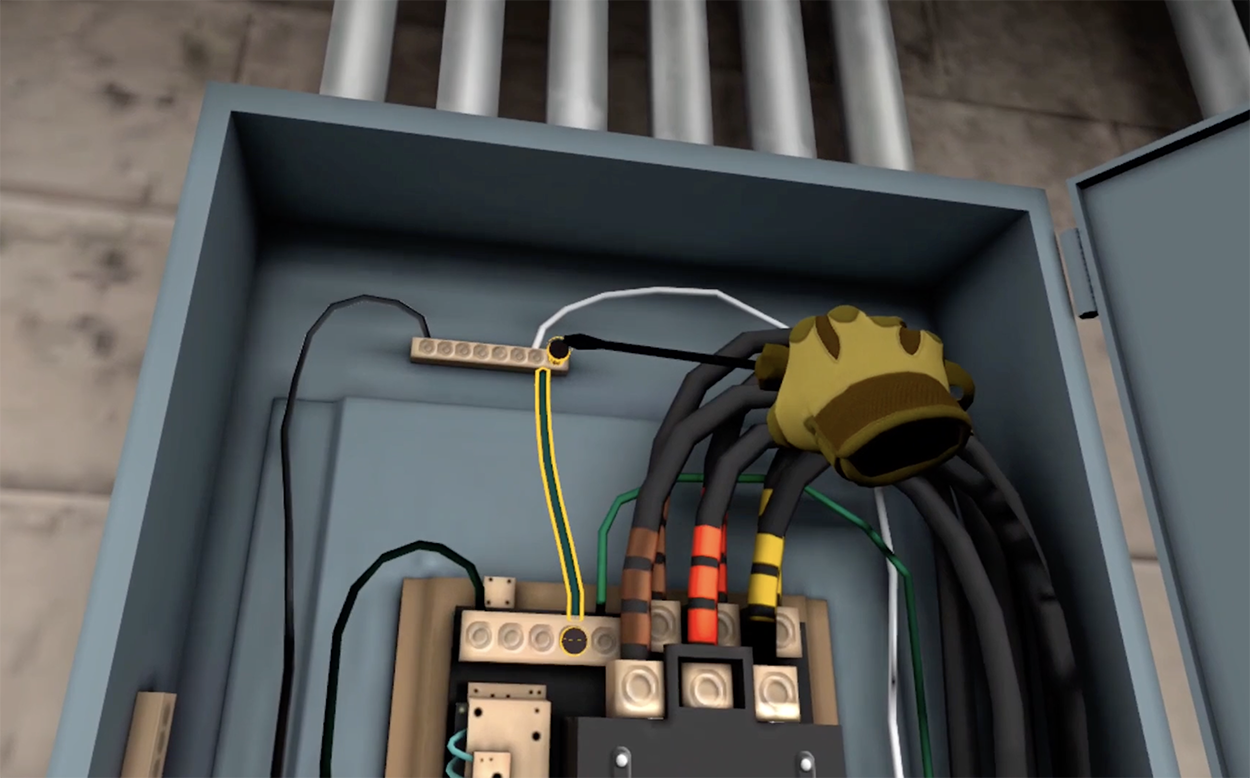
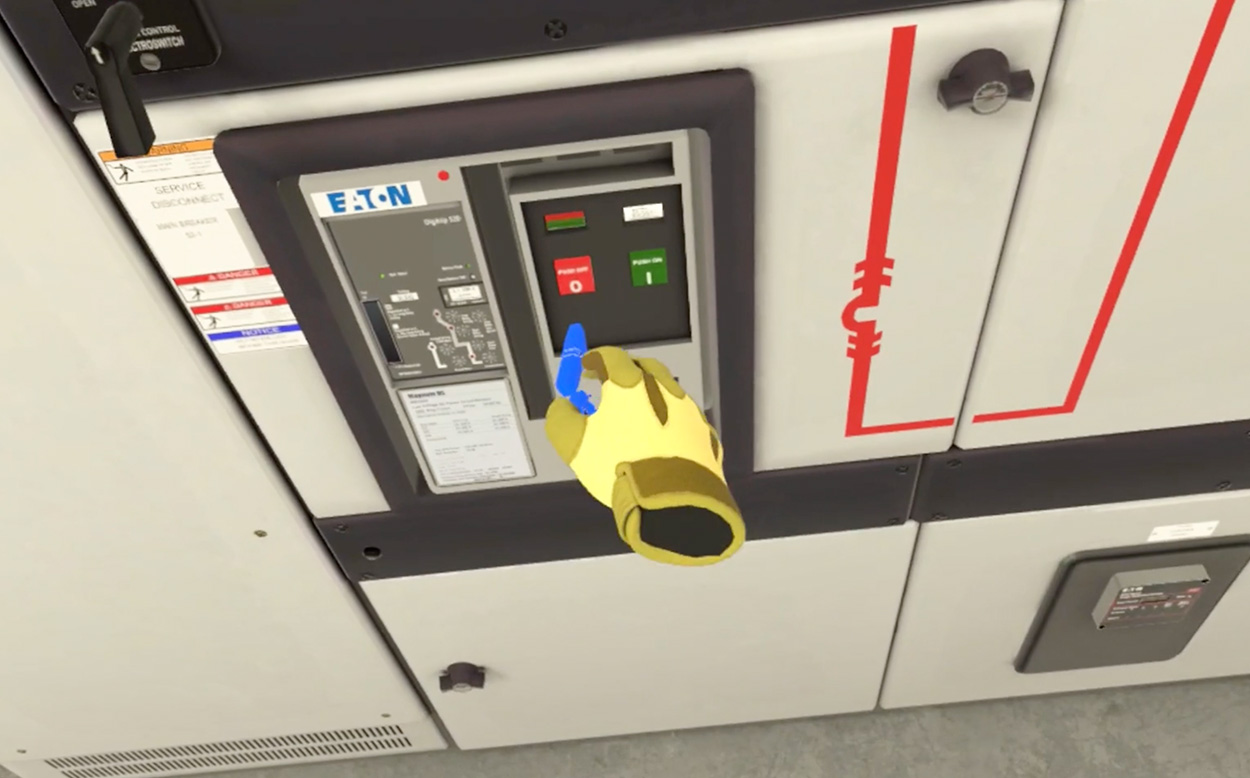
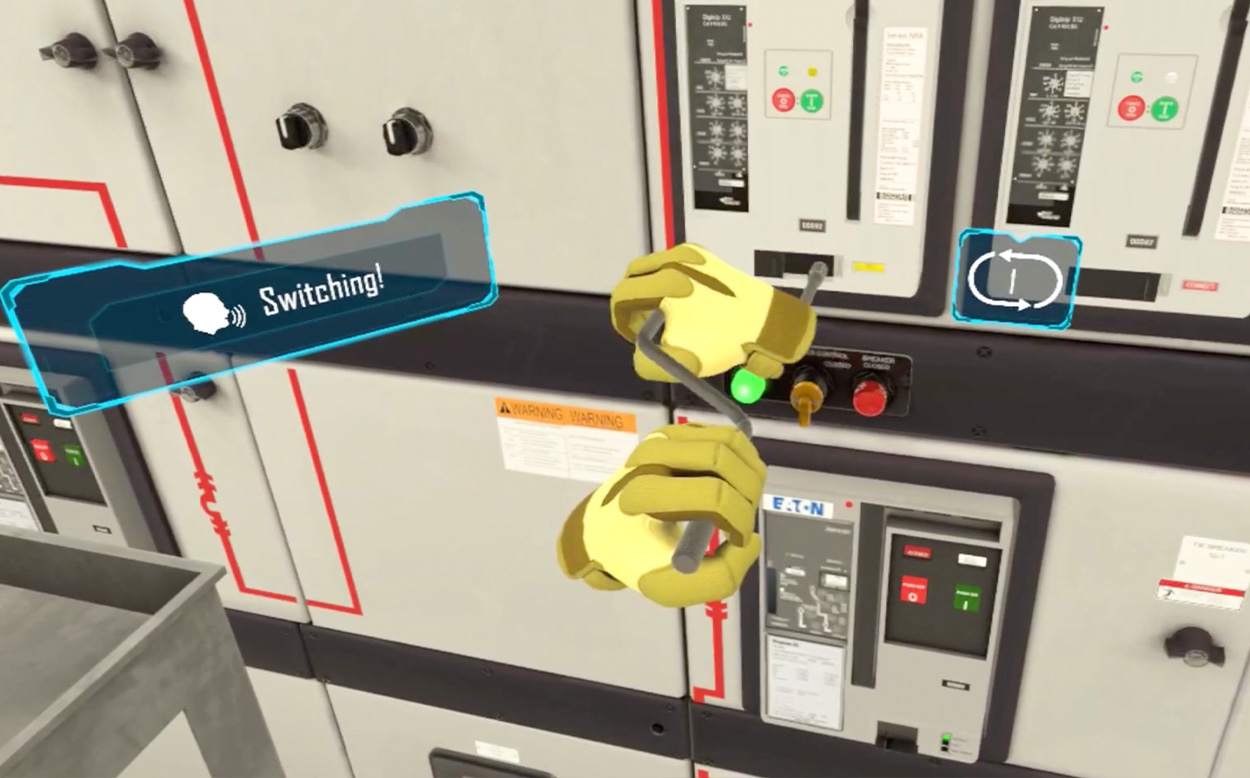
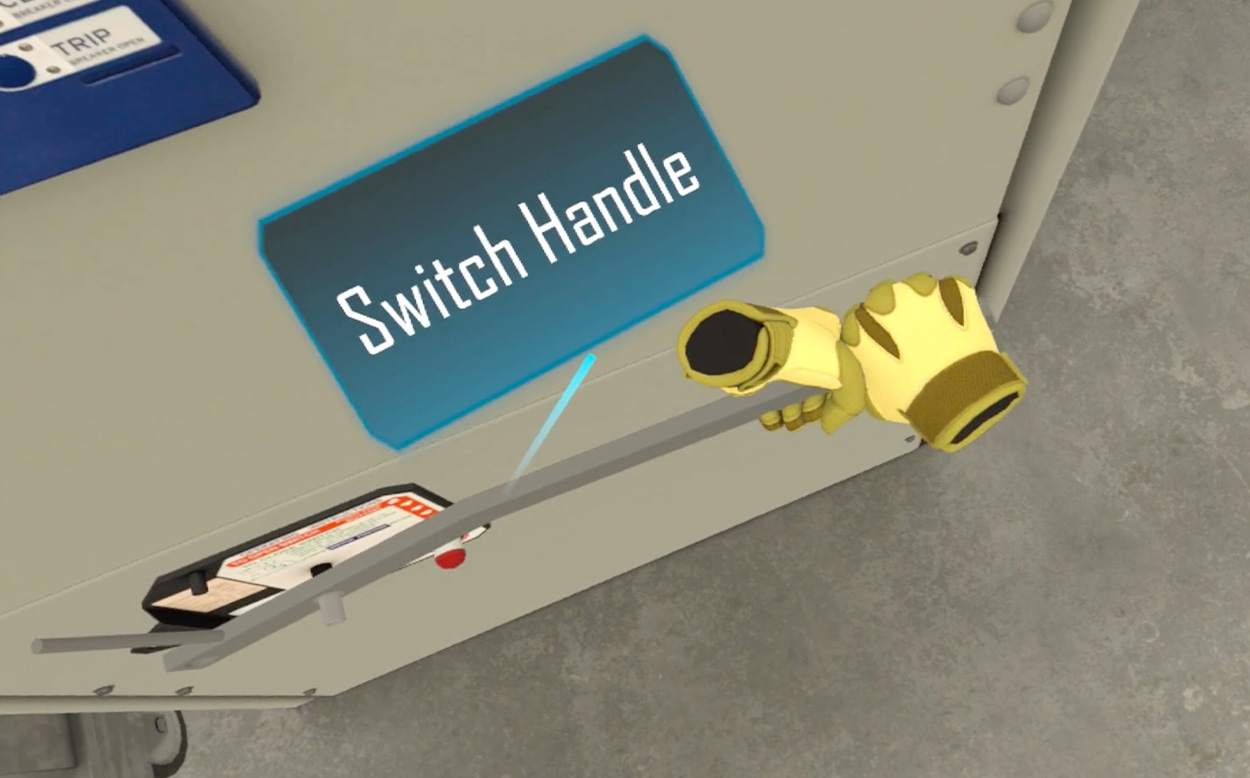
VR Modules for CTE & Workforce Electrical Training Programs
Electrical programs are balancing safety, lab capacity, equipment costs, and the need for students to build real confidence before working on live systems.
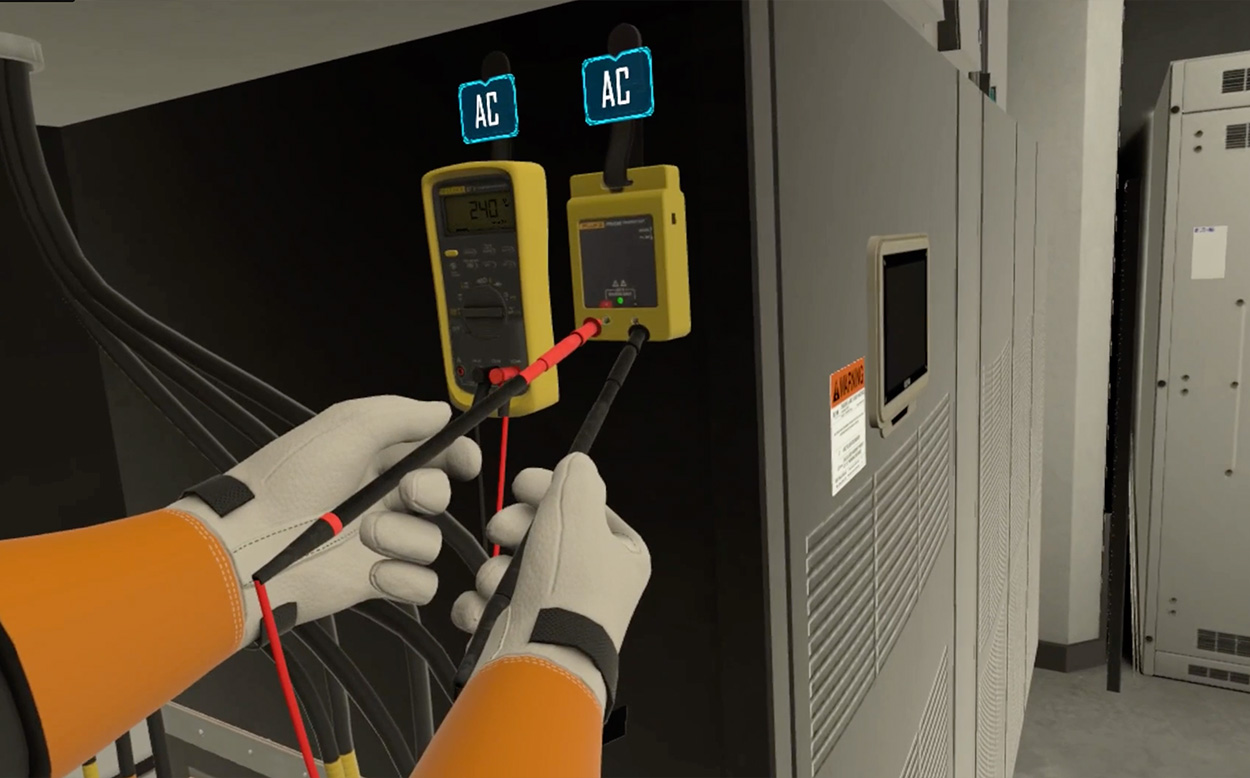
Through our partnership with Hard Hat VR, schools can integrate immersive, skills-based VR modules that reinforce classroom instruction and prepare students for hands-on lab work and apprenticeships.
These modules are designed specifically for skilled trades and industrial electrical training.
Available Electrical Modules
How Programs Are Using VR in Electrical Training
Schools are integrating VR to:
- Reinforce safety before students touch live equipment
- Provide structured, repeatable skills practice
- Reduce lab bottlenecks
- Increase engagement for visual and hands-on learners
- Support apprenticeship and workforce preparation
VR does not replace hands-on training—it strengthens it. Students can make mistakes, repeat procedures, and build confidence before transitioning to live systems.
Schedule a demonstration to explore how these electrical VR modules could support your curriculum.
Pages
-
-
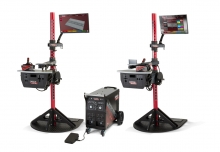 The VRTEX systems are virtual reality arc welding training simulators. These computer-based training systems are educational tools designed to supplement and enhance traditional welding training. They allow students to practice their welding technique in a simulated and immersive environment. The VRTEX systems promote the efficient transfer of quality welding skills and body positioning to the welding booth while reducing material waste associated with traditional welding training.
 -
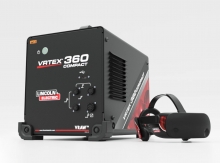 Item Number:K4914-20Lincoln Electric's VRTEX® 360 Compact is a small, portable Virtual Reality Welding Simulator for mobile use in multiple environments.
 -
 With CM Labs’ Walkaround Inspection trainees gain hands-on experience identifying issues, performing maintenance checks, and following safety protocols in a guided and measurable format. This tool builds operator confidence, reinforces safe habits, and strengthens maintenance knowledge—making it an essential part of a comprehensive training program.
 -
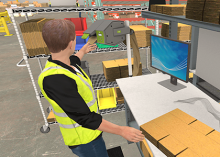 Effective packing surpasses mere item placement; it encompasses product safety, reduced shipping expenses, and the cultivation of brand loyalty. Inadequate packing practices can result in damaged goods, escalated expenses, and pose potential risks for both employees and recipients. This VR course directly confronts and addresses these challenges.
 -
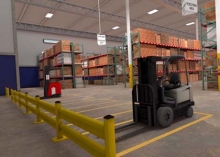 The primary goal of this course is to teach you safe work procedures to follow in a warehouse environment. You will learn how to maintain a safe warehouse and identify common hazards. The Warehouse Hazard awareness simulation is ideal for employees or supervisors who will work in or visit warehouses.
 -
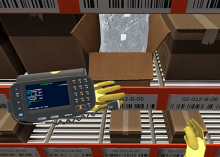 Discover the pivotal final steps of warehouse picking through VR Hard Hat's immersive Back-End Labeling course. Ensure product readiness, accurate shipment identification, and end-to-end traceability. Our course emphasizes precision in back-end labeling, minimizing logistical hurdles for efficient operations.
 -
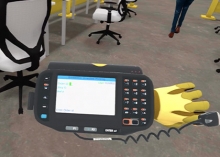 VR Hard Hat's Warehouse Picking: Case virtual reality course is meticulously designed to provide insights into the best practices of case picking, ensuring both speed and precision.
 -
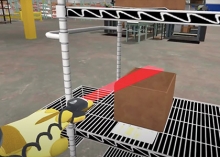 Front-end labeling, a vital component of the picking process, ensures that products are correctly identified, tracked, and dispatched. Proper labeling can reduce errors, improve efficiency, and enhance customer satisfaction. Hard Hat VR's course is designed to address the nuances of labeling at the initial stages of the picking process, ensuring that errors are minimized and efficiency is maximized.
 -
 Leveraging 25 years of industry experience, unparalleled mathematical models and the latest techniques like gamification, virtual and augmented recreations, we offer the most sophisticated immersive training solutions to prepare mariners for the real world that awaits them onboard and onshore. These simulation solutions also expedite innovation and research processes by acting as the perfect testbed for new concepts and products that then directly contribute to the decarbonization and commercialization of the solutions.