


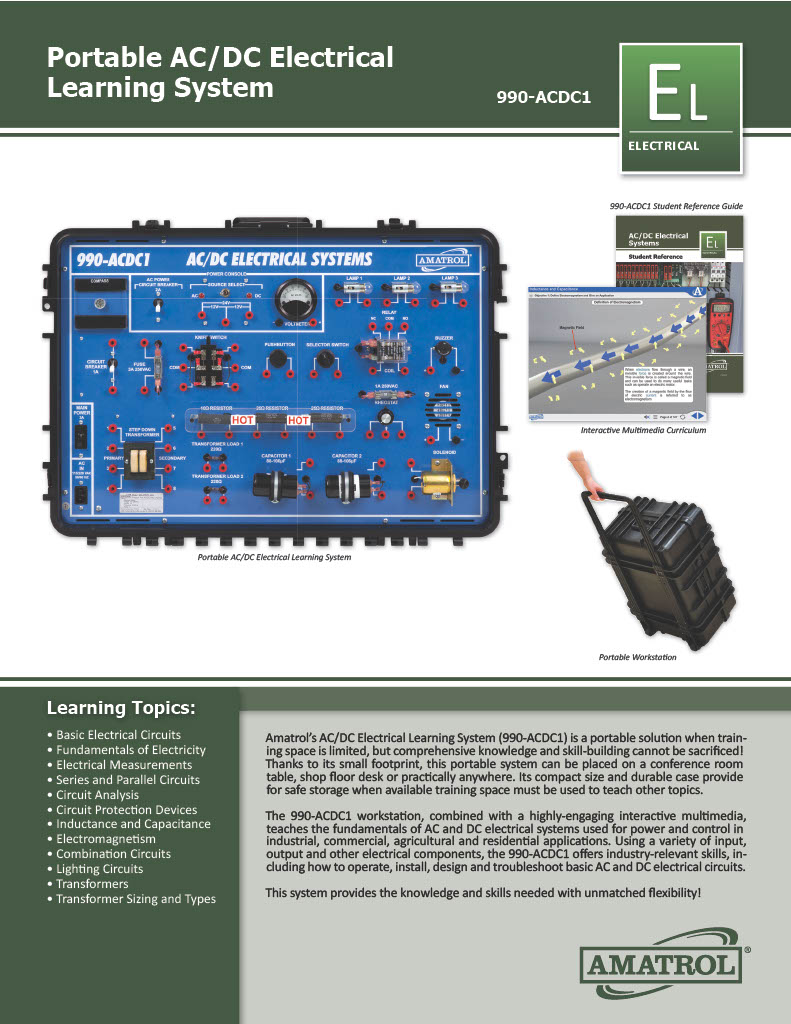
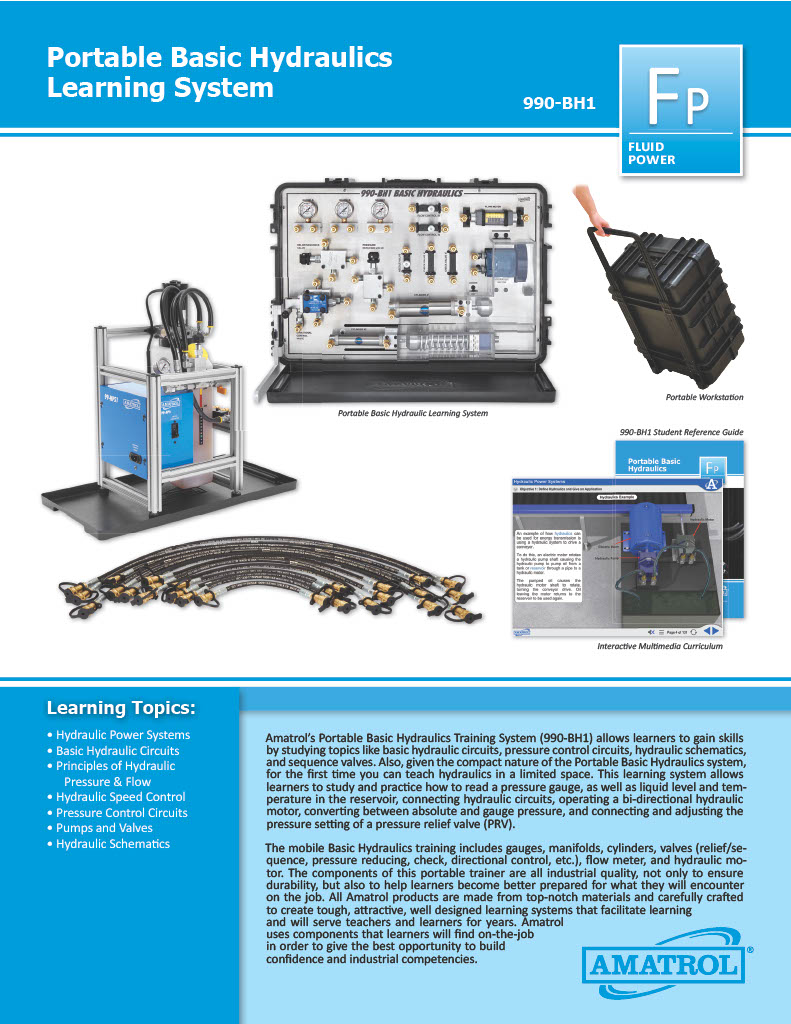
DAC Worldwide's Variable Speed Gear Reducer Cutaway is a sectioned variable speed industrial gear reducer. Speed variations allow for continuous variable-ratio speed adjustment of mechanical systems are still regularly encountered in industrial applications due to their durability, dependability, and consistency of operation.
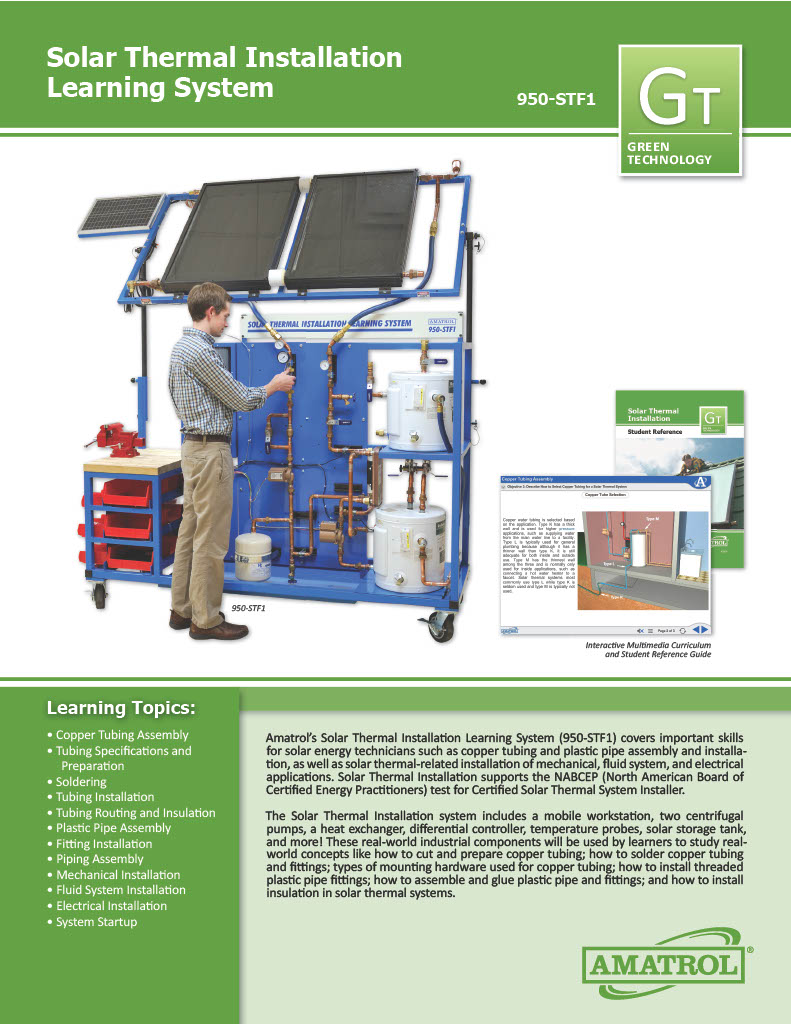
The 950-STF1 Solar Thermal Installation training system teaches students the installation and commissioning of closed loop and open loop solar thermal systems for commercial and residential applications. Students will learn how to install systems by selecting, preparing, mounting and connecting solar thermal components using copper tubing, PVC piping, and electrical wiring. Students will create and commission complete working systems, just as they would do on the job.
The Solar Thermal Installation training system includes a mobile workstation with solar thermal components; solar thermal collectors; PC-based interactive, multimedia student curriculum; and teacher’s guide. The mobile workstation is equipped with shadow boards for component storage, a benchtop worksurface and vise for tubing preparation, and mounting surface for assembly of solar thermal systems.
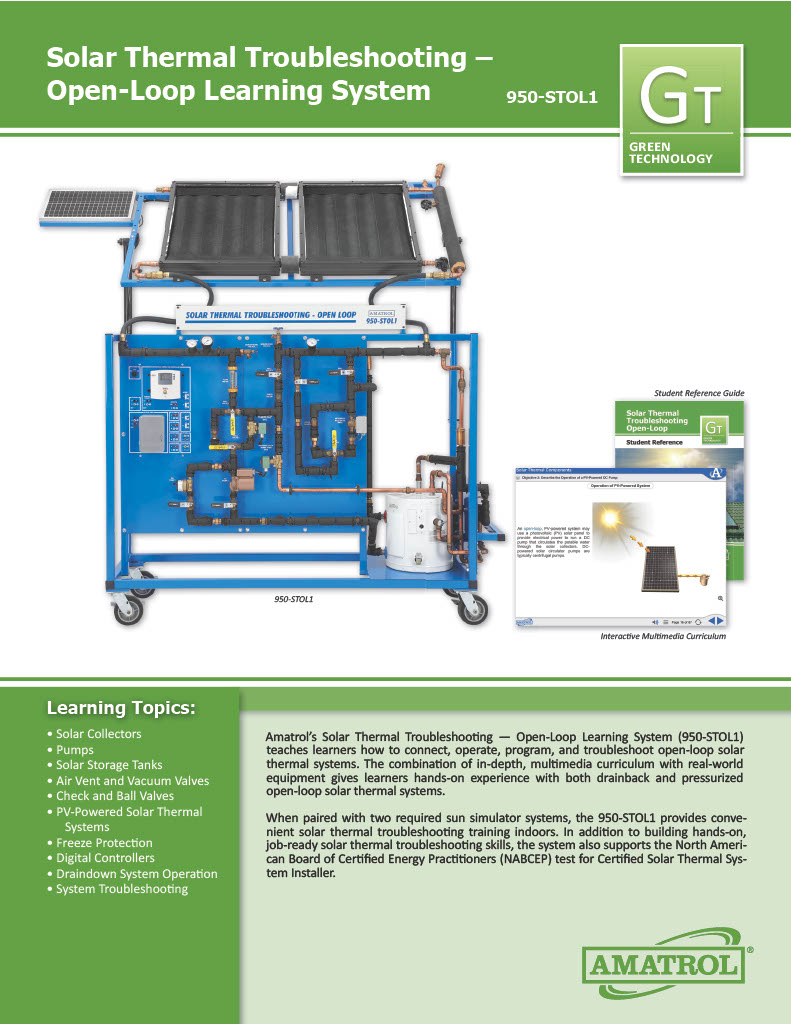
Amatrol’s Solar Thermal Troubleshooting – Open-Loop Learning System features a wide variety of industry-standard solar thermal equipment to teach relevant hands-on skills. For example, the 950-STOL1 includes a mobile workstation with a digital differential controller; AC and DC centrifugal pumps; temperature probes; check valves; flow meters; relief valves; vacation bypass; tempering valves; solar storage tank; multiple component circuit panels; photovoltaic panel; and two solar collectors.
Learners using Amatrol’s eLearning will find that its comprehensive, detailed curriculum teaches both the foundational knowledge and practical hands-on skills they need to troubleshoot both draindown and pressurized open-loop solar thermal systems. It will also help students and workers prepare for solar certifications from the North American Board of Certified Energy Practitioners (NABCEP), the premier solar technology certification organization.
Wind turbine electric hubs present unique operational and maintenance challenges. Wind turbine technicians must pinpoint and resolve a wide variety of situations where the hub is key, especially in changing load conditions. The turbine electric hub troubleshooting and problem solving skills have to be excellent to keep wind turbines operational.
Amatrol’s Turbine Electric Hub Troubleshooting Learning System (950-TEH1) teaches learners adaptive skills for wind turbine operation, adjustment, and troubleshooting in a wide variety of situations. Turbine Electric Hub Troubleshooting training system allows learners to develop and practice component, subsystem, and system level skills. It is fully functional like a utility-scale turbine electric hub. Turbine Electric Hub Troubleshooting includes Amatrol’s unique electronic fault insertion system, which allows instructors to electronically create realistic hub problems and then track the learner’s progress in solving the problem. Additionally, Turbine Electric Hub Troubleshooting will connect to the Turbine Nacelle Learning System (950-TNC1) and the Turbine Generator Control Troubleshooting Learning System (950-TGC1) to create a complete wind turbine learning experience.
Turbine Electric Hub Troubleshooting is an effective training platform for wind turbine technicians. This system includes a mobile workstation, blade simulator with 3-axis servo system, pitch control unit, emergency power unit, blade simulator, pitch control software, and fault insertion system.
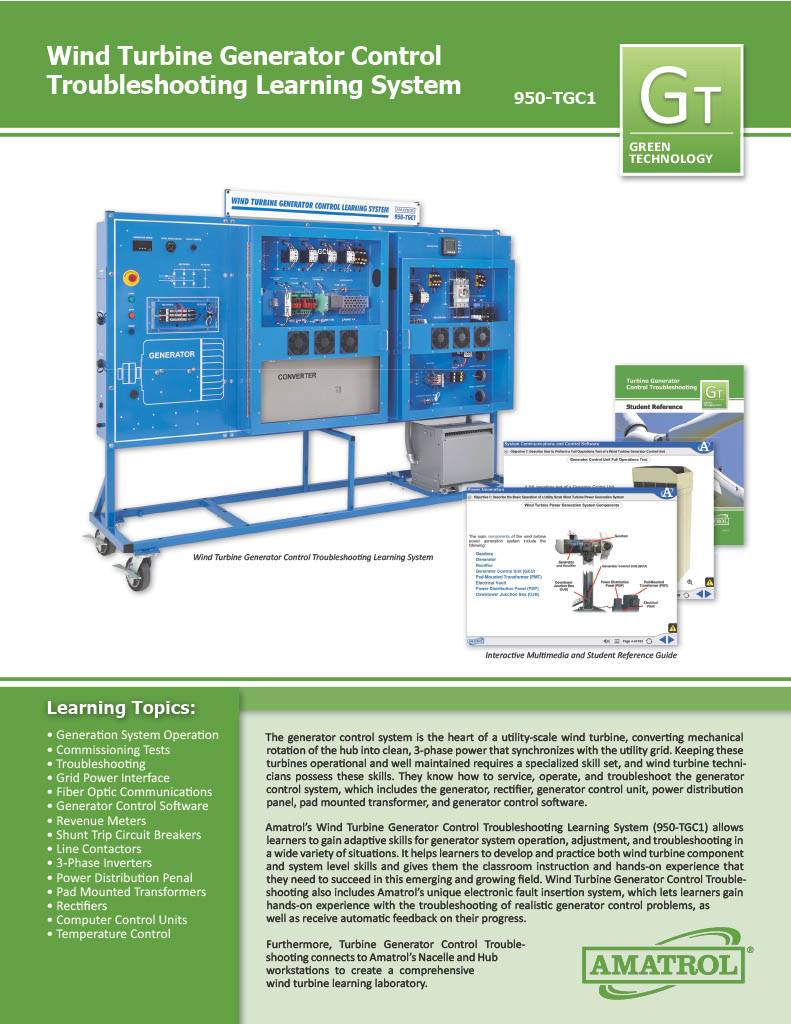
The generator control system is the heart of a utility-scale wind turbine, converting mechanical rotation of the hub into clean, 3-phase power that synchronizes with the utility grid. Keeping these turbines operational and well maintained requires a specialized skill set, and wind turbine technicians possess these skills. They know how to service, operate, and troubleshoot the generator control system, which includes the generator, rectifier, generator control unit, power distribution panel, pad mounted transformer, and generator control software.
Amatrol’s Wind Turbine Generator Control Troubleshooting Learning System (950-TGC1) allows learners to gain adaptive skills for generator system operation, adjustment, and troubleshooting in a wide variety of situations. It helps learners to develop and practice both wind turbine component and system level skills and gives them the classroom instruction and hands-on experience that they need to succeed in this emerging and growing field. Wind Turbine Generator Control Troubleshooting also includes Amatrol’s unique electronic fault insertion system, which lets learners gain hands-on experience with the troubleshooting of realistic generator control problems, as well as receive automatic feedback on their progress.
Furthermore, Turbine Generator Control Troubleshooting connects to Amatrol’s Nacelle and Hub workstations to create a comprehensive wind turbine learning laboratory.
Amatrol’s Turbine Nacelle Troubleshooting Learning System (950-TNC1) teaches learners the unique skills required to operate, adjust, troubleshoot, and maintain wind turbine nacelle systems. The system replicates a fully-functional, utility-scale nacelle, allowing learners to develop and practice component-, subsystem-, and system-level skills.
The Wind Turbine Nacelle training and troubleshooting system also features FaultPro, Amatrol’s exclusive computer-based fault insertion system. FaultPro allows an instructor to electronically insert realistic nacelle problems into the system and then track a learner’s progress in troubleshooting and solving the problems. The wind turbine nacelle troubleshooting system can also be connected to the Turbine Electric Hub Learning System (950-TEH1) and the Turbine Generator Control Learning System (950-TGC1) to create a comprehensive wind turbine learning experience.
Wind Energy Technology Foundational Skills
Wind energy is a significant source of power that is growing dramatically. The Department of Energy has set a goal for 20% of electrical energy used in the United States to be from wind power by 2030. Wind farms can be found throughout the world – from cold, arctic conditions to the tropics, from beaches to mountains to oceans. Understanding the basics of how wind energy is harnessed will prepare technicians, engineers, installers, designers, builders, and others that want to utilize wind technology in either large utility-scale turbine farms or small wind applications.
Amatrol’s Wind Concepts Learning System (950-WC1) introduces learners to a broad range of basic concepts in wind energy technology. Learners study how wind power systems work and what it takes to generate electrical power with wind. Wind Concepts training acts as a foundation for learners enrolled in wind-specific as well as general renewable energy programs.
Hands-On Gas Metal Arc Welder Skills
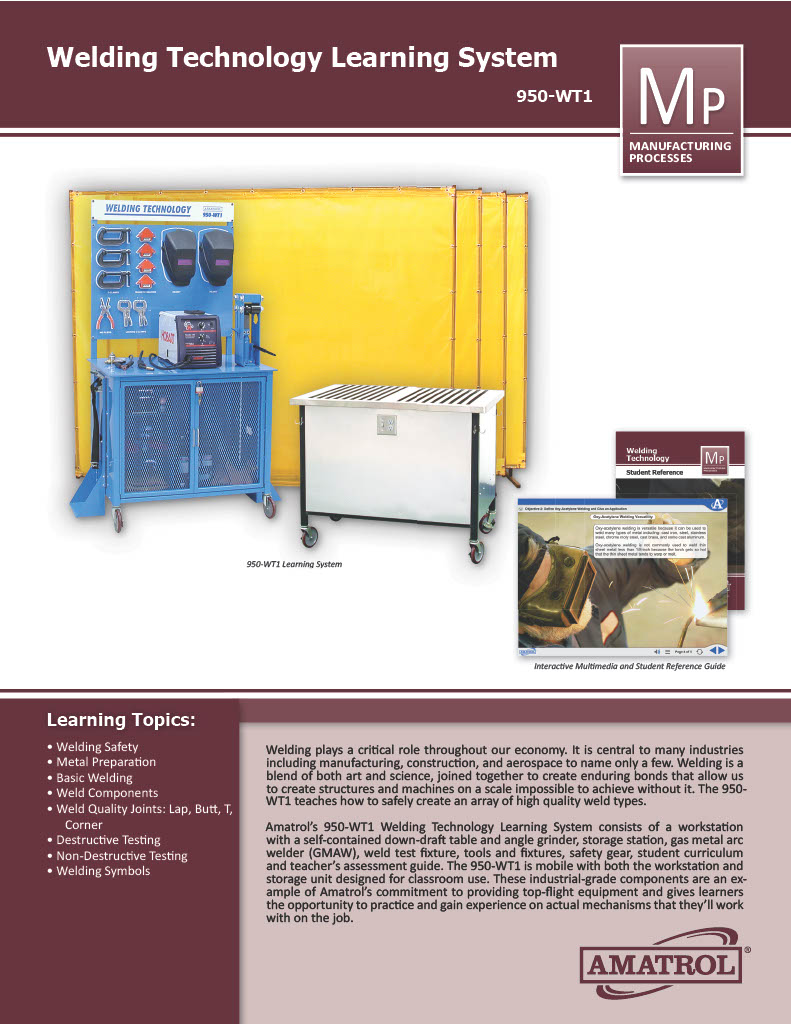
Welding plays a critical role throughout our economy. It is central to many industries including manufacturing, construction, and aerospace to name only a few. GMAW Welding is a blend of both art and science, joined together to create enduring bonds that allow us to create structures and machines on a scale impossible to achieve without it.
Amatrol’s Welding Technology Learning System (950-WT1) teaches how to safely create an array of high quality weld types. This welding training system consists of a workstation with a self-contained down-draft table and angle grinder, storage station, gas metal arc welder (GMAW), weld test fixture, tools and fixtures, safety gear, student curriculum and teacher’s assessment guide. This industrial welding training system is mobile with both the workstation and storage unit designed for classroom use. These industrial-grade components are an example of Amatrol’s commitment to providing top-flight equipment and gives learners the opportunity to practice and gain experience on actual mechanisms that they’ll work with on the job.
Amatrol’s Portable AC/DC Electrical Learning System (990-ACDC1) teaches the fundamentals of AC and DC electrical systems used for power and control in industrial, commercial, agricultural, and residential applications. The 990-ACDC1 offers industry-relevant skills including how to operate, install, design, and troubleshoot basic AC and DC electrical circuits for various applications.
This portable AC/DC electrical learning system brings customers flexibility and convenience when there’s a need to use a trainer in multiple locations or where space is too small for a full-size trainer. Set within a durable ABS plastic case, the 990-ACDC1 features wheels and a handle to create a completely mobile learning system. This highly efficient learning system also includes a lock for safety and a storage pouch in the inside cover for loose components, such as banana leads. The system’s front cover is easily removed, enabling the case to sit upright on a flat surface.
The 990-ACDC1 includes a variety of switches and other components so learners can build different circuits, which will help them to recognize industrial component styles and learn how to troubleshoot them effectively. Combined with Amatrol’s world-class curriculum, this innovative product can provide learners with a thorough understanding of electrical power.
Amatrol's Portable Electric Training System (990-ACDC1) is a great way to train electric concepts. Partnered with interactive multimedia, this learning system is a good cornerstone to any program.
Amatrol’s Portable Basic Hydraulics Training System (990-BH1) allows learners to gain skills by studying topics like basic hydraulic circuits, pressure control circuits, hydraulic schematics, and sequence valves. Also, given the compact nature of the Portable Basic Hydraulics system, for the first time you can teach hydraulics in a limited space. This learning system allows learners to study and practice how to read a pressure gauge, as well as liquid level and temperature in the reservoir, connecting hydraulic circuits, operating a bi-directional hydraulic motor, converting between absolute and gauge pressure, and connecting and adjusting the pressure setting of a pressure relief valve (PRV).
The mobile Basic Hydraulics training includes gauges, manifolds, cylinders, valves (relief/sequence, pressure reducing, check, directional control, etc.), flow meter, and hydraulic motor. The components of this portable trainer are all industrial quality, not only to ensure durability, but also to help learners become better prepared for what they will encounter on the job. All Amatrol products are made from top-notch materials and carefully crafted to create tough, attractive, well designed learning systems that facilitate learning and will serve teachers and learners for years. Amatrol uses components that learners will find on-the-job in order to give the best opportunity to build confidence and industrial competencies.
Pages
-
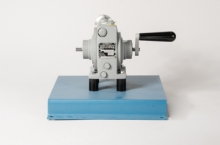 Item Number:205-290
 -
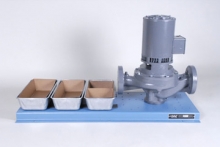 Item Number:275-128DDAC Worldwide’s Vertical Centrifugal Pump Dissectible (275-128D) is an actual industrial centrifugal pump assembly that allows for realistic training in the field or bench-top disassembly, inspection, and reassembly of a vertical centrifugal pump.
 -
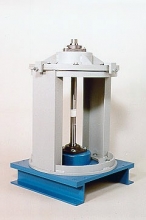 Item Number:207-000DAC Worldwide’s Vertical Coupling/Shaft Alignment Training System (207-000) is a heavy-duty, precision learning system that allows for convenient, realistic training in shaft alignment. When paired with a variety of hands-on exercises, the system creates a complete performance-based course in the maintenance of shaft alignment.
 -
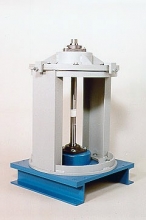 Item Number:207-PACDAC Worldwide’s Vertical Coupling/Shaft Alignment Training System Plus (207-PAC) is a heavy-duty, precision learning package that allows for convenient, realistic training in shaft alignment. When paired with a variety of hands-on exercises, the training system creates a complete performance-based course in the maintenance of shaft alignment.
 -
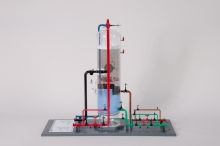 Item Number:295-115DAC Worldwide's Vertical Cross-Flow Separator Model (209) is a highly-detailed scale model of a common vertical cross-flow separator used throughout the oil and gas industry, as well as other processing, production, and refining applications.
 -
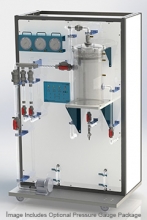 Item Number:295-101DAC Worldwide’s Vertical Separator Trainer (295-101) is a reduced-scale, three-phase vertical separator that mimics its real-world counterpart by using alternate production stream components, refined oil, air, and water.
 -
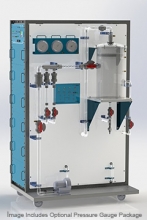 Item Number:295-101-PACDAC Worldwide's Vertical Separator Training System Plus (295-101-PAC) is a realistic working demonstration separation system that duplicates the process at a reduced scale using alternate production stream components: refined oil, air, and water.
 -
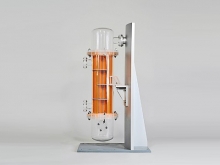 Item Number:289DAC Worldwide's Vertical Thermosyphon Reboiler Heat Exchanger Training Model (289) is a highly-detailed scale model of a vertical thermosyphon reboiler, supporting training in the operation and maintenance of industrial heat exchangers.
 -
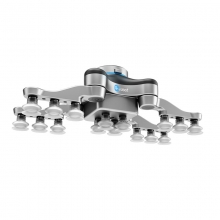 Item Number:VG10The compact OnRobot VG10 Universal Robot Vacuum Gripper doesn't require a compressor or air supply bringing flexibility to your production line and saving maintenance costs. It has flexible arms and an adjustable vacuum enabling the VG10 to handle a variety of objects in many different sizes.
 -
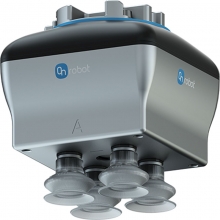 Item Number:VGC10The OnRobot VGC10 electrical compact universal robot vacuum gripper has unlimited customization possibilities. Smaller than the VG10, the VGC10 can fit into tight environments to extend your automation possibilities.