With payloads up to 20kg, the OnRobot VGP20 is a powerful electric powered universal robot vacuum gripper ideal for quickly and cost-effectively automating the palletizing of cardboard boxes, as well as handling bulky, porous, and irregularly shaped objects.
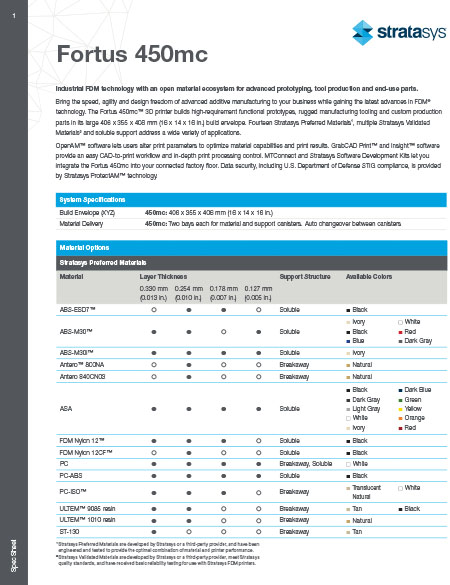
Industrial FDM technology with an open material ecosystem for advanced prototyping, tool production and end-use parts.
Bring the speed, agility, and design freedom of advanced additive manufacturing to your business while gaining the latest advances in FDM® technology. The Fortus 450mc™ 3D printer builds high-requirement functional prototypes, rugged manufacturing tooling, and custom production parts in its large 16 x 14 x 16 in. build envelope. Fourteen Stratasys Preferred Materials, multiple Stratasys Validated Materials, and soluble support address various applications.
OpenAM™ software lets users alter print parameters to optimize material capabilities and print results. GrabCAD Print™ and Insight™ software provide an easy CAD-to-print workflow and in-depth print processing control. MTConnect and Stratasys Software Development Kits let you integrate the Fortus 450mc into your connected factory floor. Data security, including U.S. Department of Defense STIG compliance, is provided by Stratasys ProtectAM™ technology.
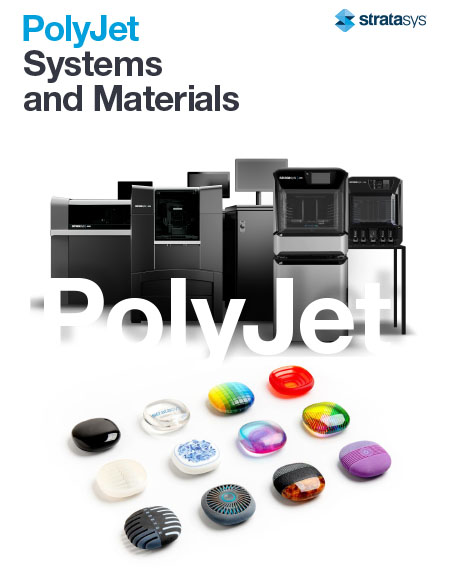
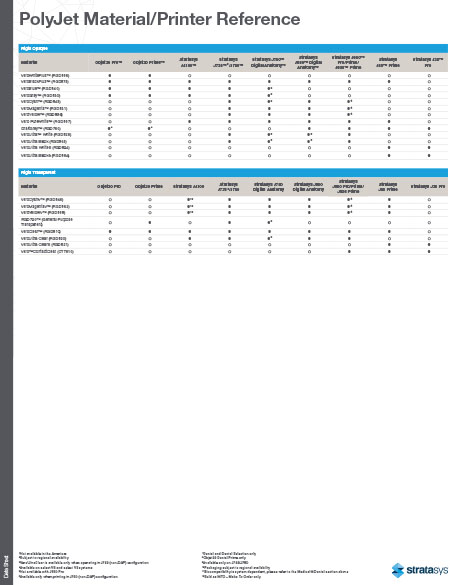
PolyJet™ 3D printers empower designers, engineers, educators, and healthcare professionals to create and problem-solve without the limitations of traditional modeling methods. The power lies with PolyJet technology, curable liquid photopolymers capable of producing very fine layers for smooth surfaces, intricate details, and vivid color.
Stratasys® PolyJet technology helps bring to life ideas in virtually any spectrum of colors, and any combination of translucency, opacity, rigidity, and elasticity, while simulating several desired materials and finishes.
The versatility of PolyJet technology is based on a wide range of available material properties and a suite of 3D printers to suit varied budgets and applications. No matter the industry, PolyJet technology provides the power to hone ideas quickly and accurately.
- Help designers save 50 percent of their time. Product designers and developers can create realistic prototypes and models with full-color elements, labels, and true-to-life textures in one operation, to gain focus-group feedback before committing to full production.
- Full-color, flexible materials enable lifelike anatomical models for physician training and pre-surgical planning that lower operating room costs and improve patient outcomes.
- Educators can empower students to design, test, and discover in days, not weeks.
- Dental labs can increase productivity by making multiple models and try-ins in a single print operation to boost production capacity and fuel growth.
PolyJet technology enables you to create parts and prototypes with the best surface quality, finest details and widest range of material properties available. Eliminate design barriers and improve communication and collaboration while creating realistic prototypes to better evaluate future products; ergonomic tooling to streamline production; or specialized items like biocompatible surgical guides, among many applications.
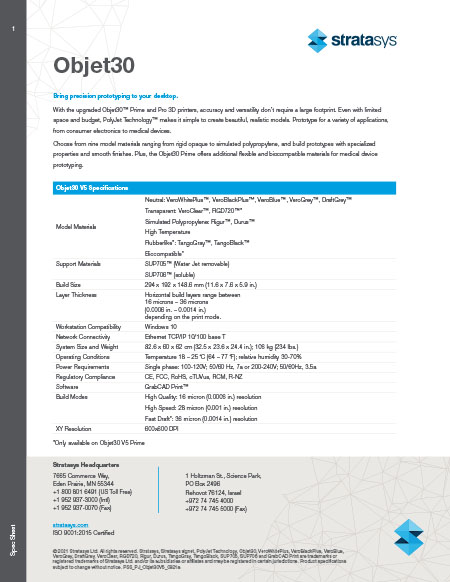
Bring precision prototyping to your desktop.
With the upgraded Objet30™ Prime and Pro 3D printers, accuracy and versatility don’t require a large footprint. Even with limited space and budget, PolyJet Technology™ makes creating beautiful, realistic models simple. Prototype for a variety of applications, from consumer electronics to medical devices.
Choose from nine model materials ranging from rigid opaque to simulated polypropylene, and build prototypes with specialized properties and smooth finishes. The Objet30 Prime offers additional flexible and biocompatible materials for medical device prototyping.
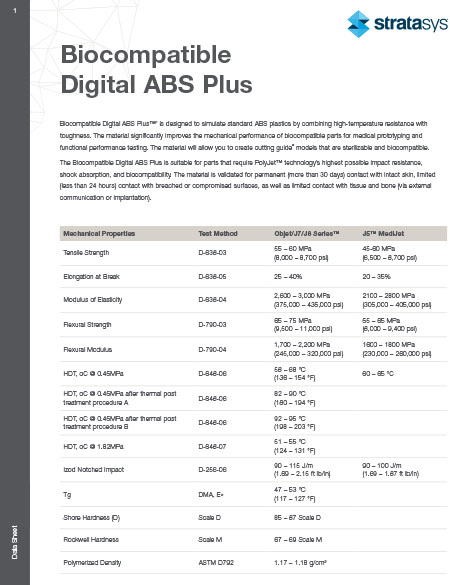
Biocompatible Digital ABS Plus™1 is designed to simulate standard ABS plastics by combining high-temperature resistance with toughness. The material significantly improves the mechanical performance of biocompatible parts for medical prototyping and functional performance testing. The material will allow you to create cutting guide2 models that are sterilizable and biocompatible.
The Biocompatible Digital ABS Plus is suitable for parts that require PolyJet™ technology’s highest possible impact resistance, shock absorption, and biocompatibility. The material is validated for permanent (more than 30 days) contact with intact skin, limited (less than 24 hours) contact with breached or compromised surfaces, as well as limited contact with tissue and bone (via external communication or implantation). /p>
1 Biocompatible Digital ABS Plus is fabricated using MED515 Plus together with MED531
2 With approved 3rd party 510k cleared segmentation software.
3 WSS™150 is not biocompatible.
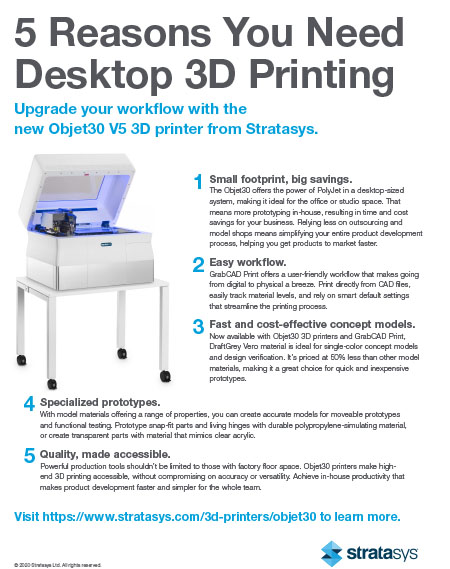
Upgrade your Workflow
With the Objet30 V5 3D printer from Stratasys.
The Objet30 provides accurate and versatile 3D printing - all from your desktop. With excellent print resolution, the Objet30 lets you create single material parts with smooth surfaces, small moving parts, and details like thin walls. The roomy tray size provides versatility for various consumer goods, electronics, medical devices, and more. Thanks to GrabCAD Print, the Objet30 also provides a user-friendly workflow, so you can get printing faster and easily manage print jobs.
Learn five reasons why you need desktop 3D printing.
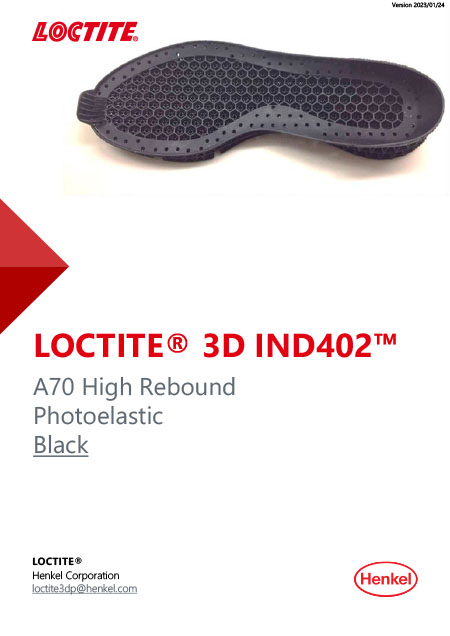
LOCTITE 3D IND402 is a single-component elastomer material with high elongation and high resilience, excellent tensile strength, and high energy return while also not requiring thermal post-processing.
Parts can be printed with various DLP platforms.
Pages
-
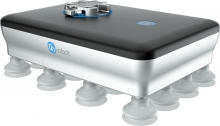 Item Number:VGP20
 -
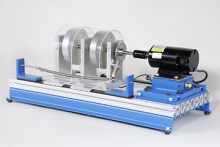 Item Number:203-000DAC Worldwide’s Vibration Analysis Training System (203-000) is a heavy-duty learning package that allows for in-depth training in vibration analysis, using a vibration meter, gear/belt drives, and bearing faults.
 -
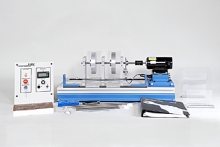 Item Number:203-PACDAC Worldwide’s Vibration Analysis Training System Plus (203-PAC) is a heavy-duty learning package that allows for in-depth training in vibration analysis, using a vibration meter, gear/belt drives, and bearing faults.
 -
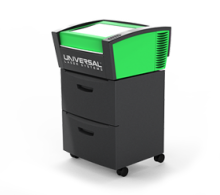 Item Number:VLS 2.30DTThe VLS2.30DT Desktop is a compact and economical entry-level platform. It offers a material processing envelope of 16" x 12" x 4" or 768 in³ and can be equipped with one 10.6µm CO2 laser source ranging in power from 10 to 30 watts or one 9.3µm CO2 30 watt laser source.
 -
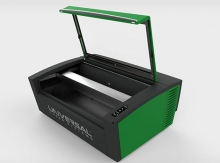 Item Number:VLS3.60DTThe VLS3.60DT is a compact and economical entry-level platform that offers a material processing envelope of 24" x 12" x 4" or 1,152 in³. The VLS3.60DT can be equipped with one of five 10.6µm CO2 laser sources ranging in power from 10 to 60 watts or one 9.3µm CO2 30 watt or 50-watt laser source.
 -
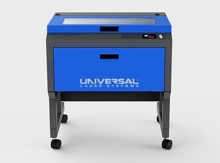 Item Number:VLS3.75The VLS3.75 is a free-standing platform with a materials processing envelope of 24" x 12" x 8.5" or 2,448 in³. The single laser platform supports a 10.6µm CO2 laser source ranging in power from 10 to 75 watts or one 9.3µm CO2 30 watt, 50 watt, or 75 watt laser source.
 -
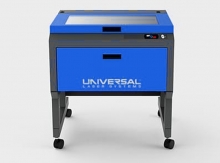 Item Number:VLS4.75The VLS4.75 is a free-standing platform with a materials processing envelope of 24" x 18" x 8.5" or 3,672 in³. The single laser platform supports a 10.6µm CO2 laser source ranging in power from 10 to 75 watts or one 9.3µm CO2 30 watt, 50 watt, or 75 watt laser source.
 -
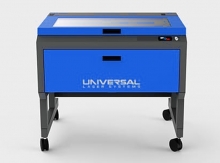 Item Number:VLS6.75The VLS6.75 is a free-standing platform with a material processing envelope of 32" x 18" x 8.5" or 4,896 in³. The single laser platform supports a 10.6µm CO2 laser source ranging in power from 10 to 75 watts or one 9.3µm CO2 30 watt, 50 watt, or 75 watt laser source.
 -
 Learn about the VMC 1300 Pro CNC Milling Machine, a precision 3-axis solution ideal for advanced educational training and industrial applications.
 -
 The CM Labs Vortex Advantage is a scalable simulator platform designed for 1-screen to 5-screen configurations, supporting full equipment control sets and immersive training experiences.