

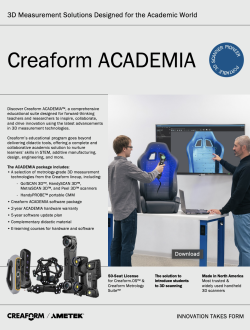
Creaform ACADEMIA
Creaform 3D Scanners and Software for Education
Explore Creaform ACADEMIA 3D scanning solutions, including eligible scanners, 50-seat software licensing, instructional materials, training, and support.

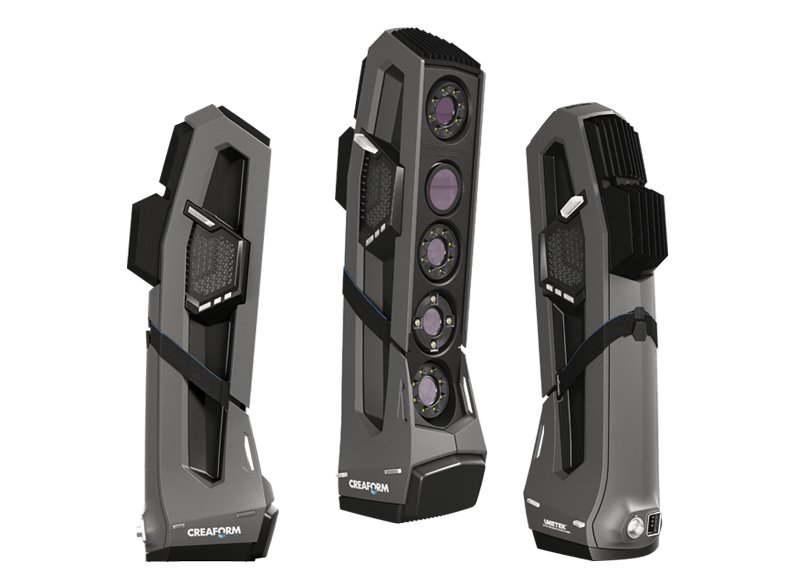
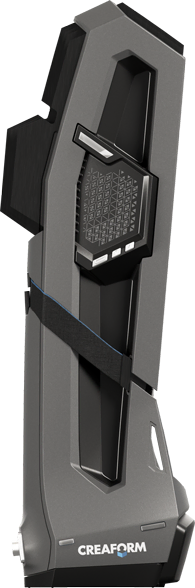
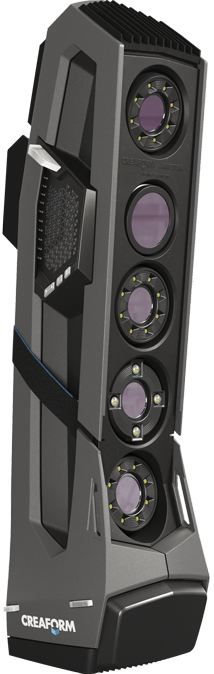
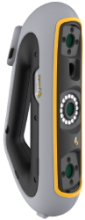
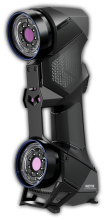
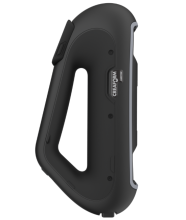
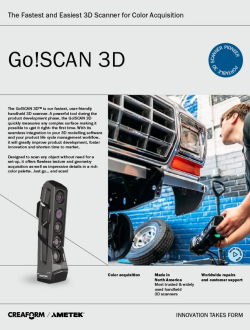
The Creaform Go!SCAN 3D is a fast, user-friendly handheld scanner that captures the geometry, color, and texture of physical objects. It gives engineers, designers, educators, and researchers an efficient way to create detailed digital 3D models for product development, reverse engineering, additive manufacturing, research, and visualization.
Go!SCAN 3D can position itself using an object’s geometry, color, positioning targets, or a combination of these methods. This flexibility reduces preparation for many objects while real-time feedback helps users monitor scan quality and capture missing areas.
Accuracy: Up to 0.050 mm (0.0020 in)
Volumetric accuracy: 0.050 mm + 0.100 mm/m
Measurement resolution: 0.100 mm (0.0039 in)
Mesh resolution: 0.200 mm (0.0078 in)
Measurement rate: Up to 1,500,000 measurements per second
Light source: 99 white-light scanning lines
Recommended part size: 0.1 to 4 m (0.3 to 13 ft)
Weight: 1.25 kg (2.7 lb)
Operating software: Creaform.OS
Go!SCAN 3D is designed to make professional 3D scanning accessible to users with varying experience levels. Most objects can be captured within minutes, and the developing mesh appears on screen in real time. Users can move around the object freely and, with dynamic referencing, move both the scanner and the object during acquisition.
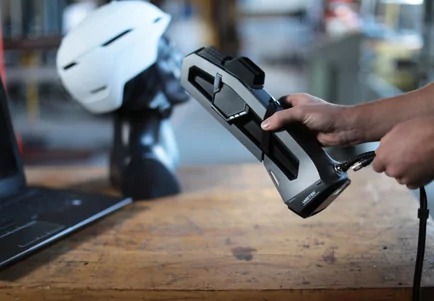
Begin scanning quickly without a complex fixed measurement setup or dedicated scanning area.
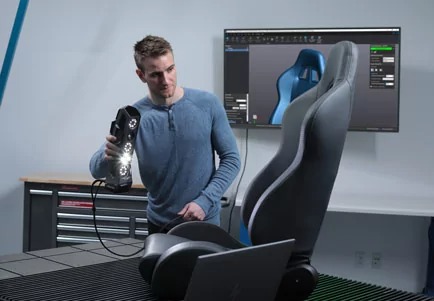
View the 3D model as it develops and identify areas that still need to be captured.
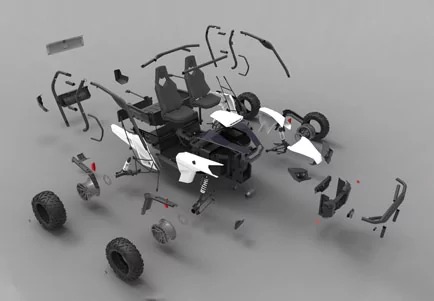
Capture objects with complex shapes and detailed surfaces using one portable scanning system.
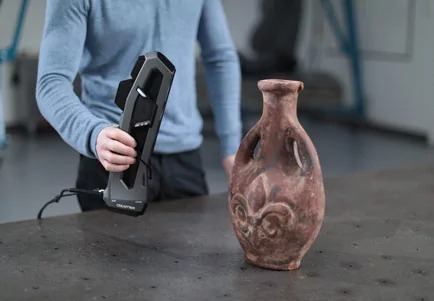
Maintain tracking through object geometry, color, positioning targets, or a combination of methods.
With a measurement resolution of 0.100 mm and a rate of up to 1.5 million measurements per second, Go!SCAN 3D captures complex geometry and fine surface details efficiently.
Instant mesh generation produces files that can move into compatible design, visualization, reverse-engineering, and 3D-printing workflows.
Go!SCAN 3D captures 24-bit color with texture resolution from 50 to 200 DPI. Color information helps create realistic digital models when visual appearance is as important as physical geometry.
This makes the scanner useful for product design, cultural preservation, art, architecture, research, digital exhibits, and other visualization applications.
Go!SCAN 3D can support a complete object-digitization workflow:
Creaform.OS is the current operating and data-acquisition software included with Creaform 3D measurement devices. It provides an integrated environment for scanner operation, real-time feedback, live mesh visualization, and 3D data acquisition.
Additional Creaform Metrology Suite modules may be available for scan-to-CAD and inspection applications, depending on the selected configuration.
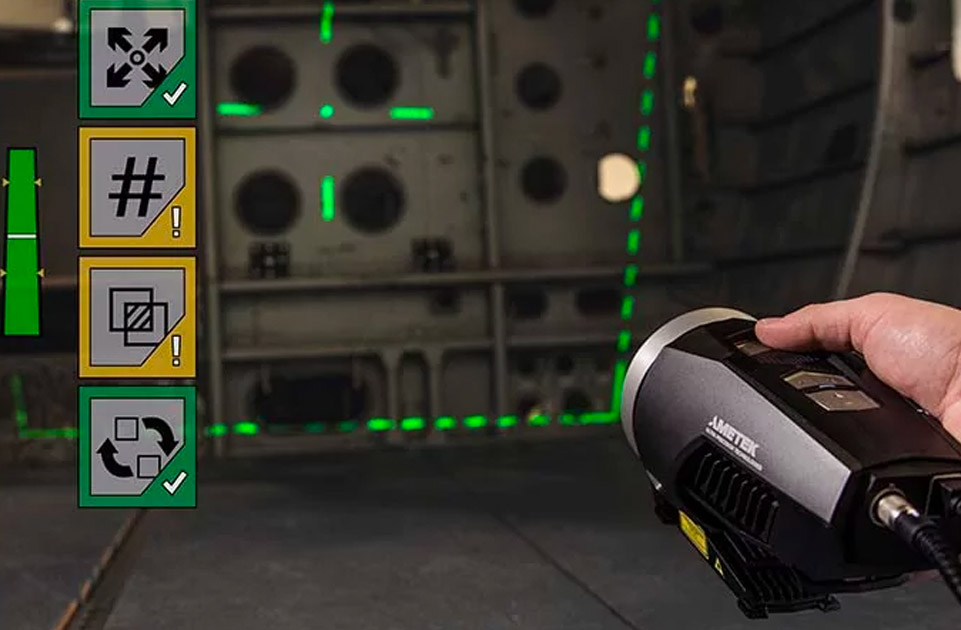
MaxSHOT 3D is a portable photogrammetry system that can improve volumetric accuracy when scanning large parts and assemblies. It supports product development, manufacturing, quality control, and measurement applications involving components that extend beyond a scanner's optimal range.
Integrated user guidance provides feedback during acquisition, helping operators capture the information required for reliable large-scale measurements.
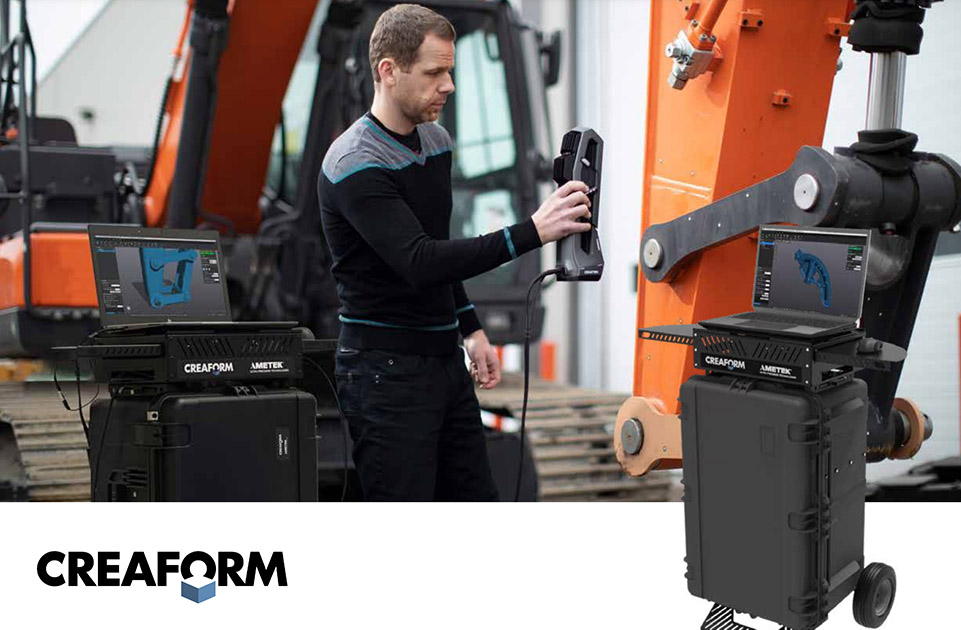
The portable workstation helps users take advantage of Go!SCAN 3D’s mobility on production floors, in laboratories, and in field environments. It provides a practical way to transport and operate the scanner and supporting computer equipment near the object being captured.
Go!SCAN 3D lets students capture physical objects and turn them into detailed, full-color digital models. Its visual feedback and flexible positioning methods make it suitable for teaching scanning strategy, mesh preparation, digital design, reverse engineering, and additive-manufacturing workflows.
Eligible institutions may be able to incorporate Go!SCAN 3D into a broader Creaform ACADEMIA package with multi-seat software licensing, instructional materials, e-learning, warranty coverage, and software updates.
Visit Creaform for more information.
Specifications, software, accessories, warranties, and educational packages may vary by configuration and are subject to change.